
APPS
Google Wallet Turns Boarding Passes Into Airport Automation

Google Wallet airport updates announced around Google I/O 2026 make the app a travel layer that can receive boarding passes from a saved loyalty card, surface linked items, and push the right ticket at the airport. Airlines still decide what appears, and Google says automatic delivery is best-effort.
Timing is the travel pitch. At a crowded gate, the best pass manager is the one that opens after your phone has already found the boarding pass, not the one that sends you back through email, an airline app, and a search box.
The Boarding Pass Moves Before You Search
The announcement landed during a developer session around Google I/O 2026, a conference dominated by Gemini and Android chatter. Wallet’s travel push was easy to miss. The session focused on a calmer airport path for people who already live on Android.
The feature set has three pieces: airline loyalty enrollment from a boarding pass, Auto Linked Passes that can place related passes into Wallet, and existing pass notifications that try to surface a saved item at the moment it matters. Put together, they move Wallet closer to an airport assistant than a digital drawer.
That was easy to lose in a week when Google’s AI work took the stage, including Oton Technology’s look at Gemini Omni Flash’s video editing push. Travel, though, is where a small Wallet change becomes visible in seconds.
We want to make travel feel less stressful and less disconnected and be with travelers throughout their journey.
Gokmen Goksel, Google Wallet tech lead, said that during the I/O developer session. The line is plain, but the product shift is sharper: the app is trying to handle the pass hunt before the passenger starts one.
Auto Linked Passes Change the Handoff
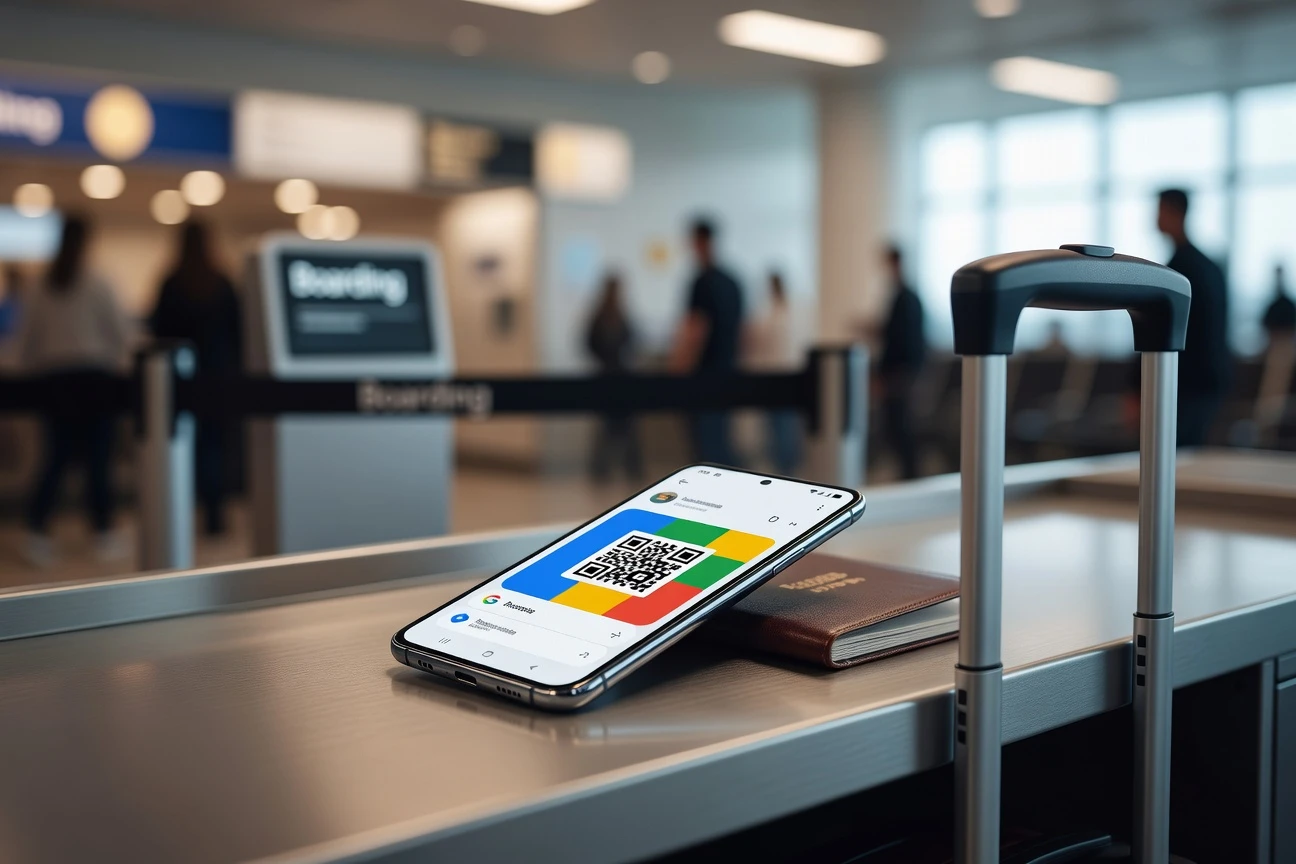
The core mechanic sits in Google’s Google Wallet Auto Linked Passes developer guide. An airline can link a boarding pass to a loyalty pass already saved in Wallet. After check-in through the web, an app, or an airport kiosk, the airline can use the loyalty account number to match the traveler and push the boarding pass into Wallet.
Google’s limits make the feature useful but not magic. The primary and linked pass need the same issuer ID, a primary pass can have up to 50 linked objects, and automatic pushing is best-effort, not guaranteed. If a boarding pass is mission-critical, Google’s own guidance tells issuers to use another channel too.
| Wallet Path | Trigger | Best Use | Main Limit |
|---|---|---|---|
| Manual Add to Google Wallet | User taps the airline’s button | Normal check-in from an app, email, or site | Traveler has to find the button |
| Pixel Screenshot | User captures a QR code or barcode | Backup when the airline flow is clumsy | Pixel 3 or newer flow, with fewer live updates |
| Auto Linked Passes | Issuer links a pass to a saved loyalty card | Repeat travelers and loyalty members | Issuer support and best-effort delivery |
Loyalty Cards Become Airport Keys
Google’s design choice is subtle. The frequent flyer card becomes the standing relationship, while the boarding pass becomes the temporary object that rides on top of it. That is why the developer guide recommends Sign Up or Sign In with Google and one-click enrollment for airline loyalty programs.
For airlines, that changes the moment of enrollment. A traveler staring at a boarding pass has a live reason to join a program, not an abstract promise of miles. For Google, the loyalty card becomes the anchor that lets Wallet recognize a traveler across future trips without asking the passenger to repeat the same add-to-wallet step.
Google’s Google Wallet linked passes support page draws the boundary. Users cannot link passes themselves today. The issuer does it. Related passes can include boarding passes, event tickets, loyalty cards, gift cards, offers, and other non-private passes, while payment cards, private IDs, health insurance cards, physical access passes, and digital car keys sit outside that linking model.
That boundary matters. The new travel flow depends on issuer plumbing, not user neatness. If your airline has not done the work, Wallet cannot organize the trip out of thin air.
The Setup Still Belongs to You
Travelers will have some control, but the most useful settings are easy to miss. Google says the Automatically add linked passes setting is on by default and can be turned off in Wallet settings. Nearby pass alerts add another layer: Google’s Google Wallet nearby notification developer guide says those alerts require notifications plus precise, always-on location access.
For airports, that can be helpful. A gate notification that jumps straight to the right pass beats digging through a list with one hand on a suitcase. The same guide says Google controls how close a user must be and how long they must stay in the area before a nearby notification appears, so this is not a setting that airlines can tune down to the inch.
- Save your airline loyalty card in Wallet before check-in if your carrier supports it.
- Open Wallet settings and check whether Automatically add linked passes is on.
- Turn on pass notifications if you want boarding reminders and linked-pass alerts.
- Grant location access only if airport or venue pass alerts are worth that trade for you.
- Keep the airline app installed until after boarding because automatic delivery can fail.
The practical rule is simple: Wallet can be the faster lane, while the airline app remains your backup.
The Data Trade Sits in the Terminal
The convenience has a data side. Google’s Google Wallet passes data support page says Wallet activity is saved to the user’s Google Account, including items saved to Wallet and how they are used. It also says payment methods and digital receipts are managed separately, and private passes such as IDs and insurance cards follow different rules.
For travel, that distinction matters because a boarding pass carries time, route, airline, and identity signals. A linked-pass model can reduce taps at the gate, but it also makes the Google Account a stronger organizing point for trip objects. That is useful when the phone surfaces the pass. The same setup deserves review when you grant settings that run in the background.
Location-based alerts raise the bar further. If the airport prompt is worth it, enable it. If the trade feels too broad, standard Wallet storage still leaves you with a QR code or barcode you can open manually.
Airlines Decide How Useful This Gets
Airline support remains the bottleneck. Google can provide the pass format, the linking rule, the notification surface, and the settings switch. The boarding pass still starts with the carrier. That means the same Android phone can feel smart on one trip and oddly manual on the next.
There is also a platform race under the boarding pass. Apple’s Apple Wallet boarding pass support page says an iPhone boarding pass automatically appears on a paired Apple Watch, and eligible passes can share a Live Activity and flight status with another iPhone user. Google is answering with Android-native hooks around Wallet, pass linking, and airport timing.
The comparison stretches beyond Apple and Google. Airlines have long used apps to keep travelers close to seat upgrades, bag fees, lounge offers, and service alerts. A Wallet-centered trip flow gives users fewer reasons to open the airline app at the airport. That is convenient for passengers and a little uncomfortable for carriers that depend on app traffic.
Wallet Is Becoming Google’s Travel Surface
Wallet’s airport move matches a broader product direction: the phone should anticipate a stored credential when a place and time make the need obvious. Payment cards, loyalty IDs, receipts, passes, and tickets are different objects, but the strongest Wallet use cases all share the same question: can the phone put the right item in front of you at the moment of use?
That same pressure is showing up outside airports. Oton Technology recently examined AI shopping agents rebuilding the digital wallet, where the payment moment starts before the human reaches checkout. Boarding passes are a cleaner example because the user need is obvious. You have a flight. You need a scannable pass. You probably need it fast.
The travel update matters because a boarding pass is the rare digital item that becomes urgent at a known place and time. If Wallet can handle that well, the same pattern can extend to trains, stadiums, parking, hotel keys, and store offers. Those are exactly the kinds of objects that already sit near Wallet’s pass model.
If airlines adopt the new linking flow broadly, Google Wallet becomes the place Android travelers check because the pass is already there. If adoption stays patchy, the feature will feel like a pleasant surprise on some trips and a reminder to keep the carrier app close on others.
Frequently Asked Questions
How Do Google Wallet Airport Updates Work?
Google Wallet airport updates work when an airline or pass issuer creates Wallet passes and links them to a saved pass, usually a frequent flyer card; Wallet can then group or deliver the related boarding pass if the issuer supports the feature and the user’s settings allow it.
Do I Need an Airline App to Use Auto Linked Passes?
Sometimes, yes. Auto Linked Passes can send a boarding pass after check-in through the web, app, or kiosk, but Google’s developer guide calls delivery best-effort, so travelers should keep the airline app or confirmation email until the trip is over.
Can I Turn Off Automatically Added Linked Passes?
Yes. Google says Automatically add linked passes is turned on by default and can be disabled in Google Wallet settings under the account profile.
Will Google Wallet Work Without an Internet Connection at the Gate?
Yes, if the pass is already stored and the barcode is visible. Google’s Google Wallet flight ticket support guide says boarding passes added by screenshot are saved in the Wallet app and do not need an internet connection to be retrieved.
Does Google Wallet Support Apple Wallet PKPASS Files?
No. Google’s flight ticket help says Google Wallet does not support PKPASS files, so travelers should use an airline Add to Google Wallet button, a supported screenshot flow, or the airline app instead.


South Korea Retail Investors Face Reckoning After KOSPI AI Rally Collapses

Surrey AI Maps Three Heart Attack Paths and Their Molecular Roots

Germany Locks Neutral Apple ATT Prompts Across Most of Europe

Apple’s 5% EU Fee Quietly Rewrites Alternative App Store Math

Apple’s EU Fee Truce Cuts Complexity but Leaves Rivals Fuming

Pixel 11 Pro Fold Trades Thinness for Durability and Seven-Year Stay

Mayo AI Flags HCM Obstruction From Everyday Ultrasound Videos

Indian Brands Quietly Scale Landmark Screens and Home Tech

Navin Vatsa Turns Grief Into a Lifetime of Quiet Seeing

Google Bets Pixel 11 Agentic AI Will Redefine Phones

Oracle Cuts 21,000 Jobs in a Year, Cites AI in 10-K Filing

Fable 5 and Mythos 5 Return as US Lifts Anthropic Export Controls

SpaceX’s Google Deal Turns a Rocket Company Into a Cloud Landlord

CD Projekt Red Co-CEO: Redemption Arc Isn’t Done, Witcher 4 in 2027

XPL Rallies 30% Ahead of Plasma One Card Tier Launch

Google Search Profiles Build a Follow Graph Inside Discover

DGO App Brings Rs 549 Mobile Pass for FIFA World Cup 2026 in Nepal

Moonshot AI Targets $30 Billion in China’s Fastest AI Funding Sprint

Oppo’s ColorOS 17 Eligibility List Leaves A-Series Buyers Behind

Microsoft Xbox Layoffs Start in July as Sharma Slams 3% Margin
-
 AI2 months ago
Oracle Cuts 21,000 Jobs in a Year, Cites AI in 10-K Filing
-
 AI2 months ago
Fable 5 and Mythos 5 Return as US Lifts Anthropic Export Controls
-
 AI3 months ago
SpaceX’s Google Deal Turns a Rocket Company Into a Cloud Landlord
-
 GAMING2 months ago
CD Projekt Red Co-CEO: Redemption Arc Isn’t Done, Witcher 4 in 2027
-
 CRYPTO3 months ago
XPL Rallies 30% Ahead of Plasma One Card Tier Launch
-
 NEWS3 months ago
Google Search Profiles Build a Follow Graph Inside Discover
-
 APPS3 months ago
DGO App Brings Rs 549 Mobile Pass for FIFA World Cup 2026 in Nepal
-
 AI3 months ago
Moonshot AI Targets $30 Billion in China’s Fastest AI Funding Sprint