
NEWS
Samsung One UI 8.5 Rollout Turns AI Into Upgrade Test

The Samsung One UI 8.5 rollout is moving beyond the newest Galaxy flagships, with the Galaxy S23 series, Galaxy A36, Galaxy A56 and Galaxy Tab models now reported in the update path. The software brings more Galaxy artificial intelligence tools to older and cheaper devices. The useful question for owners is which parts arrive on their model, in their market, and under which Samsung service terms.
Samsung Electronics, the Korean phone maker behind Galaxy devices, put the stable rollout in Korea on May 6 with more regions to follow, while its April beta expansion had already named older S-series, foldable and A-series hardware. That sequence matters: the company is treating artificial intelligence (AI, software that can generate, summarize or respond to user input) as a software layer that reaches across price bands, with limits attached.
Samsung’s Rollout Map Has Split Into Waves
The official starting gun came through the May 6 software rollout notice from Samsung, which named Galaxy S25, S25 FE, S24, S24 FE, Galaxy Z Fold7, Galaxy Z Flip7, Galaxy Z Fold6, Galaxy Z Flip6, Galaxy Tab S11 and Galaxy Tab S10 families for the first stable wave. Korea was first. The company said additional regions would follow, and that timing can vary by market and model.
| Wave | Device Groups | Status | Why Owners Should Care |
|---|---|---|---|
| Official first stable wave | S25, S24, recent foldables, Tab S11 and Tab S10 lines | Samsung-confirmed May 6 start in Korea | These models set the release pace for other regions |
| Expanded beta wave | 2023 S-series flagships, Fold5, Flip5, S23 FE and A36 5G | Samsung-confirmed April beta expansion | These devices were already in the test channel before wider stable reports |
| Reported wider stable wave | Older flagships, A36, A56 and selected tablets | User reports now point to more stable builds appearing | Checking the device matters more than waiting for one global announcement |
The table also shows why the rollout feels messy to users. Samsung can confirm a software family, a country and a device group, while a specific carrier build may arrive later; the first One UI 8.5 stable wave already showed that the software train moves in batches rather than one global switch.
The Feature Gain Is Uneven by Device
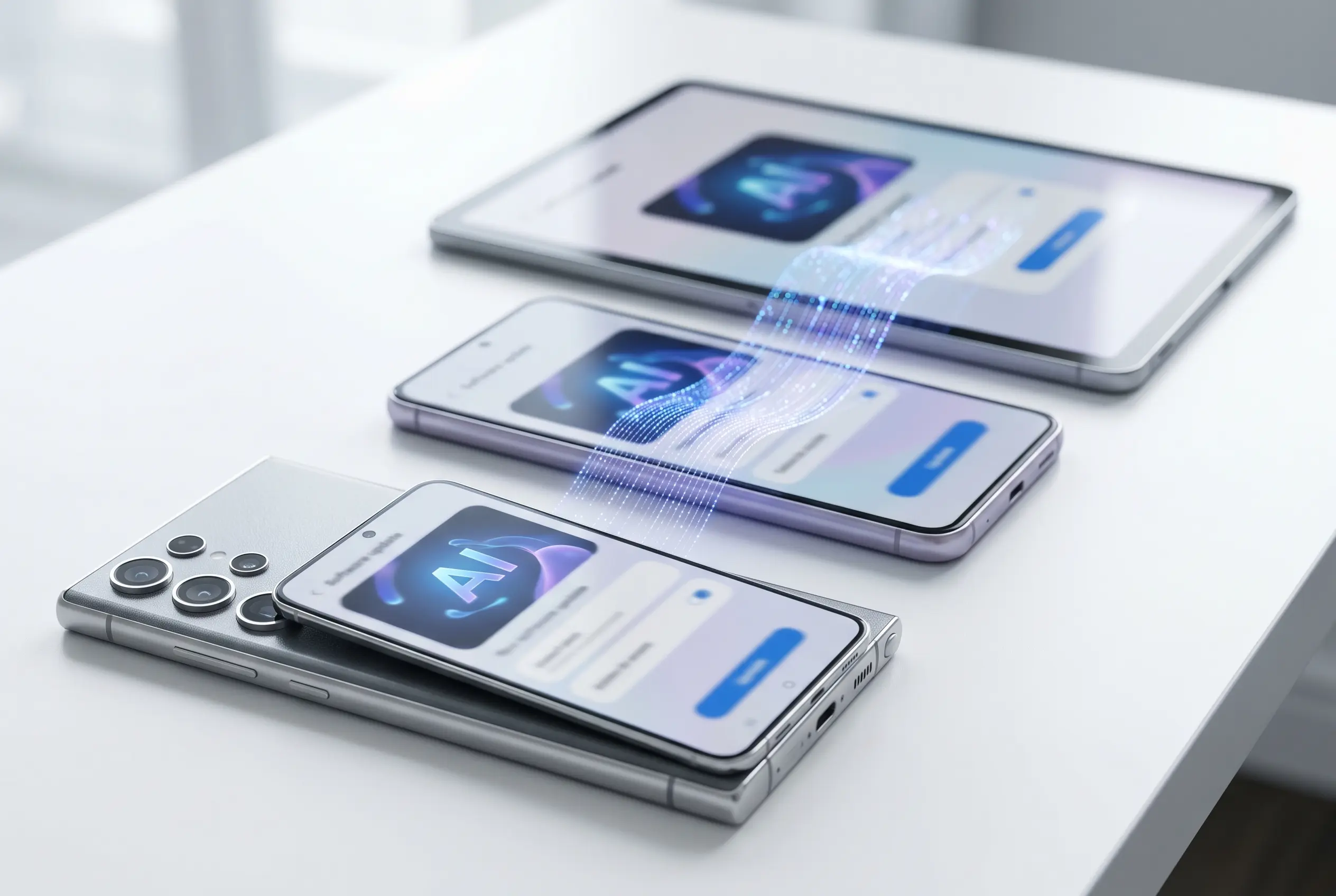
The strongest reason to install the update comes from the feature mix rather than the version number. The official Galaxy AI feature catalogue includes Call Screening, Creative Studio, Photo Assist, Audio Eraser and a more conversational Bixby, but those tools are divided by model, region, account status and sometimes network connection.
- May 6 – official stable rollout began in Korea, with additional regions to follow.
- Model limits – Samsung says features may vary by model and service region.
- AI terms – Samsung says basic Galaxy AI features are free, while enhanced Samsung and third-party AI features may have separate terms or fees.
That caveat is the center of the story for older devices. The same software name does not guarantee the same feature set, especially for tools that rely on newer chips, cloud processing or local language support.
Call Screening is the cleanest example because it sounds simple to describe and complicated to ship. Samsung says the feature filters unknown callers and can show a quick text preview before the owner answers, which makes it useful only if language support, local calling behavior and device performance all line up.
Galaxy S23 Owners Get a Late-Cycle Reprieve
For older flagship owners, the key official breadcrumb came before the stable reports. The April beta expansion list for older Galaxy devices named the 2023 S-series phones, Galaxy Z Fold5, Galaxy Z Flip5, Galaxy S23 FE and Galaxy A36 5G, with select markets including India, Korea, the U.K. and the U.S.
The support clock makes that notable. Samsung’s Galaxy S23 software support promise says the series receives four years of One UI upgrades and five years of security updates, so a feature-heavy midcycle release carries more weight than a routine patch.
Oton’s earlier coverage of the One UI 9 beta eligibility line helps explain the timing pressure. Once the next beta conversation begins, older devices are measured by runway, not only by the update they just received.
For an S23 owner deciding whether to hold the phone another year, the value sits in the parts that feel daily: call handling, photo edits, security checks and file sharing. A prettier settings panel matters less than whether those tools land without lag, missing languages or carrier delays.
Galaxy A36 Turns Mid-Range Into the Test Case
The Galaxy A36 is the more revealing device because it sits in the price band where Samsung wants AI to look normal, not premium. Its users are less likely to upgrade every year, so software support does more of the selling after purchase.
Samsung’s Galaxy A36 launch and support note promised up to six generations of Android operating system (OS, the core software that runs the phone) and One UI upgrades, plus six years of security updates for the 2025 A-series models. That puts the A36 on a longer published update path than the S23 family, even though the S23 remains the higher-end device.
- The A36 beta put the A series into the same 8.5 test conversation as flagship phones.
- The six-generation promise gives Samsung time to add features later if early builds hold some back.
- The lower price band makes feature gaps more visible because buyers will compare the changelog against older flagships.
That is why mid-range AI is the strategic test for Samsung. Flagship owners expect headline software. A-series owners prove whether the company can make those features feel useful on phones bought for value.
The risk is expectation drift. When the update name matches the flagship release but the local build lacks the better call tools, creative tools or sharing features, the disappointment lands on the brand rather than the fine print.
For buyers shopping used phones, this also changes comparisons. A discounted S23 may still have stronger hardware, while an A36 may offer a longer support tail; the right pick depends on whether camera power or update runway matters more.
Regional Timing Still Controls the Download
The most useful action is simple. The Galaxy software update guide tells users to open Settings, tap Software update or System updates, and choose Download and install, with wording that can vary by carrier and model.
- Back up important files and make sure the phone or tablet has enough free storage.
- Use Wi-Fi for multi-gigabyte packages, especially if the device is moving from a non-beta build.
- Check Software information after installation so the One UI version, Android version and security patch match the update notes.
A separate Galaxy update delivery guide for Canada says unlocked devices usually receive updates sooner because carrier-locked devices go through carrier review and customization. That is why two owners with the same model can see different answers on the same day.
The Upgrade Math Now Comes Down to Feature Tiers
The broader message is that Samsung has separated the update label from the update value. A Galaxy Tab user may care most about file handling and tablet layouts; an S23 owner may care about call screening and battery behavior; an A36 owner may care about how many AI tools survive the move downmarket.
The company has incentives to keep the feature list broad. More shared software makes Galaxy phones easier to support, gives older owners fewer reasons to leave, and gives the S26 line a softer landing when its launch features migrate outward. But broad branding also raises complaints when one region or model misses a tool shown in Samsung’s own marketing.
If the reported older-flagship, A-series and tablet builds keep most of the useful AI and security changes, Samsung gets a retention win from phones it has already sold. If the stable labels arrive with thin feature sets, the rollout will be remembered by the gaps users find after tapping Download and install.


South Korea Retail Investors Face Reckoning After KOSPI AI Rally Collapses

Surrey AI Maps Three Heart Attack Paths and Their Molecular Roots

Germany Locks Neutral Apple ATT Prompts Across Most of Europe

Apple’s 5% EU Fee Quietly Rewrites Alternative App Store Math

Apple’s EU Fee Truce Cuts Complexity but Leaves Rivals Fuming

Pixel 11 Pro Fold Trades Thinness for Durability and Seven-Year Stay

Mayo AI Flags HCM Obstruction From Everyday Ultrasound Videos

Indian Brands Quietly Scale Landmark Screens and Home Tech

Navin Vatsa Turns Grief Into a Lifetime of Quiet Seeing

Google Bets Pixel 11 Agentic AI Will Redefine Phones

Oracle Cuts 21,000 Jobs in a Year, Cites AI in 10-K Filing

Fable 5 and Mythos 5 Return as US Lifts Anthropic Export Controls

SpaceX’s Google Deal Turns a Rocket Company Into a Cloud Landlord

CD Projekt Red Co-CEO: Redemption Arc Isn’t Done, Witcher 4 in 2027

XPL Rallies 30% Ahead of Plasma One Card Tier Launch

Google Search Profiles Build a Follow Graph Inside Discover

DGO App Brings Rs 549 Mobile Pass for FIFA World Cup 2026 in Nepal

Moonshot AI Targets $30 Billion in China’s Fastest AI Funding Sprint

Oppo’s ColorOS 17 Eligibility List Leaves A-Series Buyers Behind

Microsoft Xbox Layoffs Start in July as Sharma Slams 3% Margin
-
 AI2 months ago
Oracle Cuts 21,000 Jobs in a Year, Cites AI in 10-K Filing
-
 AI2 months ago
Fable 5 and Mythos 5 Return as US Lifts Anthropic Export Controls
-
 AI3 months ago
SpaceX’s Google Deal Turns a Rocket Company Into a Cloud Landlord
-
 GAMING2 months ago
CD Projekt Red Co-CEO: Redemption Arc Isn’t Done, Witcher 4 in 2027
-
 CRYPTO3 months ago
XPL Rallies 30% Ahead of Plasma One Card Tier Launch
-
 NEWS3 months ago
Google Search Profiles Build a Follow Graph Inside Discover
-
 APPS3 months ago
DGO App Brings Rs 549 Mobile Pass for FIFA World Cup 2026 in Nepal
-
 AI3 months ago
Moonshot AI Targets $30 Billion in China’s Fastest AI Funding Sprint