
APPS
Evaluating Educational Apps Means Testing What Survives Offline
Most kids educational apps fail a learning-science screen. Evaluating educational apps now means testing offline transfer, ads, and hidden data.

A September 2026 APA expert report says the test of a learning app is what a child can still do after it closes. Store stars and cheerful badges do not measure that. Evaluating educational apps now means checking transfer, not time on task.
Most families already have too many learning icons on the tablet. Weak apps do more than waste a subscription. They teach children that thinking should pay coins, streaks, and praise.
The Real Test Happens After the App Closes
The American Psychological Association gathered psychologists, pediatricians, and learning scientists, including Kathy Hirsh-Pasek, PhD, of Temple University, and Jenny Radesky, MD, of the University of Michigan, to judge tools used with children and teens ages 5 to 18. Their six conclusions about educational technology cut through store copy.
Time spent, enjoyment, participation, and completion rates are often mistaken for learning. Students may look strong inside a tool and still fail to keep or apply the skill elsewhere. Features built to grab attention can pull attention away from the lesson. Screen minutes matter less than the activity they replace. Claims about brain power and smarter kids often lack evidence. Generative AI may raise the quality of the work a child turns in while leaving the child with less independent skill.
The real test of learning happens after the app is closed. Students may perform well within a tool but fail to retain or apply what they learned elsewhere.
American Psychological Association expert report, September 2026
The group’s second recommendation is blunt enough for a kitchen table: judge tools by learning outcomes, not only engagement, enjoyment, or interest. Recommendation 5 asks for simple designs, because tech built to capture attention can interfere with learning. Recommendation 6 warns that AI help in schoolwork needs extra caution and age-appropriate guardrails.
That is a different job than picking a five-star title. It is a check on whether the child can still sound out a word, explain a sum, or rebuild a pattern with the tablet in another room.
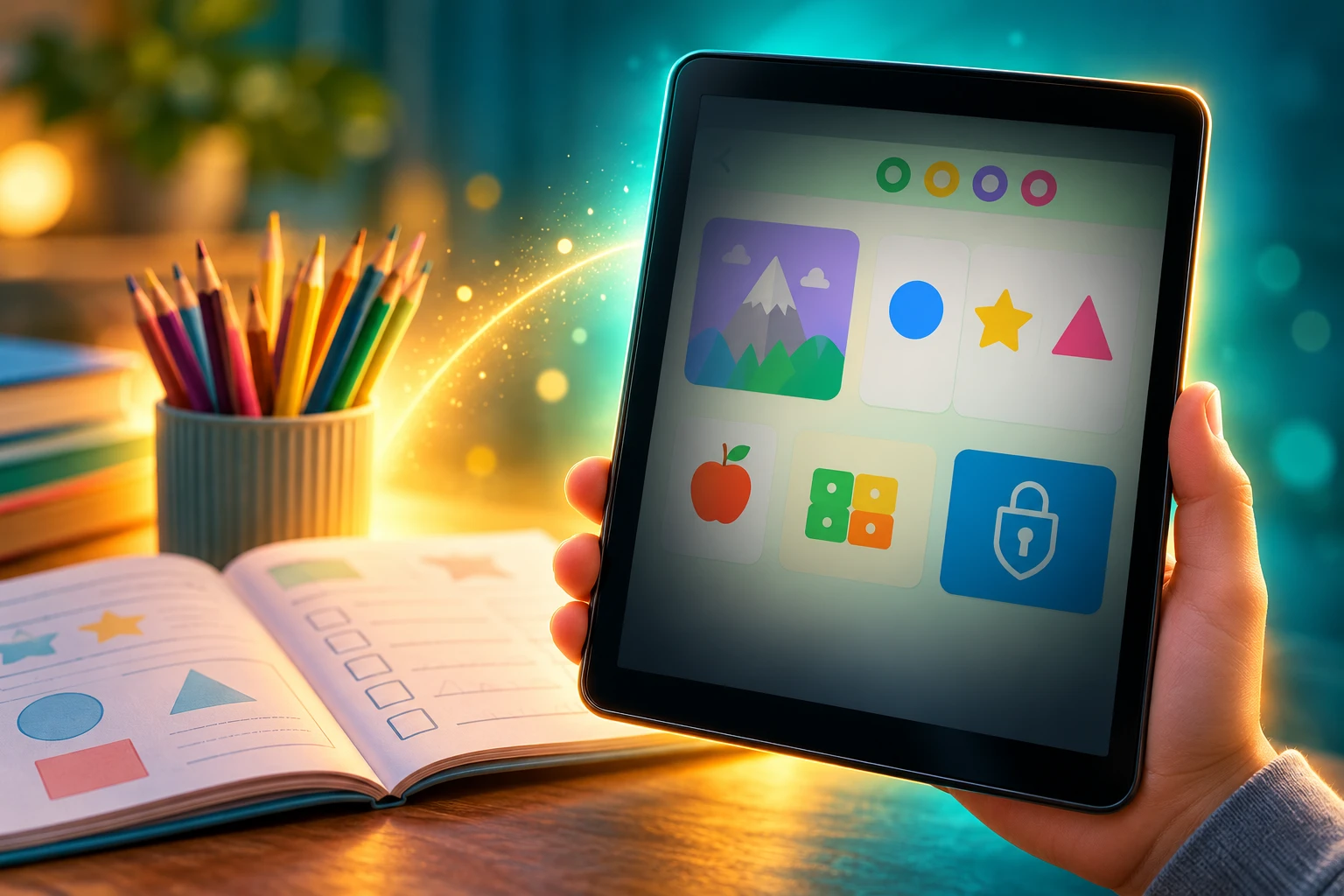
Most Top Educational Apps Fail a Learning-Science Screen
Hirsh-Pasek and colleagues described four design tests in 2015: active, minds-on work; engagement that stays on the lesson; meaning tied to a child’s life; and a chance for social interaction. In 2021, Marisa Meyer, Radesky, Hirsh-Pasek, Jennifer Zosh of Penn State, and colleagues turned those Four Pillars of Learning into a 0 to 3 score for each pillar and coded 124 children’s apps marketed as educational.
They took 100 top downloads from Google Play and Apple and 24 apps that preschoolers in a cohort study actually used. A summed score of 4 or less, out of 12, counted as lower quality. 58% of the sample, 72 of 124 apps, landed there. Mean scores were low on every pillar. Social interaction was the weakest, at 0.73 for free apps and 0.80 for paid ones.
FOUR PILLARS SCORES FOR 124 STORE APPS
| Pillar (0 to 3) | Free apps mean | Paid apps mean |
|---|---|---|
| Active learning | 1.18 | 1.38 |
| Engagement in the learning process | 1.05 | 1.70 |
| Meaningful learning | 1.35 | 1.44 |
| Social interaction | 0.73 | 0.80 |
| Total (max 12) | 4.31 | 5.32 |
Free apps scored lower on engagement in the learning process and on the total, a gap the authors tied to distracting extras such as ads and reward-heavy feedback. Among free titles, 64% were lower quality, against 50% of paid titles, a split that was not statistically clear. Paying does not wash an app clean. It only makes the worst clutter a little less common.
WHERE THE EVIDENCE SPLITS
- Store design: Most top “educational” apps in that 124-app sample failed a learning-science screen built by the same researchers who now sit on the APA panel.
- Lab lessons: Carefully built literacy and math apps can still move constrained skills such as phonics and number facts, especially for preschoolers, when adults keep the session short and check the skill offline.
Meyer said the team kept seeing apps sold as educational with no serious backing for the claim. Parents who trust the store category are trusting a label the researchers could not validate for most of the hits.
Why Store Stars Keep Pointing Parents at the Wrong Apps
App stores sort by ratings, downloads, and how long a title has been collecting reviews. That pile compounds. A marketer looking at a long-running kids app in September 2026 noted that years of reviews, not a fresh ad burst, were doing the ranking work. A quieter new app starts at the back of that line even if its design is cleaner.
Parents feel that pressure. In a 2025 study, 149 parents of children in kindergarten through grade 6 saw mock math-app pages and were more likely to download, pay more, and rate an app higher when the page showed positive user ratings. The store is teaching parents to copy other parents, not to test transfer.
Common Sense Media, which rates apps for families, does not treat a store star as a learning score. Its education reviewers use a research-backed 14-point rubric first built in 2012, and they score learning potential in subjects and in skills such as creativity. That process can take a week to a few months. It is slower than a thumb on a listing, and it is closer to what the APA is asking for.
Using star ratings as a quality test still fails for a simpler reason. Children like color, speed, noise, and easy wins. A five-star page can describe entertainment with a worksheet skin. A child may also resist a stronger app at first because it asks them to slow down and work through a miss.
Coins, Streaks, and the Habit They Build
The second-order cost shows up in the child’s habits, not on the App Store chart. When the loudest system in the app is a coin purse, a streak, or an avatar, the child is practicing a casino loop with letter sounds in the background. After a few days, the skill the parent paid for is still trapped in the interface.
The American Academy of Pediatrics, in a January 2026 policy on children and digital media, told families to use its 5 Cs of Media Use: the child, the content, calm, crowding out, and communication. It warned that many platforms are built to raise engagement and profit, and it flagged low-quality apps with educational claims, shallow goals, ads, and heavy gamification. High-quality educational content, by contrast, has been tied to language and prosocial behavior in young children.
Parents already treat “no ads” as a quality stamp, and they are not wrong to start there. Ads are the tell they can see. Reward loops are the tell they often miss. A founder selling a kids learning product will even describe the rest of the shelf as junk screen time. That phrase is useful. It names the product category the store will not.
DESIGN TELLS THAT LEARNING IS NOT THE POINT
- Random tapping: The child can advance by hitting bright objects until something explodes.
- Empty feedback: Wrong answers get “oops” or “try again,” with no model of the next step.
- Streak pressure: A calendar or countdown punishes a day off more than a missed concept.
- Loot and avatars: The child can describe coins, outfits, or characters, but not the skill.
- Ad buttons: Purchase prompts or videos sit where a game control should be.
- Autoplay: The app keeps running when the child stops choosing.
- AI answers: A chatbot or helper writes the work, so the child never has to.
A short field test still works. After five minutes, ask what the app wanted the child to do. If the answer is “I got coins” or “I unlocked a character,” the reward system is louder than the lesson. If the child can name the task, sit through one miss, and try a better method, the design may be doing real work.
COPPA Now Reaches the Code You Never See
Cute art is not a privacy policy. Children’s apps may collect names, device IDs, location, voice, photos, and usage traces, then pass them to an unseen software kit. For children under 13 in the United States, the Children’s Online Privacy Protection Act requires notice to parents and verified consent before that collection.
The Federal Trade Commission’s amended COPPA Rule was published on April 22, 2025. Operators had to comply by April 22, 2026. The agency’s own FAQ says courts can hold violators liable for up to $53,088 per violation.
On September 3, 2025, the FTC announced a settlement with Apitor Technology, a robot-toy maker whose free companion app included a third-party SDK. The agency said that kit collected geolocation from children on Android, and that Apitor did not notify parents or get verified consent. COPPA still applies when a vendor, not the brand on the icon, does the collecting. Apitor’s order included a $500,000 civil penalty, later suspended because the company could not pay.
On December 31, 2025, a federal court approved an order requiring Disney to pay $10 million over kid-directed YouTube videos that were not labeled Made for Kids, which the FTC said allowed collection of personal data from children under 13 for targeted ads. That case was about video labels, not a phonics app, and it still shows how child-directed content and third-party tracking now sit in the same enforcement file.
THE COPPA DATES PARENTS SHOULD KNOW
- April 22, 2025: The FTC publishes the amended COPPA Rule.
- September 3, 2025: Apitor settles over an SDK that collected children’s geolocation.
- December 31, 2025: Disney is ordered to pay $10 million over unlabeled kid-directed videos.
- April 22, 2026: The compliance date for the amended rule arrives.
Before a download, read the privacy policy, check location and chat, and confirm a parent can delete the account. If the policy is missing or unreadable, stop. The younger the child, the less data the app should need.
How to Test an Educational App in One Week
Parents do not need a lab. They need one clear learning need, a short trial, and a willingness to delete. “I need a math app” is too wide. “My seven-year-old needs short, guided practice with addition facts” is a test you can run.
A meta-analysis of 36 experimental and quasi-experimental studies, summarized by Harvard’s Center for Education Policy Research, found educational apps produced a moderate average effect of +0.31 SD on preschool through grade 3 literacy and math. Gains were larger for preschoolers, for tests the researchers built, and for constrained skills such as letter sounds and basic number knowledge. They were weaker for reading comprehension and problem solving. Once those factors were in the model, minutes of use and generic quality ratings did not reliably predict bigger effects.
So a good week is not a binge. It is a small dose aimed at one skill, then an offline check. In a 2025 German study of 500 preschoolers, specially designed literacy apps used about 30 minutes a week were tied to literacy gains across family backgrounds. That is a practice block, not an afternoon.
Once the need is specific, a short list of interactive learning apps for 2026 is easier to judge, because each title has to beat the same transfer test rather than a store ranking.
A SEVEN-DAY TRANSFER TEST
- Day 1: Parent review. Check the learning goal, age fit, ads, purchases, and privacy before the child opens it.
- Day 2: Co-use. Sit together, watch the first miss, and hear whether the app explains the error.
- Day 3: A short solo session. See if the child can move without rage or a purchase prompt.
- Day 4: Offline check. Ask the child to use the skill with paper, blocks, or a spoken question.
- Day 5: Mood check. Note calm, curiosity, or a fight when the timer ends.
- Day 6: Dashboard check. Treat coins and streaks as engagement, not mastery.
- Day 7: Keep, limit, or delete. Keep only what still works with the tablet shut.
The AAP still asks families to weigh crowding out: what the app replaces, including sleep, outdoor play, reading, and talk. Infants do not learn from screens in the way older children can, and even a decent app is a poor trade if it eats the hour that used to go to a book or a walk.
If the child cannot do the skill with the tablet closed, delete the app and give that half hour back to reading, drawing, or practice with a person. A strong app earns a small, boring place in the week. It does not need to win the home screen.
Frequently Asked Questions
How can parents tell if an educational app actually teaches?
Ask the child to teach the skill to you with the app closed, using paper, toys, or a spoken example. Common Sense Media also scores whether learning can transfer off the screen and whether the title builds skills such as collaboration, not only letters and sums. If the child can only repeat a tap sequence, the app trained a motor habit.
Do educational apps improve early reading and math?
They can, in a narrow band. The 36-study analysis found a +0.31 standard-deviation average lift, with more reliable movement on constrained skills such as phonics and number facts than on comprehension or problem solving. A 2025 trial with 500 preschoolers (mean age 60.96 months) found that about 30 minutes a week on purpose-built literacy apps was tied to literacy gains, with larger benefits for girls as use increased.
What does COPPA require from kids’ apps in the United States?
Services directed at children under 13 must notify parents and obtain verified consent before collecting personal information, and that duty covers data gathered by a third-party SDK inside the app. The FTC’s FAQ sets civil penalties at $53,088 per violation, with the size of a case depending on how many children were involved, what was collected, and whether the data was shared.
Are free educational apps worse than paid ones?
In the 124-app Four Pillars sample, free apps had lower engagement-in-learning scores because of ads and noisy rewards, and 64% of free titles were lower quality against 50% of paid titles. The free-versus-paid gap on that pass-fail cut was not statistically clear. In a small post-hoc look, three PBS KIDS apps were the only free titles from nonprofits and scored higher than other free apps on most pillars, especially meaning and social interaction.
What are the Four Pillars of Learning for children’s apps?
They are active minds-on work, engagement that does not distract from the lesson, meaning that connects to a child’s life, and social interaction with characters or caregivers. Each pillar is scored 0 to 3. Zero to Three later turned the same ideas into parent-facing E-AIMS prompts, so families can ask those four questions without running a research code book.

Instagram Plus Tests a Read-Only Mode That Cuts Stories

Altman Asks the Public to Accept Some AI Harm

Google Freezes OSS VRP Product Reports After AI Flood

AI Agents Make Payment Rails the Scarce Prize

Turkey’s Crypto Boom Now Runs Through Three Banks

Fable 5 Came Back Under a Commerce On-Off Switch

Google’s SpaceX GPU Lease Has a Sept. 30 Deadline

Plasma One’s XPL Locks Face a 1.81 Billion Cliff

DGO’s Rs 549 World Cup Pass Cost Fans Sleep and Data

Moonshot AI’s $30 Billion Ask Became a $35 Billion Close
-
 AI4 months ago
Fable 5 Came Back Under a Commerce On-Off Switch
-
 AI5 months ago
Google’s SpaceX GPU Lease Has a Sept. 30 Deadline
-
 CRYPTO4 months ago
Plasma One’s XPL Locks Face a 1.81 Billion Cliff
-
 APPS4 months ago
DGO’s Rs 549 World Cup Pass Cost Fans Sleep and Data
-
 AI5 months ago
Moonshot AI’s $30 Billion Ask Became a $35 Billion Close
-

 NEWS5 months ago
ColorOS 17 Device List Spans Oppo, OnePlus and Realme
-

 GAMING4 months ago
Xbox Cuts 3,200 Jobs After Five Years of Thin Returns
-

 GAMING4 months ago
The RTX 4050 Under Rs 70,000 Hides a Wattage Gap