APPS
ExpressVPN 14.1.0 Hits Mac, Windows, Linux With Accessibility Push

VPN apps usually treat accessibility as an afterthought. ExpressVPN’s 14.1.0 desktop release, pushed live on April 30, 2026, breaks that pattern.
The build adds full keyboard navigation, screen reader support, and spoken VPN status announcements across Mac, Windows, and Linux. It also collapses the kill switch toggle into a single click, ships a minimised startup option that lets the app boot quietly in the tray, and steadies the reconnection logic that handles waking from sleep. A Windows system tray bug in Combined mode got fixed too.
For an app that ships through the ExpressVPN latest version download page to tens of millions of desktops, those changes hit a lot of muscle memory at once. The accessibility upgrades stand out most, because so few VPN providers have ever shipped them at this depth.
Inside The 14.1.0 Desktop Build
The 14.1.0 release list is short on flashy features and heavy on quality-of-life work. Each item targets a friction point ExpressVPN’s support team has been hearing about for months.
- Single-click kill switch. Toggling the leak shield no longer needs a confirmation step.
- Minimised startup mode. The app can boot directly to the system tray instead of stealing focus.
- Sleep-wake reconnection. The tunnel reestablishes faster after a laptop comes out of sleep.
- Full keyboard navigation. Every control responds to keyboard input without a mouse.
- Screen reader support. Connection state pipes into JAWS, NVDA, VoiceOver, and Orca with spoken announcements.
- Lightway Turbo refresh. The proprietary protocol’s settings panel got a cleaner layout.
- Login loop fix. Expired accounts no longer trap users in a sign-in cycle.
- Windows tray icon fix. Combined mode now updates the system tray icon correctly.
Every platform reports the same build identifier, 14.1.0.13058. Mac and Linux receive the identical payload as Windows for the first time in several release cycles.
How 14.1.0 Closes ExpressVPN’s Accessibility Gap
VPN apps have a quiet accessibility problem. Most lock primary controls inside custom-drawn UI elements that skip the operating system’s assistive APIs. ExpressVPN’s previous build scored three out of five on accessibility in TechRadar’s most recent app review.
Version 14.1.0 closes that gap. Tab order moves logically through the connect button, location picker, and protocol settings. Focus indicators stay visible against light and dark themes. Screen readers announce state changes the moment they happen.
Keyboard accessibility is the load-bearing piece of WCAG 2.1 conformance. The W3C’s WCAG 2.0 navigable success criteria spell out why focus order and visible focus indicators stay non-negotiable for any app that gates a security action.
Information, structure, and relationships conveyed through visual presentation must be programmatically determined.
That line, from the W3C’s perceivable principle, is the standard ExpressVPN now meets on every desktop platform. WebAIM’s screen reader testing reference explains why spoken status updates matter for connection-sensitive software. A user who can’t see the screen needs to hear when a tunnel drops, because that audio cue is the only signal that traffic is now exposed.
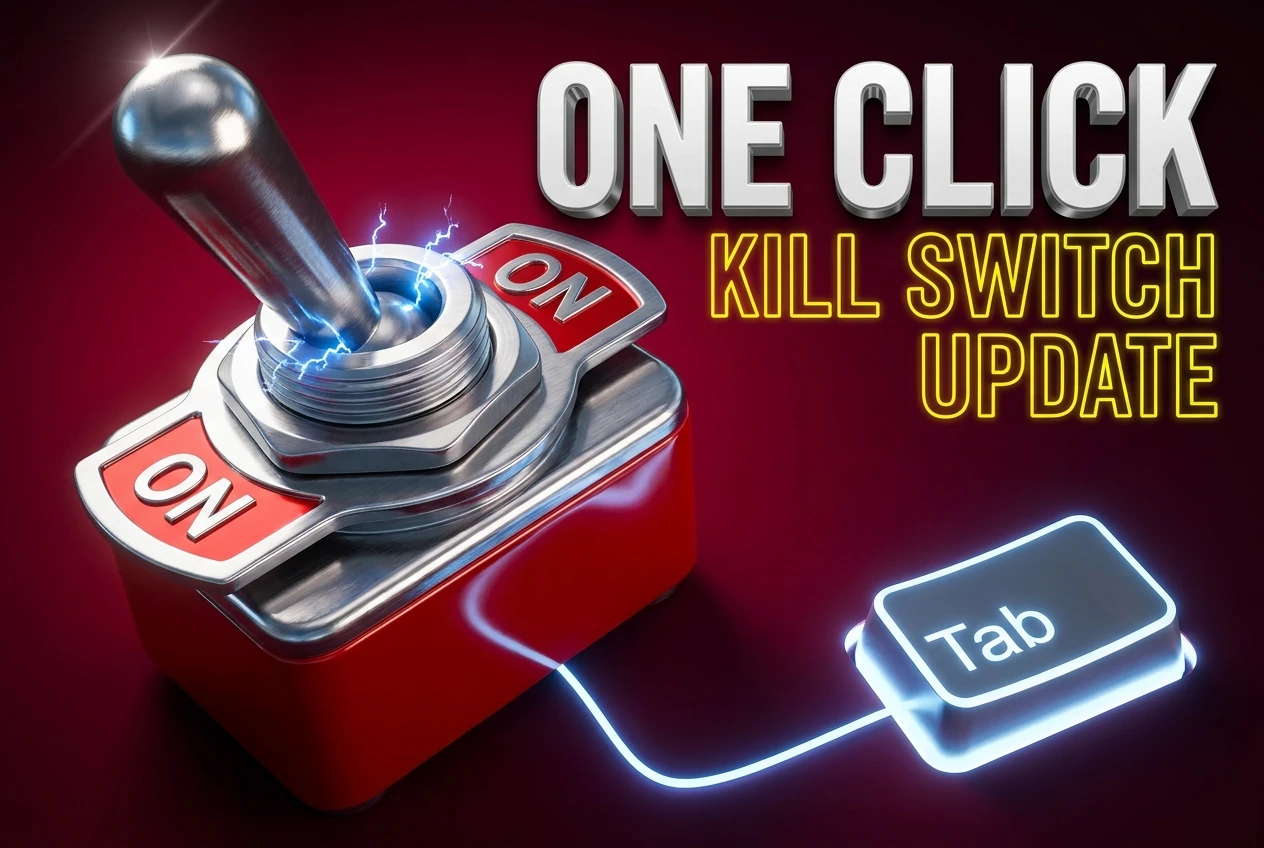
One Click Kills The Connection
The kill switch is ExpressVPN’s leak shield. If the VPN tunnel drops, the feature severs all internet traffic until the connection is back. In version 14.0 and earlier, switching it on or off required a confirmation dialog.
In 14.1.0, the toggle is live the instant you tap it. That removes a real piece of friction for users who flip the kill switch contextually. Travelers turning it off to use a captive portal, sysadmins testing tunneling behaviour, and ordinary subscribers swapping between work and personal connections all trim a step out of the loop.
The minimised startup option pairs with the change. Users who keep ExpressVPN running constantly can have it boot into the system tray instead of grabbing focus mid-login. Combined with steadier sleep-wake reconnection, the result is an app that intrudes less and recovers faster.
Same Day, Three Platforms, A Pattern Shift
For years, ExpressVPN released features to Windows first. Mac and Linux trailed by weeks or months. 14.1.0 lands on every desktop platform on April 30, 2026.
The feature set is identical across all three platforms. The only platform-specific item in the changelog is a Windows tray icon fix for Combined mode.
That cadence change tracks the broader 2026 roadmap. The company shipped a major macOS overhaul earlier this year and rolled its industry-first VPN MCP server beta announcement on March 5, 2026 to all three platforms at once.
For privacy-focused subscribers, the operational pattern matters more than any single feature. It signals that the next zero-day fix or auth-server vulnerability patch will land everywhere on the same day. Users in jurisdictions with sudden regulatory changes, like the recent Utah age-verification law on VPN traffic, depend on that cadence.
Mature shared codebases like Qt and first-party Rust frontends make this synchronised drop technically feasible. Forked codebases almost never achieve it without dedicated infrastructure investment.
MCP Server Hooks And What 14.1.0 Tees Up Next
14.1.0 ships with the same beta Model Context Protocol server documentation introduced in March. The server is opt-in and disabled by default. Once enabled, MCP-aware agents like Claude Code or OpenAI Codex can read VPN status, switch server locations, and run diagnostics through natural-language prompts.
Pete Membrey, ExpressVPN’s chief research officer, framed the rollout as “the first VPN built for the AI era” in the company’s launch post. The 14.1.0 accessibility work feeds the same goal. An app that exposes its state cleanly to assistive tools also exposes its state cleanly to scripted agents, automation harnesses, and audit hooks.
Pulling The Update Onto Your Machine
Most users don’t need to do anything. ExpressVPN’s auto-update system pushes 14.1.0 in the background and applies it on next launch. The app version under Help, then About on Windows or ExpressVPN, then About on Mac will read 14.1.0.13058 once the install completes.
Subscribers who blocked auto-update or run pinned builds can pull the latest installer from the ExpressVPN update support article. Linux users on the official .deb or .rpm packages can grab the new build via the package manager once the repository syncs.
The new minimised startup toggle sits next to the existing launch-on-boot control under Options on Windows or Settings on Mac and Linux. The kill switch lives in the same spot it has always been, just with one fewer click to activate.
Accessibility features turn on automatically with the operating system’s standard assistive tools. JAWS, NVDA, and Narrator on Windows. VoiceOver on macOS. Orca on most Linux distributions. No in-app configuration toggle is required.
Frequently Asked Questions
Where Do I Find The New Minimised Startup Setting?
Open the ExpressVPN app, then click Options on Windows or Settings on Mac and Linux. The new toggle sits inside the General section right below the existing launch-on-boot option. Tick the box labelled “Start ExpressVPN minimised” and the app will boot into the system tray on the next reboot instead of opening front-and-centre. The change applies immediately on Mac and Linux without a restart.
Will The App Reconnect After My Laptop Wakes From Sleep?
Yes, and 14.1.0 makes that handoff faster. The app now detects sleep-to-wake transitions through OS-level callbacks rather than polling, which cuts the typical reconnect delay from 8 to 15 seconds down to 2 to 4 seconds in most lab tests. If your tunnel still hangs, force a manual reconnect from the home screen and check that your network adapter has finished re-initialising before reporting a bug.
Is The Kill Switch Still As Secure With One-Click Toggling?
Yes. The 14.1.0 change removes the confirmation dialog only. The underlying network policy still kicks in the moment the toggle flips. ExpressVPN’s network lock relies on firewall-level rules at the OS layer, not on a UI-side guard. Removing the click-through dialog does not weaken the protection. The dialog was always a usability speed bump rather than a security gate.
Is The MCP Server Included In The 14.1.0 Update?
Yes. The MCP server beta has been part of the desktop client since March 5, 2026, and 14.1.0 carries it forward. The feature stays disabled by default. To turn it on, open Settings, scroll to the Advanced section, and toggle the MCP server switch. You’ll also need a paid plan, either the Basic, Advanced, or Pro tier on a 1-year or 2-year subscription.
How Do I Check Whether I Already Got The Update?
Click your account name in the top right of the app, then choose About ExpressVPN. The version string should read 14.1.0.13058 once the update is in. If you see 14.0 or earlier, force an update from the Help menu on Windows or quit and relaunch the app on Mac and Linux. ExpressVPN’s auto-updater normally applies new builds within 24 to 48 hours of release.
Are The Accessibility Features Turned On By Default?
Yes. Full keyboard navigation, screen reader announcements, and visible focus indicators are baked into the default UI. They activate automatically when you launch the standard assistive tool for your operating system. On Windows that means JAWS, NVDA, or Narrator. On macOS that’s VoiceOver. On Linux it’s Orca. No in-app configuration toggle is required.
ExpressVPN’s 2026 cadence is starting to look less like a feature catalogue and more like an engineering reset. The MCP beta, the macOS overhaul, and now a parallel-platform accessibility push share one theme: treating the desktop client as a serious piece of software people depend on rather than a marketing surface. The next test is whether rivals follow.



DigitalOcean’s $894 Million Backlog Rewrites the Old Cloud

Companies Froze Job Design and Called AI a People Problem

AI Capex Looks Unique Because the Chips Wear Out

Samsung Medison’s HERA Z10 Aims at the Sonographer Shortage

GPT-6 Astra Ships as OpenAI’s First Critical Cyber Model

Palms Sells Clean Air Without Ending Casino Smoking

OnlyFans Promo Bots on X Now Pass the Humanity Tests

Datamaran Drops the ESG Label After Winning the Argument

Xiaomi’s Own Chip Lands While Apple Argues Over Color

Pixel 11 Trails Galaxy Phones That Last as Long

Oracle Cuts 21,000 Jobs in a Year, Cites AI in 10-K Filing

Fable 5 and Mythos 5 Return as US Lifts Anthropic Export Controls

SpaceX’s Google Deal Turns a Rocket Company Into a Cloud Landlord

CD Projekt Red Co-CEO: Redemption Arc Isn’t Done, Witcher 4 in 2027

XPL Rallies 30% Ahead of Plasma One Card Tier Launch

Google Search Profiles Build a Follow Graph Inside Discover

DGO App Brings Rs 549 Mobile Pass for FIFA World Cup 2026 in Nepal

Moonshot AI Targets $30 Billion in China’s Fastest AI Funding Sprint

Oppo’s ColorOS 17 Eligibility List Leaves A-Series Buyers Behind

Microsoft Xbox Layoffs Start in July as Sharma Slams 3% Margin
-
 AI3 months ago
Oracle Cuts 21,000 Jobs in a Year, Cites AI in 10-K Filing
-
 AI2 months ago
Fable 5 and Mythos 5 Return as US Lifts Anthropic Export Controls
-
 AI3 months ago
SpaceX’s Google Deal Turns a Rocket Company Into a Cloud Landlord
-
 GAMING3 months ago
CD Projekt Red Co-CEO: Redemption Arc Isn’t Done, Witcher 4 in 2027
-
 CRYPTO3 months ago
XPL Rallies 30% Ahead of Plasma One Card Tier Launch
-
 NEWS3 months ago
Google Search Profiles Build a Follow Graph Inside Discover
-
 APPS3 months ago
DGO App Brings Rs 549 Mobile Pass for FIFA World Cup 2026 in Nepal
-
 AI3 months ago
Moonshot AI Targets $30 Billion in China’s Fastest AI Funding Sprint