
NEWS
Apple’s iOS 26.5.1 Patches the iPhone’s Wired Charging Bug
iOS 26.5.1 fixes a wired charging failure on iPhone Air and iPhone 17 that left some devices appearing dead at zero battery. No security patches included.

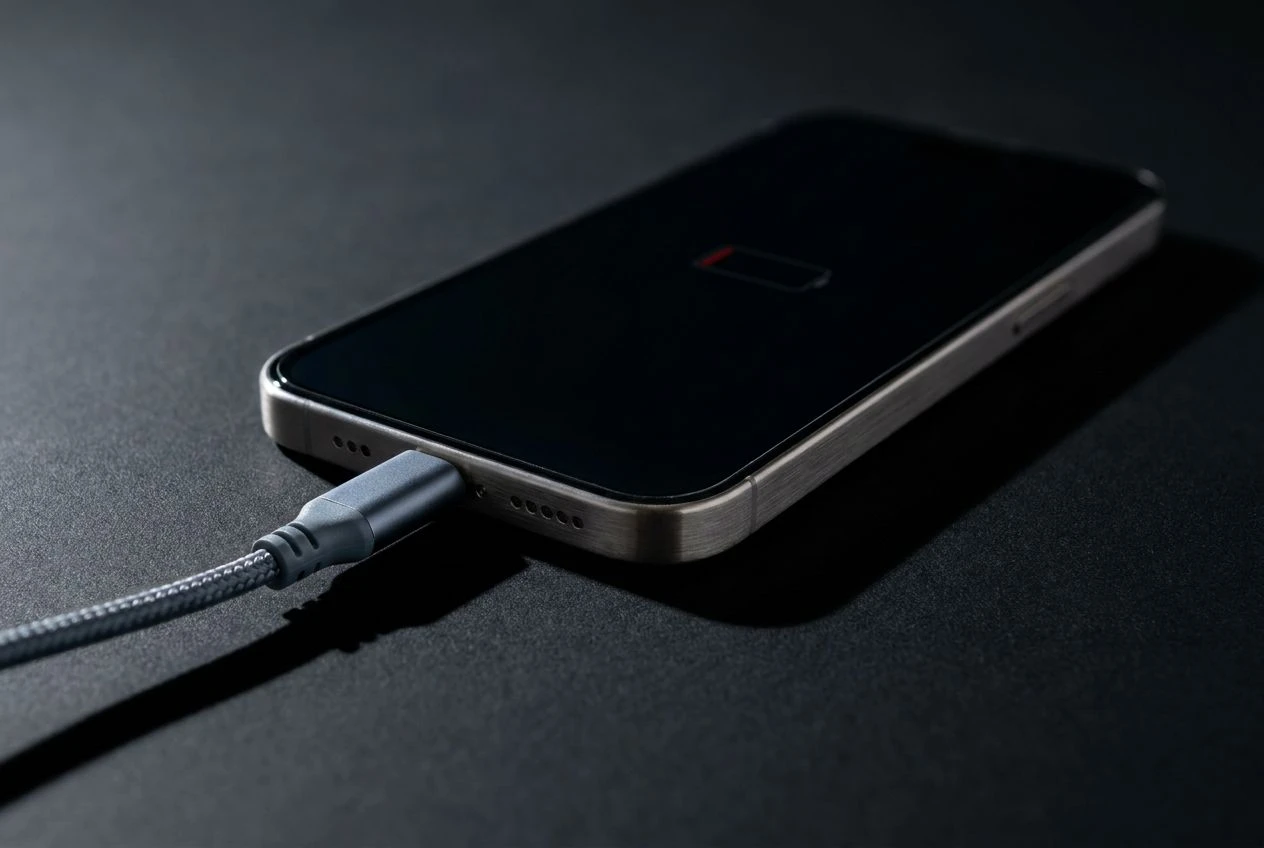
Apple released iOS 26.5.1 on June 1 to patch a wired charging failure specific to iPhone Air and iPhone 17 models: when the battery ran to a critically low level, some devices refused to charge through a USB-C cable, sitting silent on the charger and giving no visible sign that power was arriving. The update carries no listed security fixes and is available exclusively on the devices the bug hit.
A Bug Only New iPhones Could Get
Apple’s iOS 26 software release page describes the fix in spare terms:
This update addresses an issue for a small number of users that may prevent wired charging on iPhone Air and iPhone 17 models when the battery is nearly drained.
The company’s security releases page confirms iOS 26.5.1 has no published Common Vulnerabilities and Exposures (CVE, the standard identifier used to catalog disclosed security flaws) entries. The update exists solely for the charging issue.
The fix covers every device in Apple’s current newest iPhone hardware generation:
| iPhone Model | Eligible for iOS 26.5.1 |
|---|---|
| iPhone Air | Yes |
| iPhone 17e | Yes |
| iPhone 17 | Yes |
| iPhone 17 Pro | Yes |
| iPhone 17 Pro Max | Yes |
| iPhone 16 and earlier | No |
Older iPhones running iOS 26 will not see the update as an available option. Apple has scoped the patch to the hardware it affects, and the charging behavior it fixes is specific to the architecture of the iPhone Air and iPhone 17 lineup.
What Owners Encountered
The bug was publicly documented in late April, when a writer for 9to5Mac described an iPhone Air draining completely and refusing to respond after being connected to a USB-C cable. The account circulated quickly across Apple forums and Reddit, where several threads filled within days with users describing the same experience: a phone that looked dead with a charger attached, no charging indicator, no response to button presses. Some took it as hardware failure and scheduled Genius Bar appointments.
A workaround emerged through shared troubleshooting on those threads. Placing the affected phone on a wireless charger, or leaving a wired connection undisturbed for an extended period, sometimes an hour or more, could restart the charging sequence. Neither method was guaranteed, and users who encountered it before the patch often went through cables, power bricks, and Apple Store visits before pinning the cause on software. Several reported being sent home after a forced restart with the underlying fault unaddressed.
Apple did not publicly acknowledge the bug during the weeks between those early reports and iOS 26.5.1’s release. The June 1 release notes were the company’s first official statement on the issue. The symptom was unusually easy to misread as a hardware fault: a phone that dies overnight and refuses any charger by morning looks permanently broken to a user who doesn’t know to try wireless first, or to wait.
Where the iOS 26 Cycle Stands
iOS 26.5.1 arrived three weeks after iOS 26.5, which Apple shipped on May 11 with a notable feature package. That release introduced end-to-end encrypted Rich Communication Services (RCS, the messaging standard used for iPhone-to-Android conversations) between iPhone and Android devices in beta. Apple’s newsroom announcement on encrypted RCS messaging confirmed that US carriers AT&T, T-Mobile, and Verizon offered support from day one, with encryption on by default.
With iOS 26.5.1 out, Apple is now beta-testing iOS 26.6, expected to deliver minor bug fixes and stability improvements. Feature work has moved entirely to iOS 27, and future iOS 26.x releases won’t carry new user-facing additions. The branch is in maintenance mode, with 26.6 expected sometime in early July before iOS 27’s public beta follows.
Apple doesn’t always disclose every fix in a point release’s changelog. The company lists the most significant change, so iOS 26.5.1 may include small stability improvements that didn’t make the published notes alongside the charging fix.
Getting the Update on Your Device
For eligible devices, the install is straightforward. Apple recommends connecting to Wi-Fi and having the battery at least 50% before starting. Some users on iPhone 17 models reported seeing download-size estimates of 21 to 27 gigabytes on screen before the install begins; that figure is a display anomaly, and the actual data downloaded is a fraction of it.
- Open Settings on your iPhone.
- Tap General, then select Software Update.
- Tap Download and Install if iOS 26.5.1 is listed as available.
- Keep the device plugged into a charger and on Wi-Fi while the install runs.
- Allow the device to restart; installation typically completes within a few minutes.
If an iPhone is currently stuck in the unresponsive state the bug causes, a force restart is the first step: press and quickly release the volume-up button, press and quickly release the volume-down button, then hold the side button until the Apple logo appears. If the phone stays unresponsive after that, leaving it on a wireless charger for 30 to 60 minutes without interruption has been the most widely reported way to get it back. Once the device is on, go directly to Software Update.
One Day Before iOS 27
WWDC 2026, Apple’s Worldwide Developers Conference, begins Monday, June 8, with a keynote at 10 a.m. Pacific, streamed on Apple’s website, the Apple TV app, and YouTube. iOS 27 developer betas are expected to drop the same afternoon, with public betas following in mid-July and a public release in September alongside the iPhone 18 lineup.
The iOS 27 announcement is expected to center on a significantly reworked Siri, including a standalone app with a chatbot interface, a Dynamic Island prompt, and deeper cross-app context awareness. Apple has faced mounting criticism for a first Apple Intelligence rollout that shipped with delayed and underperforming features, and the WWDC keynote is where the company’s AI response takes shape. On the hardware side, the iPhone 18 lineup isn’t expected at the conference. Prior Oton Technology coverage of iPhone 18 Pro pricing signals found analysts expecting the Pro entry price to hold near $1,099 despite rising component costs.
iOS 26.6 remains in beta and will likely arrive in early July as the final cleanup release in the iOS 26 cycle. WWDC’s keynote begins Monday at 10 a.m. Pacific, where iOS 27 developer betas are scheduled to drop that afternoon.
Frequently Asked Questions
Which iPhones Can Install iOS 26.5.1?
iOS 26.5.1 is available for five devices: iPhone Air, iPhone 17e, iPhone 17, iPhone 17 Pro, and iPhone 17 Pro Max. iPhone 16, iPhone 16 Pro, iPhone 15, and all older models will not see it as an available update, because the charging bug it fixes is specific to the newer hardware generation.
What Should I Do If My Phone Is Already Stuck and Won’t Charge?
A force restart is the first step: press and release the volume-up button, press and release the volume-down button, then press and hold the side button until the Apple logo appears. If the phone stays unresponsive, placing it on a wireless charger for 30 to 60 minutes without interruption has helped many users revive it. Once the device is back on, go to Settings, tap General, and select Software Update to install the patch.
Does iOS 26.5.1 Include Any Security Fixes?
No. Apple’s security releases page lists no CVE entries for iOS 26.5.1, meaning the company disclosed no security vulnerabilities resolved in this update. The only documented change is the wired charging fix for iPhone Air and iPhone 17 models.
Why Does the Update Show as 20 or 27 Gigabytes?
Some iPhone 17 users reported seeing download-size estimates of 21 to 27 gigabytes before iOS 26.5.1 begins installing, which is far above the typical size of a point release. This is a display anomaly in how iOS calculates pending update sizes; the actual data downloaded is a fraction of that figure, and installation completes normally within a few minutes on a standard Wi-Fi connection.
Should I Update Even If the Bug Hasn’t Appeared on My Phone?
Apple generally recommends installing updates on eligible devices regardless of whether a specific bug has surfaced, because the charging failure only triggers under one condition: the battery running to a critically low level. Owners who consistently keep their phones above 10% may never encounter it, but the update removes that risk entirely for anyone who occasionally lets the battery run all the way down.


Sony’s 10 Percent Disc Drop Leaves the 2028 Cutoff Intact

Chip Allocation Sidelines the Base iPhone 18 This Fall

Miami-Dade Fights the Vice City Brand It Already Wears

IFA 2026 Awards Put Tecno Ahead of Flagship Phones

USB-C Gadgets Made the Junk Drawer Rechargeable

Pixel 11 Pro Asks $1,099 for a Light Google Locked

The iPhone Ultra Sells Two Retired Minis as One Foldable

Google Opens Gmail to Voice and Gates Docs Live

Lenovo Prices the IdeaPad Vibe Against Apple’s $699 Neo

Xbox Caps Game Pass Cloud Gaming at 15 Hours

Oracle Cuts 21,000 Jobs in a Year, Cites AI in 10-K Filing

Fable 5 and Mythos 5 Return as US Lifts Anthropic Export Controls

SpaceX’s Google Deal Turns a Rocket Company Into a Cloud Landlord

CD Projekt Red Co-CEO: Redemption Arc Isn’t Done, Witcher 4 in 2027

XPL Rallies 30% Ahead of Plasma One Card Tier Launch

Google Search Profiles Build a Follow Graph Inside Discover

DGO App Brings Rs 549 Mobile Pass for FIFA World Cup 2026 in Nepal

Moonshot AI Targets $30 Billion in China’s Fastest AI Funding Sprint

Oppo’s ColorOS 17 Eligibility List Leaves A-Series Buyers Behind

Microsoft Xbox Layoffs Start in July as Sharma Slams 3% Margin
-
 AI3 months ago
Oracle Cuts 21,000 Jobs in a Year, Cites AI in 10-K Filing
-
 AI2 months ago
Fable 5 and Mythos 5 Return as US Lifts Anthropic Export Controls
-
 AI3 months ago
SpaceX’s Google Deal Turns a Rocket Company Into a Cloud Landlord
-
 GAMING3 months ago
CD Projekt Red Co-CEO: Redemption Arc Isn’t Done, Witcher 4 in 2027
-
 CRYPTO3 months ago
XPL Rallies 30% Ahead of Plasma One Card Tier Launch
-
 NEWS3 months ago
Google Search Profiles Build a Follow Graph Inside Discover
-
 APPS3 months ago
DGO App Brings Rs 549 Mobile Pass for FIFA World Cup 2026 in Nepal
-
 AI3 months ago
Moonshot AI Targets $30 Billion in China’s Fastest AI Funding Sprint