
NEWS
iOS 27 Signals Quiet Demotion of the App Grid for Agentic Future
Beta 5 and App Intents upgrades show Apple shifting tasks off the home screen into invisible Siri actions, with second-order costs for branding and developers.

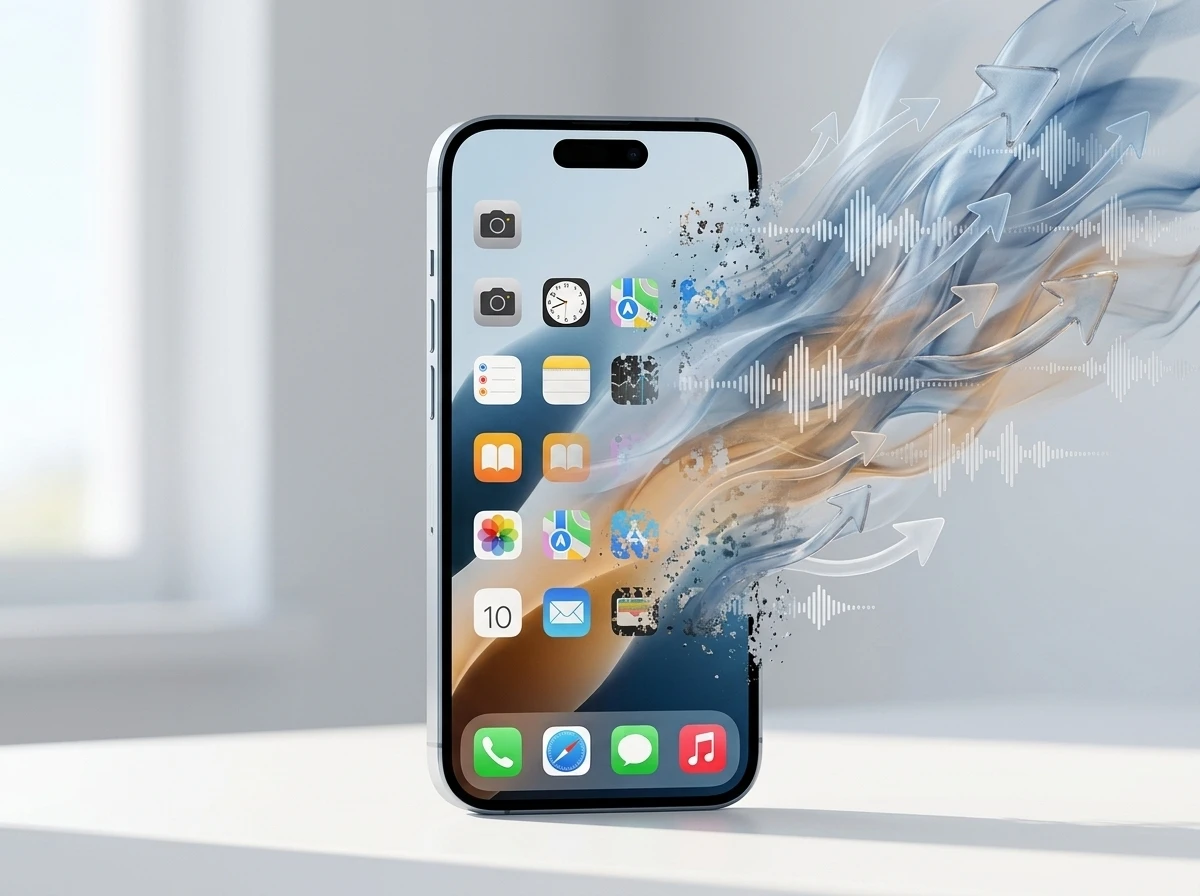
iOS 27 Beta 5 keeps polishing Liquid Glass icons and Siri voices while the underlying system quietly elevates background intents and autonomous Siri execution. One detailed analysis of Apple’s updated guidance and the beta sees this as the start of the app grid’s long demotion from daily command center to legacy filing cabinet.
The visual home screen is not vanishing this fall. But the second-order shift is already visible in how tasks complete without a full-screen launch.
What Beta 5 Prioritizes
Apple released the fifth developer beta of iOS 27 on August 10. Testers report refreshed icons for Safari, Siri, Settings and others, adjustable Siri pace and expressivity including British English voices, and continued work on the rebuilt assistant.
The bigger change sits underneath. Siri AI, powered by the next generation of Apple Intelligence and Siri AI, draws on personal context across messages, email and photos, understands on-screen content, and performs deeper actions inside and across apps. A dedicated Siri app stores conversation history and syncs it privately via iCloud.
Visual Intelligence reaches into the Camera viewfinder. Performance gains include faster app launches. These sit alongside the iOS 27 Beta 5 camera and Siri mode details already tracked on this site. The grid remains. The agent layer claims more of the work that used to require tapping an icon.
- Personal context search across apps without opening them
- On-screen awareness so Siri acts on what the user sees
- Dedicated Siri app for multi-turn history and continuity
- Background-capable intents that survive past the old 30-second wall
Public beta access has carried waitlists for full Siri AI features, matching the public beta Siri AI waitlist experience many users hit earlier in the cycle.
Intents Move Past the Screen
App Intents, the framework that already fed Shortcuts, Spotlight and earlier Apple Intelligence, receives mechanical upgrades in iOS 27. LongRunningIntent lets an action request extended background time for syncs, file work or on-device inference. Progress reporting is required; Live Activities can surface that progress automatically on the Lock Screen.
SyncableEntity keeps the same object identity across a user’s iPhone, Mac and Watch so a conversation can hand off cleanly. IndexedEntityQuery lets the system ask an app to repair its own Spotlight index. Entity and intent schemas feed the semantic index and let people trigger actions with natural language, without rigid phrase lists.
Apple’s developer materials stress that App Intents schemas for natural language actions make content and capabilities available system-wide. View Annotations map on-screen elements to entities so Siri can reference what is visible. The engineering emphasis is clear: finish the job invisibly when possible.
| Capability | Before iOS 27 | iOS 27 Change |
|---|---|---|
| Background runtime | ~30-second ceiling | LongRunningIntent with progress |
| Cross-device identity | Local IDs only | SyncableEntity stable IDs |
| Spotlight repair | Manual or delegate | IndexedEntityQuery on demand |
| Action discovery | Phrase-heavy or limited | Schemas + natural language |
| On-screen link | Limited | View Annotations for entities |
These are not cosmetic. They let Siri assign a marathon log or a library sync to whichever background service handles it best, then report back without forcing the user through a full app UI.
Developers Face a New Compliance Surface
Apple’s own developer messaging encourages teams to connect apps to Siri AI for personal context, actions and on-screen awareness. The updates that make apps more discoverable via Siri sit alongside new Foundation Models access and Core AI for on-device LLMs.
Small-business developers under certain download thresholds get free Private Cloud Compute access for the next-generation models. Custom models can still run locally. Xcode 27 adds agentic coding tools from multiple providers.
The practical demand is different from past years. Studios that poured resources into elaborate full-screen dashboards now need solid intent schemas, progress reporting and entity definitions if they want Siri to surface them. Custom data that does not map cleanly to published schemas can sit outside the richest agentic paths, a point raised in developer forums.
- Adopt LongRunningIntent and ProgressReportingIntent for anything non-trivial
- Expose entities with stable, preferably cross-device IDs
- Map views to entities for on-screen awareness
- Prefer schemas that the system already understands
- Treat the visual UI as one surface among several, not the only one
Crowd reaction among builders already shows rebuilds aimed at Foundation Models and App Intents rather than pure visual polish. Icons still get refreshed in Beta 5. The growth surface is the intent layer.
A Familiar Interface Hand-Off
The source analysis compares the moment to the shift from command-line interfaces to graphical ones. That earlier change did not delete terminals overnight. It moved most daily work to a higher layer while the old surface stayed for power users and system tasks.
iOS has followed a similar pattern. SpringBoard’s grid defined the iPhone from 2007. Widgets, App Library, Focus modes and Spotlight gradually reduced the need to hunt every icon. Siri AI and long-running intents accelerate the same logic: surface the function, hide the container when possible.
- 2007-2010: Pure grid and full-screen apps define the platform
- 2010s: Multitasking, widgets, Spotlight and SiriKit begin offloading
- iOS 16-26: App Intents become the contract for Shortcuts, widgets and early Intelligence
- iOS 27: Background extension, schemas, personal context and on-screen awareness make invisible completion practical
The grid becomes the place for settings, legacy tools and deliberate browsing. Everyday utilities move into the agent.
Hardware Trajectory Beyond the Rectangle
Smart glasses, audio wearables and ambient devices need an interface that does not assume a rectangle full of icons. Training hundreds of millions of users to issue semantic requests and accept background results is the software prerequisite.
Apple’s Watch already shows a dynamic grid of five Siri-suggested apps. That is a small preview. Once Siri can reliably finish multi-step work across devices with consistent entity identity, the pressure for a large always-on screen drops. The source projects a direct line to screenless ecosystems and an eventual iPhone that functions more as a personal node than a visual dashboard.
None of that ships in September. The software habits do. Call context and FaceTime dual capture in iOS 27 already show the system pulling more intelligence into live experiences without forcing extra taps.
Branding and the Visual Storefront Lose Ground
For more than a decade, discovery ran through App Store charts, icon design and screenshots. If the primary path becomes “Siri, log this run” or “handle the bill split from this screen,” the icon and the storefront screenshots matter less. Apps risk becoming interchangeable background APIs. The analysis calls this brand erasure: distinct visual destinations demoted to invisible utilities.
Development shops still spending heavily on elaborate graphical dwell experiences are building for a surface that will handle a shrinking share of tasks. The counter-pressure is real. Users still open games, creative tools and complex apps by hand. But utility and productivity categories face the sharper cut.
The architecture of iOS 27 provides a clear hardware trajectory leading directly to the iPhone 20. By training a massive global consumer base to interact with semantic intelligence rather than visual icons, Apple is paving the immediate pathway for screenless hardware ecosystems.
That framing comes from the same long-form analysis of Beta 5 and the Human Interface direction. Official Apple materials never declare the grid obsolete. They simply make the invisible path faster and more capable every release.
What Survival Looks Like in the New Index
The practical response for product teams is not to abandon UI. It is to treat the app as a well-indexed node first. Clean entities, reliable long-running intents, on-screen annotations and schema compliance determine whether Siri offers the app or routes around it.
Visual craft still differentiates when a user does open the full interface. The difference is volume. Behavioral projections in the analysis put manual launches on a steep decline within two years. Even if the exact percentage is model-dependent, the direction matches the engineering priorities: finish more work off-screen, surface only what is needed, keep the grid for the rest.
Apple continues to ship prettier icons and a Liquid Glass transparency slider. That coexistence is the tell. The company is not deleting the old surface. It is teaching the new one to carry more of the load. Developers and brands that treat the intent index as optional will find themselves filing cabinets in a system that increasingly prefers agents.
The glass rectangle that defined a generation is not gone. It is learning to step aside when the user simply states the goal.


South Korea Retail Investors Face Reckoning After KOSPI AI Rally Collapses

Surrey AI Maps Three Heart Attack Paths and Their Molecular Roots

Germany Locks Neutral Apple ATT Prompts Across Most of Europe

Apple’s 5% EU Fee Quietly Rewrites Alternative App Store Math

Apple’s EU Fee Truce Cuts Complexity but Leaves Rivals Fuming

Pixel 11 Pro Fold Trades Thinness for Durability and Seven-Year Stay

Mayo AI Flags HCM Obstruction From Everyday Ultrasound Videos

Indian Brands Quietly Scale Landmark Screens and Home Tech

Navin Vatsa Turns Grief Into a Lifetime of Quiet Seeing

Google Bets Pixel 11 Agentic AI Will Redefine Phones

Oracle Cuts 21,000 Jobs in a Year, Cites AI in 10-K Filing

Fable 5 and Mythos 5 Return as US Lifts Anthropic Export Controls

SpaceX’s Google Deal Turns a Rocket Company Into a Cloud Landlord

CD Projekt Red Co-CEO: Redemption Arc Isn’t Done, Witcher 4 in 2027

XPL Rallies 30% Ahead of Plasma One Card Tier Launch

Google Search Profiles Build a Follow Graph Inside Discover

DGO App Brings Rs 549 Mobile Pass for FIFA World Cup 2026 in Nepal

Moonshot AI Targets $30 Billion in China’s Fastest AI Funding Sprint

Oppo’s ColorOS 17 Eligibility List Leaves A-Series Buyers Behind

Microsoft Xbox Layoffs Start in July as Sharma Slams 3% Margin
-
 AI2 months ago
Oracle Cuts 21,000 Jobs in a Year, Cites AI in 10-K Filing
-
 AI2 months ago
Fable 5 and Mythos 5 Return as US Lifts Anthropic Export Controls
-
 AI3 months ago
SpaceX’s Google Deal Turns a Rocket Company Into a Cloud Landlord
-
 GAMING2 months ago
CD Projekt Red Co-CEO: Redemption Arc Isn’t Done, Witcher 4 in 2027
-
 CRYPTO3 months ago
XPL Rallies 30% Ahead of Plasma One Card Tier Launch
-
 NEWS3 months ago
Google Search Profiles Build a Follow Graph Inside Discover
-
 APPS3 months ago
DGO App Brings Rs 549 Mobile Pass for FIFA World Cup 2026 in Nepal
-
 AI3 months ago
Moonshot AI Targets $30 Billion in China’s Fastest AI Funding Sprint