
AI
Lumo Cannot Run Proton Mail the Way Gemini Runs Gmail
Proton’s Lumo 2.0 matches chat quality, but zero-access encryption still blocks Gemini-style commands across Mail, Keep, Maps, and WhatsApp.

Proton’s Lumo 2.0 can chat, search, and read Drive files you pick, but it still cannot command Proton Mail, Calendar, or Pass the way Gemini commands Gmail. The block is zero-access encryption, which is also the reason to leave Google.
Turn on Gemini’s Personal Intelligence and Gmail, Keep, Maps, Photos, and WhatsApp become one surface you talk to. Proton’s apps stay separate unless you drop a file into a Lumo chat.
The Individual Proton Apps Were Fine
A weeks-long tryout of Proton Mail, Calendar, Drive, and Pass on Android does not fall apart in any one of those apps. Mail is polished. Calendar covers a normal day. Drive stores files and can mint password-protected links. Pass handles logins. The Android clients even share a look, so the suite feels like one maker, not four downloads.
That is a different problem than the one privacy fans had five years ago, when the complaint was that Proton had email and little else. Proton Workspace now bundles Mail, Calendar, Drive, Docs, Sheets, Meet, VPN, and Pass, with Lumo on the Premium plan. Replacing those Google apps one by one is the easy part.
The hard part starts when you stop opening apps and start issuing jobs. Find a line in a note, send it in a chat, pull a hotel name, and start navigation. Google no longer wins that loop with a better editor. It wins because Gemini sits on top of the stack and does the handoff.
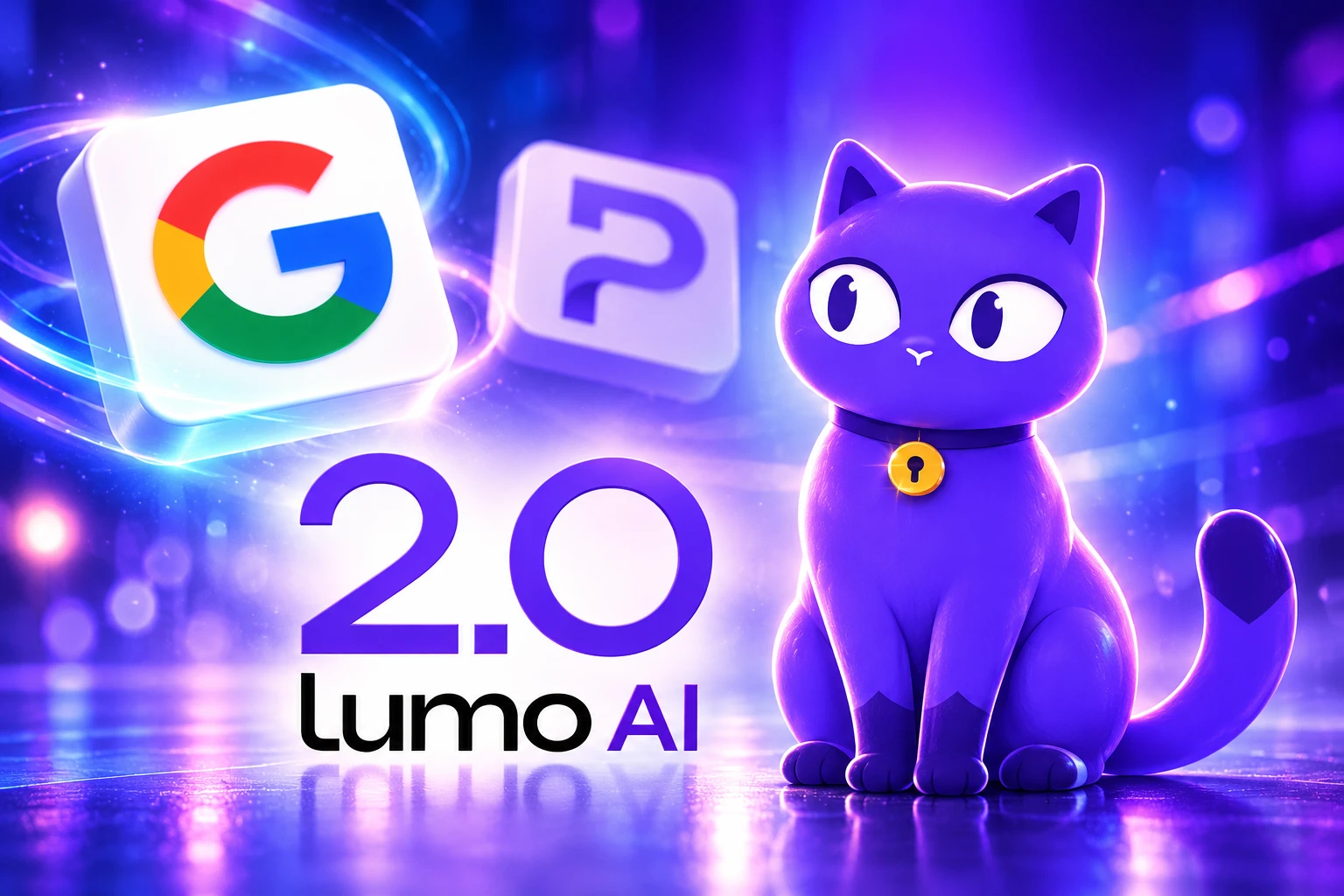
Gemini Treats Gmail, Keep, and Maps as One Surface
Gemini on Android is a chatbot with keys. Personal Intelligence lets it use data in Google Photos, YouTube, and Google Workspace, which covers Gmail, Calendar, Drive, Docs, Sheets, Slides, Keep, Tasks, Chat, and Meet. Search services in the same setting include Search, Maps, Shopping, Flights, Hotels, Translate, and News. Contacts join the list in the United States, in English, on an AI Ultra plan.
Third-party hooks matter as much as the Google ones. Gemini can make calls and send messages with your default apps or WhatsApp on Android devices. That is how a driving prompt becomes an ETA text without opening Maps, then WhatsApp, then the right thread.
GEMINI VS LUMO ON THE COMMAND LAYER
| Surface | Gemini, with apps connected | Lumo 2.0 |
|---|---|---|
| Gmail connected; summarize and act | No Proton Mail hook | |
| Calendar | Connected | No Calendar hook |
| Drive / files | Connected across Drive | Only files you add to a chat knowledge base |
| Docs and Sheets | Connected | Documents, spreadsheets, code, and PDFs; Proton Docs soon |
| Notes and tasks | Keep and Tasks connected | No Proton Keep or Tasks app |
| Maps | Connected, including public Maps data in Live chats | No Proton Maps app |
| Photos | Google Photos connected if eligible | Images inside a chat; Drive pictures soon |
| Chat apps | Messages and WhatsApp on Android | No message-app hook |
The useful trick is not one of those rows. It is two or three rows in a single request, which is what a person actually says out loud.
MULTI-STEP PROMPTS GEMINI ALREADY RUNS
- Note to chat: Pull a recipe or address from Keep and send it through Messages or WhatsApp.
- Drive-time ETA: Ask for the current arrival time and share it with a contact without leaving the assistant.
- Note to map: Read a restaurant or hotel name from Keep and start navigation in Maps.
- Photo recall: Ask for the best shots from a trip and search Photos instead of scrolling a camera roll.
That is the layer a Proton switch has to match, and it is not a chatbot feature. It is an always-on read of mail, notes, location, photos, and chat, plus the right to act in those apps.
Lumo 2.0 Is Still a Chat Window
Proton shipped Lumo 2.0 on June 30, 2026, and called it the largest upgrade since launch. The company said more than 10 million people have started using Lumo, and that the assistant runs on European infrastructure under Swiss privacy law. On the Artificial Analysis Intelligence Index, Proton said Lumo 2.0 Max scores 240% higher than Lumo 1.4, with Lite 127% higher. Everyday questions, Proton said, come back up to 76% faster.
LUMO 2.0 ON PAPER
- Users: More than 10 million people have started using Lumo since launch.
- Same locks as Mail: Zero-access encryption is the architecture Proton says already covers over 100 million Mail and Drive users.
- Index jump: Max is 240% higher than Lumo 1.4; Lite is 127% higher, per Proton’s reading of the index.
- Context: The context window is twice as large, with user-controlled memory, encrypted Projects, and Custom Lumos.
Lumo 2.0 also gained image analysis, image editing, image generation, live web search with citations, Fast and Thinking modes, and a Drive knowledge base. That is a serious private chatbot. It is still a window you open, not a layer that can reach Mail or Calendar on its own.
Proton’s spring and summer 2026 roadmap, posted April 24, 2026, promised a Lumo update, a desktop app billed as a central hub, and a Lumo API. It did not promise a Mail or Calendar command layer. 2.0 looks like that update. The hub still is not Gemini’s connected-apps list.
You Have to Hand Lumo the File
Lumo’s only first-class hook into the rest of Proton is Drive, and even that hook is a tray, not a search of your cloud. You click add, pick files, and park them in a per-chat knowledge base. Supported types are documents, spreadsheets, code, and PDFs. Proton Docs and pictures are listed as coming soon.
Lumo only sees files you submit in a query and deletes them immediately after processing a response.
Proton, Lumo Drive support page
That sentence is the whole argument. Lumo only sees files you submit, and Proton’s own FAQ says that does not mean Lumo has access to Drive. Gemini’s Personal Intelligence, once the Workspace toggle is on, can look across Gmail, Keep, and Drive without a file picker for each job.
The security model explains why. When you send a prompt, Proton encrypts it on the way to the server, the language-model host decrypts it long enough to write a reply, then the chat is stored with zero-access encryption so even Proton cannot read the history. There are no logs of what you asked, and chats are not used to train models. Ghost Mode wipes the session when you close it.
A silent, always-on read of Proton Mail would break that story, because the assistant would need a standing look at the inbox. A Drive-style path, where you drop one thread into Lumo, would not. Proton built that path for files and stopped. Weeks after 2.0, Lumo still cannot open Proton Mail, and there is no Siri-style system hook either. People who want the Gemini loop inside Proton are still waiting for a product Proton has not shipped.
What Google Takes in Return for the Glue
Google is explicit about the other side of the toggle. If you connect apps, Gemini uses data from those apps and from your Google Account to personalize answers, to do things for you, and to improve Google services, including training generative AI models, for everyone.
Data shared between Gemini and Connected Apps includes things like your saved data from Search services and YouTube, emails, files, events, photos, videos, info about your contacts (such as phone numbers, addresses, and birthdays), and location info (from your IP address, device, and content), as well as insights drawn from them.
Gemini Apps Help, Google
Photos data, Google says, can be used to infer interests, relationships, and where you have been, including by tying a face to locations and timestamps. Human review is in the same notice. Disconnecting an app does not wipe Gemini Apps activity. Deleting a photo or an email may take days to change what Gemini still “knows.”
That is a lousy privacy deal, and it is also why the assistant can find a Keep note and put it on WhatsApp while you drive. Lumo’s pitch is the reverse: no training, no logs, no standing inbox access. The cost of that pitch is that Lumo cannot pretend it already lives inside every Proton app.
Keep, Maps, and WhatsApp Have No Proton App
Even a future Lumo that could read Mail and Calendar would not finish the switch the Android tryout described. The jobs that made Gemini sticky were Keep, Tasks, Maps, Photos, Messages, and WhatsApp. Proton Workspace does not sell a Keep, a Tasks list, or a map. There is no Proton Photos library with a “Vietnam trip” query, only Drive plus whatever you upload into a Lumo chat.
WhatsApp is Meta’s. Maps is Google’s. Keep is Google’s. A privacy company can clone Gmail and still lose the day if the assistant’s best tricks run through apps it does not make and cannot silently read. Cloning the remaining apps would not fix the deeper bind. The more a note, a photo, or a mailbox is actually private, the less an assistant can treat it as one big API.
Paid Lumo users already bump into the chat-window limits. Chats vanish, memory misses dates that were just typed, and there is no clean export of a long thread. Those are product bugs, and they are also a reminder that Lumo is still a conversation you manage, not a layer that keeps state across Mail, Calendar, and Drive unless you keep feeding it files.
After the Experiment, the Glue Got Tighter
Google did not freeze the stack after people noticed the lock-in. In early September 2026 it rolled out live voice control in Gmail, Docs, and Keep for paid Gemini plans. Keep Live is Android-only. Gmail and Docs run on Android and iOS. The assistant you talk to is now inside the apps, not only in a Gemini overlay.
HOW THE FIGHT MOVED OFF THE APPS
- April 24, 2026: Proton’s spring and summer roadmap lists a Lumo speed update, a desktop hub, and a Lumo API, with no Mail or Calendar agent.
- June 30, 2026: Lumo 2.0 ships with reasoning modes, images, memory, web search, and a Drive knowledge base.
- August 2026: A full Proton app tryout on Android still dies on Gemini’s cross-app commands, not on Mail or Drive quality.
- Early September 2026: Gmail, Docs, and Keep gain live voice on paid Gemini plans, which pulls the assistant deeper into Google’s own apps.
Proton can still add a Mail knowledge base. It can still let you drop a calendar into a Project. It can still put Lumo on the desktop and call it a hub. That is not Gemini’s model, which is a stack toggle plus a license to train, plus Maps and WhatsApp. Until Lumo can take a user-granted look at Mail and Calendar the way it already takes a file from Drive, the privacy suite stops at the chatbot, and the chatbot is not what holds the Android day together.

Instagram Plus Tests a Read-Only Mode That Cuts Stories

Altman Asks the Public to Accept Some AI Harm

Google Freezes OSS VRP Product Reports After AI Flood

AI Agents Make Payment Rails the Scarce Prize

Turkey’s Crypto Boom Now Runs Through Three Banks

Fable 5 Came Back Under a Commerce On-Off Switch

Google’s SpaceX GPU Lease Has a Sept. 30 Deadline

Plasma One’s XPL Locks Face a 1.81 Billion Cliff

DGO’s Rs 549 World Cup Pass Cost Fans Sleep and Data

Moonshot AI’s $30 Billion Ask Became a $35 Billion Close
-
 AI4 months ago
Fable 5 Came Back Under a Commerce On-Off Switch
-
 AI5 months ago
Google’s SpaceX GPU Lease Has a Sept. 30 Deadline
-
 CRYPTO4 months ago
Plasma One’s XPL Locks Face a 1.81 Billion Cliff
-
 APPS4 months ago
DGO’s Rs 549 World Cup Pass Cost Fans Sleep and Data
-
 AI5 months ago
Moonshot AI’s $30 Billion Ask Became a $35 Billion Close
-
 NEWS5 months ago
ColorOS 17 Device List Spans Oppo, OnePlus and Realme
-

 GAMING4 months ago
Xbox Cuts 3,200 Jobs After Five Years of Thin Returns
-
 GAMING4 months ago
The RTX 4050 Under Rs 70,000 Hides a Wattage Gap