
NEWS
Samsung One UI 8.5 Rollout Starts May 6 With AirDrop Support

Samsung pushed the stable build of One UI 8.5 to Galaxy S25 owners in South Korea on May 6, ending what users have called the longest beta cycle in the company’s history. Ten beta builds. Nearly five months of testing. A 580MB update carrying the build tag CZDP, with the April 2026 security patch and a feature list that quietly lifts most of what shipped on the Galaxy S26 series in February.
The wider global wave begins May 11, expanding from Korea into Europe, North America, India, Hong Kong, Latin America, Southeast Asia, and Taiwan. Samsung says nearly 100 Galaxy phones and tablets will receive 8.5 across 2026, though A-series owners will wait until June and won’t get the full Galaxy AI suite when they do.
What’s Actually New In One UI 8.5
This isn’t a new Android release. One UI 8.5 sits on Android 16 QPR2, the same base layer as One UI 8.0, which means the kernel and runtime are unchanged. What’s new is the feature set Samsung had reserved for the S26 series at launch and is now backporting to older flagships, plus a redesigned interface, a customizable Quick Panel, and a fresh take on Quick Share that crosses platform lines for the first time.
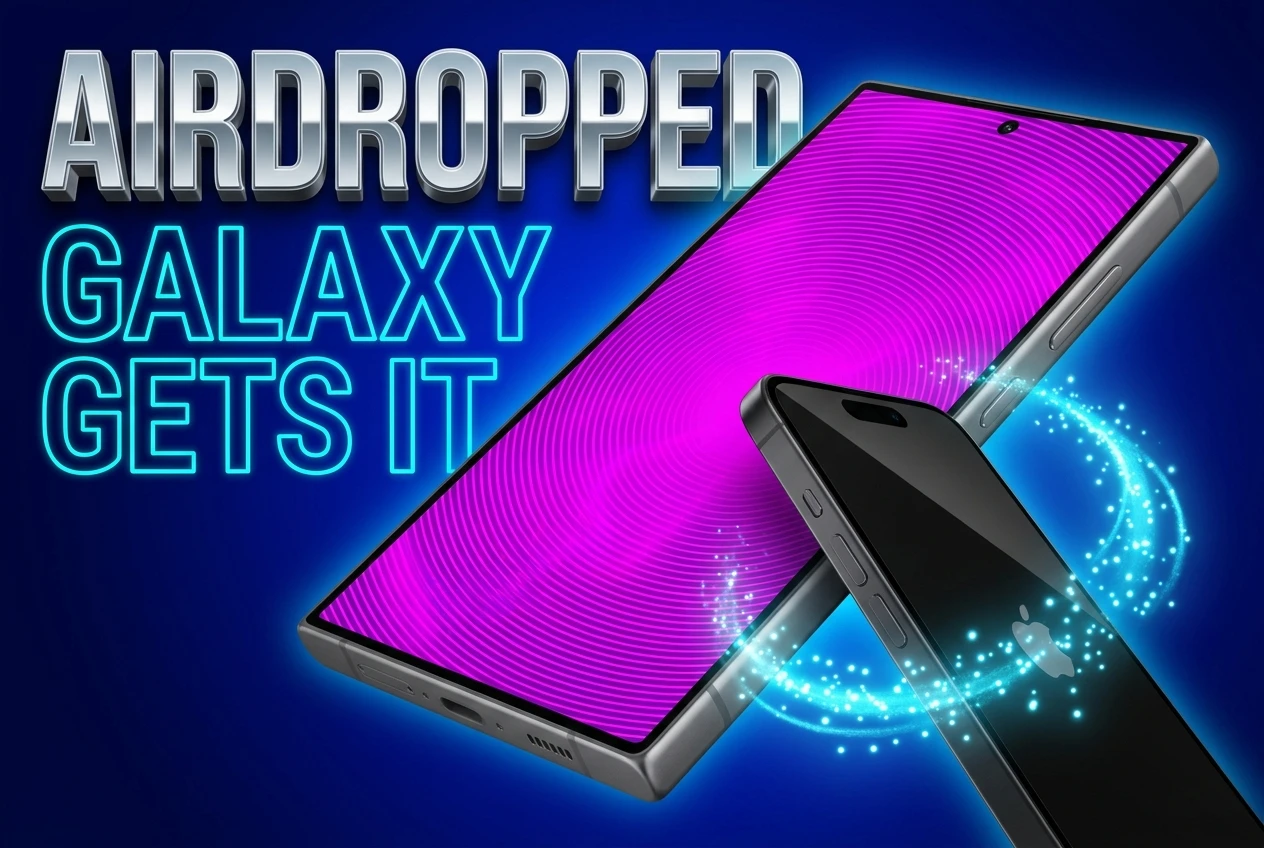
The headline practical addition is AirDrop interoperability through Quick Share. Galaxy phones can now send files directly to iPhones, iPads, and Macs without a third-party app. Google did this first on the Pixel 10 in November 2025 using a translation layer that mimics Apple’s peer-to-peer protocol over Wi-Fi and Bluetooth. Samsung adopted the same approach, then added an opt-in toggle in Quick Share settings that Pixel doesn’t have.
Bixby gets the bigger upgrade. Call Screening picks up unknown numbers, asks the caller who they are, and shows a live transcript so you can decide whether to answer. Agentic Bixby handles multi-step requests across apps. “Find a recent photo of my dog and email it to Amara” is the example Samsung keeps using, and it now works on the Galaxy S24 series, not just the latest hardware.
Devices Getting It First, And The Ones Sitting Out
The first wave covers nine device families. According to Samsung’s official rollout announcement, eligible devices include the Galaxy S25 series, Galaxy S25 FE, Galaxy S24 series, Galaxy S24 FE, Galaxy Z Fold7, Galaxy Z Flip7, Galaxy Z Fold6, Galaxy Z Flip6, Galaxy Tab S11 series, and Galaxy Tab S10 series.
The cut list matters more than the include list for many readers. The Galaxy S21 series (non-FE), the Galaxy Note 20 line, and older Galaxy A, M, and F devices are out. They’ve reached the end of their major-update window. Samsung is not publishing a separate sunset notice; if your phone isn’t on the list, this is the notice.
The A-Series Awesome Intelligence Split
Galaxy A56, A55, A54, A36, A35, and A34 owners will get One UI 8.5, along with their M and F equivalents, but not the full Galaxy AI suite. Samsung is branding the trimmed-down feature set as Awesome Intelligence, a term it confirmed in a German press release before publishing rollout details elsewhere. The label is new. The practice isn’t.
Samsung hasn’t itemized exactly which AI features make the cut on A-series hardware. What’s clear is that the visual redesign, the customizable Quick Panel, the Auracast broadcast tools, and the security additions like Theft Protection and Failed Authentication Lock are universal. Call Screening, agentic Bixby, Photo Assist with text prompts, and Now Nudge appear to be flagship-tier. Mid-range owners should plan for June.
The AirDrop Bridge: How It Actually Works
The mechanics are straightforward once both devices are configured. On the Galaxy, you head to Settings, Connected devices, Quick Share, and flip the “Share with Apple devices” toggle. On the iPhone or Mac, AirDrop visibility has to be set to “Everyone for 10 minutes,” not “Contacts Only,” because contact-based discovery doesn’t work across operating systems.
From there, sharing is a normal Quick Share flow. The Apple device shows up, the recipient taps Accept, and the file transfers over the same peer-to-peer Wi-Fi protocol AirDrop has used for years. SamMobile’s step-by-step setup guide notes that both screens need to stay awake during discovery, and stability improves at close range.
For over a decade, AirDrop was a walled garden. Google bridged the gap on Pixel 10 in November 2025. Samsung followed on the S26 in March 2026. With One UI 8.5, that bridge now reaches the S25, S24, Z Fold 7, Flip 7, Z Fold 6, Flip 6, and even the Galaxy A36.
The catch worth flagging: the permanent “Everyone” AirDrop mode that some users keep enabled is likely on borrowed time. Apple has never been comfortable with always-on visibility, and Samsung has hinted that One UI 9 may formalize the 10-minute window as the only option for cross-platform discovery.
The Five-Month Beta Nobody Asked For
Samsung opened the One UI 8.5 beta program on December 7, 2025, with the Galaxy S25 series. Ten beta builds shipped before the stable release on May 6. By any reasonable measure, that’s the longest mid-cycle beta the company has ever run, and Samsung Community forums show the patience of testers running thin.
The pattern that drew the loudest complaints, documented by Sammy Fans in its April 29 community roundup, is what testers call the deferral cycle. Bugs surfaced in One UI 7 got pushed to 8.0. Bugs reported in 8.5 betas are now being marked for One UI 9. The Notification Panel scaling glitch that broke symmetry on the Clear and Notification Settings buttons appeared in Beta 6 in late February. It survived through Beta 10 in late April. It shipped in the stable build.
Beta Build Highlights
- Beta 8 (ZZCD): Roughly 900MB. Carried the March 5, 2026 patch. Distributed to Korea, India, Germany, and the UK.
- Beta 9 (ZZD5): Around 865MB on the Indian build (S93xBXXU9ZZD5). Nine logged changes.
- Beta 10 (ZZDD): About 915MB. April 5, 2026 patch. Marked as containing “new AI features” and a long bug-fix list.
- Stable (CZDP): 580MB on the S25 Ultra in Korea. April 2026 patch on day one.
Samsung’s defenders point out that maintaining 100 SKUs across multiple chipsets, regions, and form factors is a different problem from shipping iOS to four iPhones. Fair. But when a panel-symmetry bug survives a five-month cycle and ten test builds, the test program isn’t doing the job it’s marketed to do.
The S26-To-S25 Feature Trickle
Most of what Samsung is shipping in 8.5 was already running on the Galaxy S26 series at launch in February. The S25 inherits Photo Assist with text-prompt editing, where you describe the change you want instead of dragging selection brushes. Creative Studio and Object Transfer let you move a person or item from one photo to another inside the gallery. Audio Eraser separates voice, music, and ambient noise in real time during video playback.
Privacy Display deserves a footnote. The hardware-level version, the one that actually masks your screen physically from a side viewer, stays exclusive to the Galaxy S26 Ultra. Older flagships get a software masking layer when sensitive apps like banking or password managers are open. It’s the same name, not the same feature, and that distinction will probably surprise upgraders who read the marketing without the asterisk.
What Every Eligible Device Gets
- Customizable Quick Panel where any toggle, widget, or card moves anywhere
- Bottom-aligned search bar in Settings and other Samsung apps for one-handed reach
- Auracast broadcast and listening controls in a single Audio Broadcast menu
- Storage Share across phones, tablets, PCs, and TVs through My Files
- Family Device Sharing bundling Quick Share, Camera Share, and Multi Control
- Theft Protection plus a Failed Authentication Lock after repeated bad biometrics or PINs
- Partial screen recording for selected regions instead of the full display
- Three new clock styles, finer font weight control, AI Weather Effects on wallpapers
Samsung’s Q1 Math Sets The Stakes
The 8.5 rollout lands while the company is fighting for its grip on the global smartphone market. According to Counterpoint Research’s Q1 2026 global shipment report, Apple led with 21% share against Samsung’s 20%, with Samsung shipments down 6% year-on-year. Counterpoint blamed the delayed Galaxy S26 launch and weak entry-level performance.
The numbers vary by analyst. Omdia put Samsung first at 22% on 65.4 million shipments, an 8% year-on-year gain. IDC had Samsung at 21.7% versus Apple’s 21.1%, a 1.7 million unit lead. Three firms, three different winners, one shared takeaway: the gap between Apple and Samsung at the top of the smartphone pyramid is now small enough that software cycles like 8.5 carry retention weight that didn’t exist five years ago.
That’s why backporting S26-tier AI to the S24 line matters commercially, not just technically. A Galaxy S24 owner whose two-year carrier contract ends in late 2026 needs a reason to pick the S27 over an iPhone 18. Keeping that user on a fresher version of Samsung’s AI stack is part of the answer.
Tips Before You Tap Update
Three things matter before you start the install. Beta testers should not manually withdraw from the beta program after the stable build arrives. Doing so triggers a forced factory reset back to One UI 8.0. Wait for the bridge OTA, which migrates beta participants to the stable channel automatically without wiping data.
Back up with Smart Switch first. Keep the phone plugged in or above 50% battery. The S25 Ultra build comes in around 580MB, but A-series builds are likely to run larger because they include initial install assets for Awesome Intelligence components.
One more flag worth noting. Some Galaxy AI features still require an internet connection and a Samsung account sign-in despite the on-device framing in Samsung’s marketing. If your phone isn’t on Wi-Fi or you’ve never linked a Samsung account, several of the headline AI tools will sit greyed out until you do.
Frequently Asked Questions
When Will One UI 8.5 Reach My Country?
The Korean rollout started May 6. Global expansion begins May 11, covering Europe, the United States, the United Kingdom, India, Hong Kong, Latin America, Southeast Asia, and Taiwan over the following two to three weeks. Flagship S25 and S24 owners get priority. Foldable owners on the Z Fold 7 and Flip 7 follow shortly after. Galaxy A, M, and F series users should plan for June. Check Settings, Software update, Download and install once the wave reaches your region.
Can I Still AirDrop From My iPhone To My Galaxy S24 After Updating?
Yes, in both directions, once you flip the “Share with Apple devices” toggle in Settings, Connected devices, Quick Share. The iPhone or Mac sender has to set AirDrop visibility to “Everyone for 10 minutes” because contact-based discovery doesn’t carry across iOS and Android. No third-party app is required on either side. Keep both screens awake during the transfer and stay within close range for stable peer-to-peer Wi-Fi handoff.
Will My Galaxy A55 Get The Same AI Features As My Friend’s S25?
No. The A55 falls under Awesome Intelligence, Samsung’s trimmed AI tier for mid-range hardware. You’ll get the visual redesign, the customizable Quick Panel, Auracast controls, Theft Protection, and Failed Authentication Lock. Flagship-only features like Call Screening with live transcript, agentic Bixby for multi-app tasks, full Photo Assist with text prompts, and Now Nudge are reserved for S and Z series devices. Samsung has not published a complete Awesome Intelligence feature list yet.
Should I Withdraw From The Beta Program Before Updating?
No, do not withdraw manually. If you do, your phone will force a factory reset back to One UI 8.0 and erase your data. Samsung pushes a bridge OTA automatically that moves beta testers to the stable CZDP build without wiping the device. Wait for it to land in your update queue, back up with Smart Switch as a precaution, keep the phone above 50% battery, and let the migration run.
Why Is The Notification Panel Scaling Bug Still There?
It survived ten beta builds. The flaw shows up when you expand the Notification Panel, where the Clear and Notification Settings buttons sit out of proportion. Samsung Community moderators have flagged it since Beta 6 in late February. The fix appears to be deferred to One UI 9, which is expected to ship later in 2026 with the Galaxy Z Fold 8. Workaround: there isn’t one. The panel still functions, only the layout is off.
One UI 8.5 lands as a solid feature drop wrapped in a frustrating delivery story. The AirDrop bridge alone is enough to justify the install for anyone in a mixed-device household, and the S26-tier AI features finally make the S24 feel current again. Whether the next cycle gets cleaner depends on whether Samsung treats this rollout as a ceiling or a floor.


Samsung’s Design Chief Molds the Fold8 Like a Passport

Qualcomm Stretches Snapdragon 8 Elite Gen 5 as Chip Costs Climb

Thailand and the Philippines Force Crypto Exchanges to Hunt Scammers

WhatsApp Adds Adobe-Powered PDF Tools and Hands-Free Car Mode

Samsung’s Smart Glasses Replay Android’s Old Playbook Against Meta

Xbox Backward Compatibility Hits PC After Microsoft Called It Done

A New Nautilus Extension Restores GNOME’s Lost Computer View

Bezos’s Prime Video AI Overhaul Puts Studio Deals at Risk

Samsung’s PCIe 6.0 AI SSD Arrives Five Months Behind Micron

Coinbase Grows Singapore Staff to 200 After Global Cuts

Fable 5 and Mythos 5 Return as US Lifts Anthropic Export Controls

SpaceX’s Google Deal Turns a Rocket Company Into a Cloud Landlord

CD Projekt Red Co-CEO: Redemption Arc Isn’t Done, Witcher 4 in 2027

XPL Rallies 30% Ahead of Plasma One Card Tier Launch

DGO App Brings Rs 549 Mobile Pass for FIFA World Cup 2026 in Nepal

Oracle Cuts 21,000 Jobs in a Year, Cites AI in 10-K Filing

Moonshot AI Targets $30 Billion in China’s Fastest AI Funding Sprint

Google Search Profiles Build a Follow Graph Inside Discover

Microsoft Xbox Layoffs Start in July as Sharma Slams 3% Margin

Oppo’s ColorOS 17 Eligibility List Leaves A-Series Buyers Behind
-
 AI4 weeks ago
Fable 5 and Mythos 5 Return as US Lifts Anthropic Export Controls
-
 AI2 months ago
SpaceX’s Google Deal Turns a Rocket Company Into a Cloud Landlord
-
 GAMING1 month ago
CD Projekt Red Co-CEO: Redemption Arc Isn’t Done, Witcher 4 in 2027
-
 CRYPTO1 month ago
XPL Rallies 30% Ahead of Plasma One Card Tier Launch
-
 APPS2 months ago
DGO App Brings Rs 549 Mobile Pass for FIFA World Cup 2026 in Nepal
-
 AI1 month ago
Oracle Cuts 21,000 Jobs in a Year, Cites AI in 10-K Filing
-
 AI2 months ago
Moonshot AI Targets $30 Billion in China’s Fastest AI Funding Sprint
-
 NEWS2 months ago
Google Search Profiles Build a Follow Graph Inside Discover