
APPS
iOS 27 Ends Official AirPort Utility and Time Capsule Support
iOS 27 ships with AirPort Utility unsigned and Time Capsule backups cut, eight years after Apple stopped selling the routers.

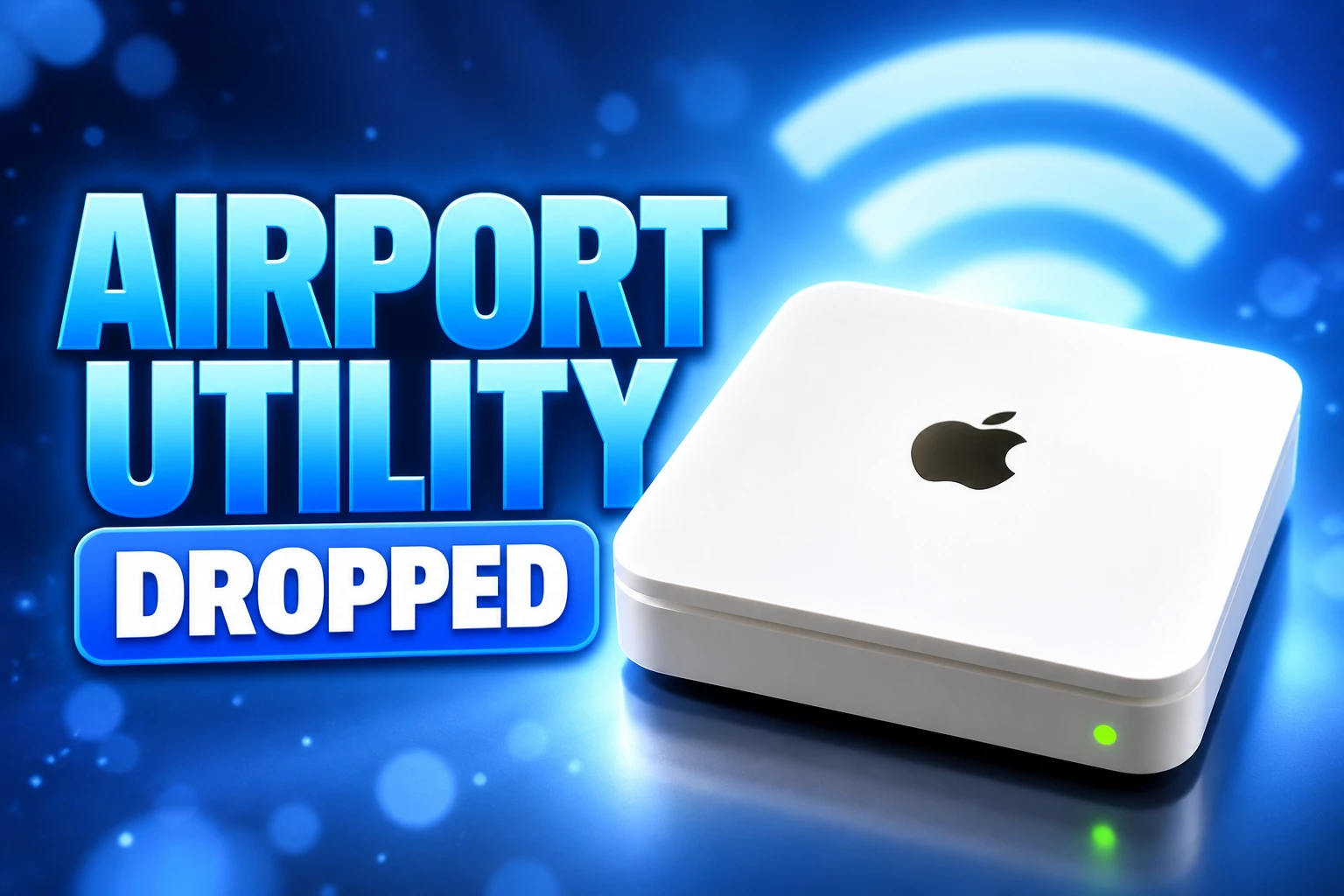
Apple’s iOS 27 and iPadOS 27 RC notes say AirPort Utility will no longer be available for new App Store downloads, and they add that the app is not guaranteed to work on iOS 27 and later. The same cut is in the macOS 27 Golden Gate RC notes, which drop the app from clean installs while leaving an existing copy in place after an update.
iOS 27, iPadOS 27, and macOS 27 Golden Gate reach the public on September 14, 2026. Apple has not named a date for the store listing to vanish, so the official end of AirPort Extreme, AirPort Express, and Time Capsule management arrives as an operating-system warning, eight years after the company stopped selling the hardware.
iOS 27 Ships With AirPort Utility Already Written Off
The wording in the iOS 27 RC deprecation notes is short, and it has not softened since developer beta 2 on June 22, 2026. It is still filed under Deprecations, still tagged 158364073, and still written in the future tense for the store.
AirPort Utility will no longer be available for new downloads from the App Store. If you previously downloaded the app, you can still re-download it. When using AirPort Utility on iOS 27 and later, functionality is not guaranteed.
iOS and iPadOS 27 RC Release Notes, Apple Developer Documentation
That last sentence is the one that matters for anyone who already owns the app. A purchase-history copy is not a support contract. Apple is telling you the binary may sit on the phone and still fail to talk to a base station after the update.
By late August, the seventh developer beta was already treating the iOS app as finished. People replacing Time Capsule hard drives were hitting format failures on macOS 27 betas when they reached for the official tool, which is a preview of the same gap the RC notes now ship to everyone.
The App Store Cut and the Mac Install Catch
Phone, tablet, and Mac do not lose the app in the same way. iPhone and iPad users who never downloaded AirPort Utility lose the public listing once Apple pulls it. People who grabbed it earlier can pull it again from purchase history. Mac users who do a clean install of macOS 27 do not get the app at all. An in-place upgrade keeps whatever copy is already in the Utilities folder.
HOW EACH SYSTEM TREATS THE APP
| System | New copy | After you update | Apple’s promise |
|---|---|---|---|
| iOS 27 and iPadOS 27 | App Store listing going away; prior downloads can be restored from purchase history | The app can remain on the device | Functionality is not guaranteed on iOS 27 and later |
| macOS 27 Golden Gate | Not included with a new clean install | Stays if it was already installed | Functionality is not guaranteed starting in macOS 27 |
The Golden Gate AirPort Utility notes use a different bug number, 158248382, but the same hedge. Apple has not published a calendar date for the iOS listing to disappear, and the RC text still says the store cut “will” happen. Anyone who never installed the app still has a window, and that window is undocumented.
The June App Store removal warning was the first public tell. The September 14 software drop is when that warning collides with a shipping system that no longer promises the app will work.
Eight Years After Apple Left the Router Business
On April 26, 2018, Apple said it was discontinuing the AirPort base station products and would sell remaining stock through Apple.com, retail stores, and authorized resellers while supplies lasted. The last AirPort Extreme and Time Capsule hardware dated to 2013. The last AirPort Express dated to 2012. No replacement router followed.
Firmware did not stop on the same day. Apple’s archived support page still points owners at AirPort Utility to install updates, and it still lists those builds as current. The page itself was last published on September 17, 2025, and Apple has marked it archived.
THE LONG SUNSET
- April 26, 2018: Apple stops selling AirPort Express, AirPort Extreme, and Time Capsule and sells remaining units while supplies last.
- 2019: The last firmware Apple still lists reaches 802.11ac and 802.11n base stations through AirPort Utility.
- April 26, 2025: The seven-year obsolete clock runs out on hardware last distributed in 2018, and Apple’s current obsolete roster includes the late AirPort models.
- June 22, 2026: iOS 27, iPadOS 27, and macOS 27 beta 2 notes say AirPort Utility is leaving the store and is no longer guaranteed to work.
- September 9, 2026: The RC notes repeat that deprecation with no removal date attached.
- September 14, 2026: iOS 27, iPadOS 27, and macOS 27 Golden Gate reach the public with that language intact.
Apple’s own rule is blunt. Products are vintage when the company stopped distributing them more than five years ago and less than seven, and they are obsolete when that gap passes seven years. Hardware service ends for obsolete products, and service providers cannot order parts. Apple’s obsolete products list now names AirPort Extreme 802.11ac, AirPort Express (2nd generation), AirPort Time Capsule (2TB and 3TB), and the older 802.11n Extreme and Time Capsule generations.
THE LAST FIRMWARE APPLE STILL LISTS
| Base station | Firmware | Tool Apple still names |
|---|---|---|
| AirPort Time Capsule 802.11ac and AirPort Extreme 802.11ac | 7.9.1 | AirPort Utility 6.3.2 or later on Mac; AirPort Utility 1.3.4 or later on iPhone and iPad |
| AirPort Time Capsule 802.11n, AirPort Extreme 802.11n, and AirPort Express 802.11n | 7.8.1 | The same Mac and iOS builds; Windows still pointed at AirPort Utility 5.6.1 |
| AirPort Express (original) | 6.3 | AirPort Utility 5.6.1 for older Macs and Windows 7 |
Those listed AirPort firmware versions are the ceiling. There is no newer build waiting behind the App Store listing, and there is no path to a security fix that requires a fresh download of the iOS app after the listing goes.
Time Capsule Backups Lose AFP in Golden Gate
Pulling the utility is the visible housekeeping. The backup break is the cut that actually changes a household’s Mac. Time Capsule, sold from 2008 until 2018, used Apple Filing Protocol for Time Machine over the network. Stock units also speak SMBv1. macOS 27 removes the AFP client, and Time Machine on that system wants SMBv2 or SMBv3. An unmodified Time Capsule meets neither bar.
Apple had been walking away from AFP for years. OS X 10.9 Mavericks made SMB the default for file sharing in 2013, macOS 11 Big Sur removed the AFP server in 2020, and macOS Sequoia 15.5 deprecated the AFP client. macOS 26 Tahoe warned that AirPort Disk and Time Capsule disks would lose support in the next major release. Golden Gate is that release.
macOS 27 also raises the floor for some network connections to TLS 1.2, which Time Capsule hardware cannot meet. Existing backup data stays on the drive, but Time Machine on Golden Gate will not treat the box as a valid destination, so the native restore path does not run against that disk the way it did on macOS 26.
Macs that stay on macOS 26 keep AFP and can still use a Time Capsule as a Time Machine disk. That is the quiet holdout path for machines that never install Golden Gate. It is also a stall, not a plan, because the management app on a companion iPhone is the piece iOS 27 is about to strand.
Why Wi-Fi Techs Still Need the Scanner
AirPort Utility is the only free iPhone app that can show a passive list of neighboring Wi-Fi networks without extra hardware, because Apple gave its own tool a private scanning entitlement that third-party developers cannot use. You do not need an AirPort base station for that scan. Field techs turn the scanner on in Settings, open the app, and tap Wi-Fi Scan.
Keith Parsons, CWNE #3 and founder of WLAN Pros, put the limit in plain language in his 2026 field guide to iOS Wi-Fi tools: no other free app can show that neighbor list on the phone alone. What you get is a list, not a site survey.
No other free app can do what AirPort Utility does: show a passive neighbor list with SSID, BSSID, RSSI, and channel without any external hardware.
Keith Parsons, CWNE #3, The 2026 Field Guide to iOS Wi-Fi Tools
WHAT THE IPHONE SCANNER STILL RETURNS
- Neighbor list: SSID, BSSID, RSSI, and channel for nearby networks, with no AirPort hardware required.
- How you enable it: Settings, then AirPort Utility, then Wi-Fi Scanner, then open the app and tap Wi-Fi Scan.
- What it will not show: information elements, security type, BSS load, or channel utilization.
- Export: a CSV that is a basic list, useful in the field and thin as a professional deliverable.
ISPs and help desks have been sending customers into that flow for years because it is the only on-phone neighbor scan Apple allows. Once new downloads stop, a tech who never installed the app cannot pick it up on a replacement iPhone. A copy restored from purchase history still sits under the same “not guaranteed” line as the router manager.
A Samba Port Keeps the Disk Alive
The unofficial afterlife for Time Capsule is the TimeCapsuleSMB project on GitHub, published by James Chang. It installs a modified Samba 4.25.0rc2 build onto the Time Capsule itself, advertises the share over Bonjour, and accepts authenticated SMB3 connections so Finder can use a normal SMB URL. Time Machine on macOS 27 can then see the disk again.
The installer writes files into /mnt/Flash and a.samba4 folder on the hard drive. It does not erase the disk and does not delete existing Time Machine sparsebundles, though Time Machine may still start a new backup bundle if it cannot reuse the old one. Guest access is off. The Samba password is the current Time Capsule device password, rebuilt in RAM at boot from the live AirPort setting.
Fifth-generation tower units run NetBSD 6 and start Samba on boot. First- through fourth-generation units run NetBSD 4 and need a flash boot hook, or a manual activate after every reboot, or backups go quiet after a power loss. AirPort Extreme is unofficial. It can work if a USB drive is attached, because the binaries will not fit on flash alone.
The July 11, 2026 v2.2.9 release added a macOS 14-and-later GUI app, turned AFP Bonjour advertising off by default to fix a pile of macOS 27 bugs, and still tells you to change the device password in AirPort Utility, then reboot so Samba rebuilds its RAM auth file. The community port does not replace the official app. It still leans on it for password changes.
What Still Works After You Update
The radios do not shut off on September 14, 2026. An AirPort Extreme can still pass packets, an Express can still run a small network, and a Time Capsule drive can still hold files. What Apple is withdrawing is the supported way to configure those boxes from a new iPhone, a clean Mac install, and Time Machine on Golden Gate.
WHAT WE KNOW
- Store path: new App Store downloads are ending; anyone who downloaded the app before can restore it from purchase history.
- Support line: Apple says functionality is not guaranteed on iOS 27 and later, and on macOS 27 after an in-place upgrade.
- Backups: an unmodified Time Capsule is not a Time Machine destination on macOS 27 because AFP is gone and SMBv2 or SMBv3 is required.
- Firmware: 7.9.1 and 7.8.1 remain the last builds Apple lists, and the hardware is on the obsolete roster.
WHAT IS UNCONFIRMED
- Removal date: Apple has not said when the App Store listing actually disappears.
- How long a restored copy lasts: a purchase-history install may keep launching, or it may fail against a base station after the iOS 27 update, and Apple is not promising either outcome.
- TimeCapsuleSMB as a backup plan: the port can speak SMB3, but it is unofficial, generation-specific, and still tied to AirPort Utility for password changes.
If you still run an AirPort box and never installed the iOS app, install it from the store while the listing is up, then keep a Mac that already has AirPort Utility before you wipe that Mac for Golden Gate. If Time Machine is the reason the Time Capsule is still in the closet, stay on macOS 26 or move the backup to a modern NAS before you install 27. The hardware can keep humming. Apple is done promising a tool that talks to it.

Instagram Plus Tests a Read-Only Mode That Cuts Stories

Altman Asks the Public to Accept Some AI Harm

Google Freezes OSS VRP Product Reports After AI Flood

AI Agents Make Payment Rails the Scarce Prize

Turkey’s Crypto Boom Now Runs Through Three Banks

Fable 5 Came Back Under a Commerce On-Off Switch

Google’s SpaceX GPU Lease Has a Sept. 30 Deadline

Plasma One’s XPL Locks Face a 1.81 Billion Cliff

DGO’s Rs 549 World Cup Pass Cost Fans Sleep and Data

Moonshot AI’s $30 Billion Ask Became a $35 Billion Close
-
 AI4 months ago
Fable 5 Came Back Under a Commerce On-Off Switch
-
 AI4 months ago
Google’s SpaceX GPU Lease Has a Sept. 30 Deadline
-
 CRYPTO4 months ago
Plasma One’s XPL Locks Face a 1.81 Billion Cliff
-
 APPS4 months ago
DGO’s Rs 549 World Cup Pass Cost Fans Sleep and Data
-
 AI4 months ago
Moonshot AI’s $30 Billion Ask Became a $35 Billion Close
-

 NEWS4 months ago
ColorOS 17 Device List Spans Oppo, OnePlus and Realme
-

 GAMING4 months ago
Xbox Cuts 3,200 Jobs After Five Years of Thin Returns
-

 GAMING4 months ago
The RTX 4050 Under Rs 70,000 Hides a Wattage Gap