
COMPUTERS
8GB Cards Break the Balanced PC Pairings of 2026
CPU and GPU pairing guides still recommend 8GB cards. Identical-chip tests show 16GB winning by huge gaps at 1440p once VRAM fills.

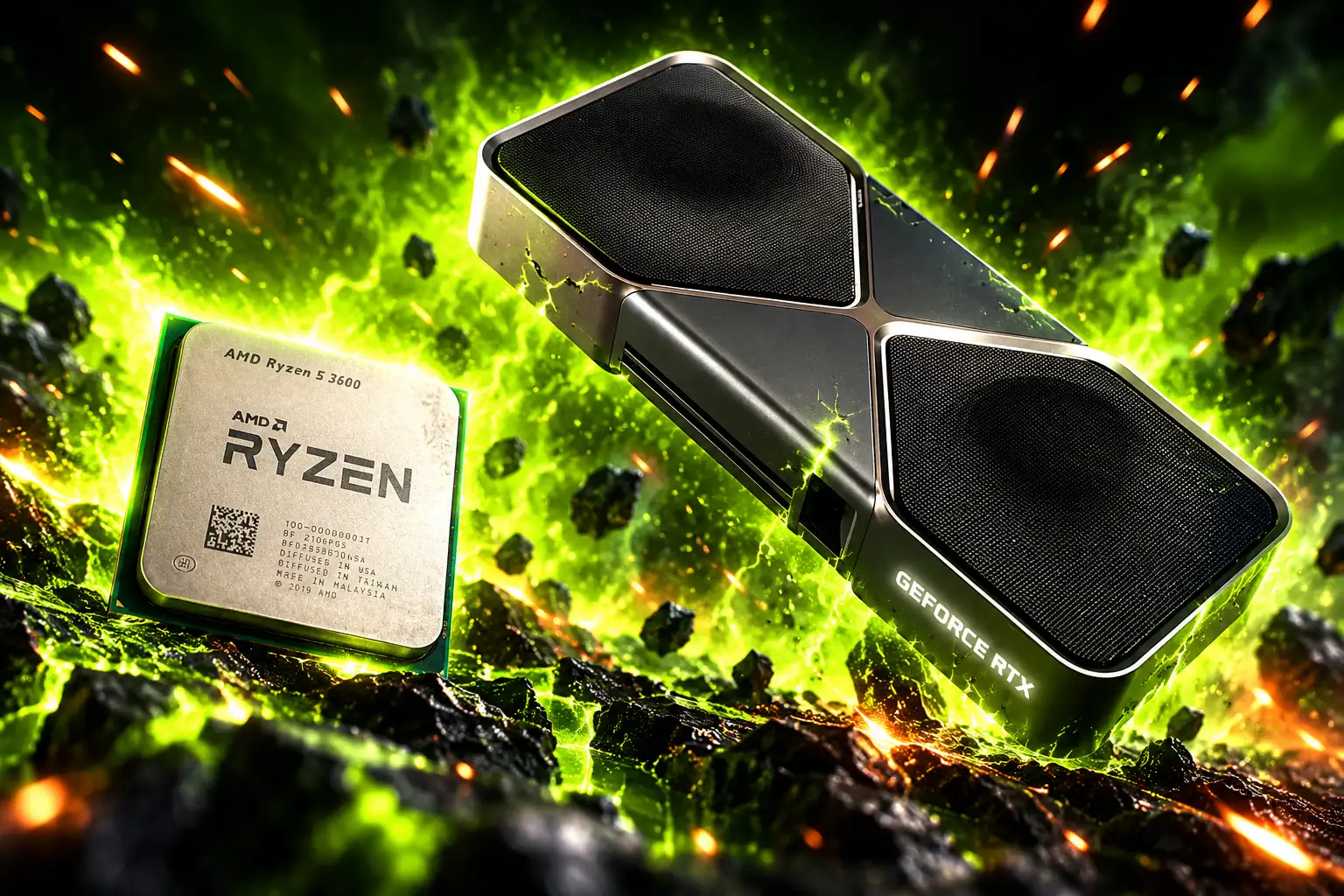
Eight-gigabyte graphics cards still show up in 2026 CPU and GPU pairing lists, then fall apart the moment a 1440p texture pool exceeds local memory. Matching a Ryzen chip to a GeForce or Radeon card does not finish the job if the card is the 8GB SKU, the CPU is a 16-core part games barely use, or the PSU cannot feed a 575 W flagship.
Summer roundups still print those SKU pairs as balanced. The generation moved the limit to video memory, 3D V-Cache, and wall watts.
Pairing Lists Still Sell 8GB Cards as Balanced
Some of those lists still name an RX 960 XT and an RTX 560 Ti. Neither name matches a shipping product. The cards on sale are the Radeon RX 9060 XT and the GeForce RTX 5060 Ti, each sold in more than one memory size.
The 9060 XT launched on June 5, 2025 at $299 for 8GB and $349 for 16GB. The RTX 5060 Ti 16GB launched at $429, with an 8GB twin on the same 128-bit, PCIe 5.0 x8 board. Nvidia’s RTX 5050 shipped at $249 with 8GB of GDDR6 and a 130 W board. Intel’s Arc B580 launched in Q4 2024 with 12GB.
On paper those 8GB parts look like clean 1080p partners for a Ryzen 5 9600X or a 7500F. Competitive shooters at 1080p still fit. High-texture AAA at 1440p does not, and some 1080p ultra presets already spill.
Upscaling does not erase that wall. Frame generation and super resolution keep extra buffers in memory, so an 8GB card asked to lean on DLSS 4 or FSR 4 can run out of room because of the feature that was supposed to save it.
Where 16GB Pulls Away From the Same Chip
The clean test is two RX 9060 XT cards that share clocks and shaders and differ only in capacity. On a Ryzen 7 9800X3D with DDR5-6000, the 16GB card pulls ahead as soon as the working set no longer fits. On an older PCIe 3.0 box the gap turns into a stall, because spilled assets crawl across a 32 GB/s link toward system RAM while local GDDR6 runs at 320 GB/s.
8GB VS 16GB AT 1440P
| Game, 1440p | 16GB avg lead | 16GB 1% low lead | What the 8GB card does |
|---|---|---|---|
| Doom: The Dark Ages, Ultra, FSR Quality | 17% | 27% | Still playable |
| The Last of Us Part II, Ultra, FSR Quality | 22% | 37% | 16GB averages 84 FPS |
| Indiana Jones and the Great Circle, later scene | 184% | 206% | Barely usable; path tracing hidden on 8GB |
| Horizon Forbidden West, Very High | nearly 100% | nearly 100% | 16GB averages 95 FPS, 1% lows just above 60 |
| Monster Hunter Wilds, Ultra, FSR Quality | 46% | 8GB 1% low of 1 FPS | Title uses up to 14 GB; missing textures on 8GB |
| S.T.A.L.K.E.R. 2, Epic, Quality upscaling | 145% | 180% | 16GB around 60 FPS; 8GB not a smooth run |
Indiana Jones on the 16GB card can turn on path tracing and hold 91 FPS at Medium. The 8GB SKU never shows the option. Dragon Age: The Veilguard at Ultra gave the 16GB card 60 FPS on average, 62% ahead, while the 8GB card stuttered hard enough to drop the preset. That is not a CPU mismatch. It is the same GPU running out of its own memory.
The 1440p Seat AMD Took From Nvidia
The RX 9070 XT is the card those lists should be pairing for high 1440p, not a 5060-class part stretched by street price. AMD’s page lists 16 GB of GDDR6 on a 256-bit bus, 64 compute units, a 2970 MHz boost, 64 MB of Infinity Cache, and two 8-pin plugs. Spec sheets put board power at 304 W. Launch MSRP was $599.
SEPTEMBER STREET SPLIT
- Launch MSRP: RX 9070 XT $599; RTX 5060 Ti 16GB $429.
- September 5 test: 52-game raster run, 9070 XT ahead 62% at 1440p and 71% at 4K.
- September 13 listings: 9070 XT $819.99; 5060 Ti 16GB $598.57.
- 9060 XT 16GB: $530 on September 12, against a $349 launch price.
Hardware Unboxed’s September 5 suite is the reason the 9070 XT belongs in the 1440p seat. It was never meant to fight a 5060 Ti, and at similar street money in early September the gap was a product-tier gap, not a rounding error. By September 13 the 9070 XT had become the dearer card, and the 5060 Ti 16GB was the cheaper 16GB Nvidia option, still on a 180 W, 128-bit, x8 board.
Community build logs most often drop a Ryzen 7 7800X3D next to the 9070 XT, 1,288 systems in one tracker. The 9800X3D is the faster gaming chip if the next GPU will be much stronger. Either X3D part is a better pair than spending the extra cores of a 9950X3D on a card that is already GPU-limited at 1440p.
Why X3D Beats a 16-Core Flagship in Games
AMD’s Ryzen 7 9800X3D is still the chip to put under a fast GPU if the box is for games. The product page lists 8 cores, 16 threads, and 96 MB of L3, a 4.7 GHz base, a 5.2 GHz boost, 120W, Zen 5, and AM5 with PCIe 5.0. It launched on November 7, 2024. The 16-core Ryzen 9 9950X3D is the work-and-play part. In games it is up to 4% ahead of the 9800X3D, which is not a reason to pay for the extra CCD if you are not rendering.
Scaling tests with an RTX 5090 at 1080p medium put the 9800X3D 37% ahead of a Ryzen 5 7600X. That lead shrank to 29% at 1440p medium with the same flagship, 20% at 1080p medium with an RTX 5080, and it vanished with an RX 9060 XT once the GPU ran out of headroom. Cache shows up where the GPU is waiting. It does not show up when the card is already maxed.
A CPU-heavy Baldur’s Gate 3 city stretch at 4K with an RTX 5090 still made the point. A 9950X3D averaged 150 FPS; a 9950X without V-Cache averaged 112 FPS. Even at 4K, the extra cache fed the flagship GPU in a scene the shaders could not hide. Pairing a 9950X3D with a 5090 for mixed work is coherent. Pairing it for games alone is buying cores the frame rate does not collect.
The cheap X3D seats are real too. The Ryzen 5 7600X3D and 7500X3D exist, six cores with a large cache, and they are the right partners for a 1080p or light 1440p card if the rest of the platform is AM5. They are a poor match for a 5090 at 1080p high refresh, where the 9800X3D’s extra cores and clocks still move the floor.
A 5090 Pairing Draws 575 Watts Before the Rest of the PC
Nvidia’s GeForce RTX 5090 is the top of every pairing chart because it is the fastest GeForce card in the stack, with 32 GB of GDDR7 and a 575 W board, 21,760 CUDA cores, a 512-bit bus, and a 2.41 GHz boost. Launch MSRP was $1,999. The pairing lists that drop a 9950X3D next to it rarely print the rest of Nvidia’s sheet.
WHAT A 5090 PAIRING DRAWS
- Board power: 575 W for the GPU before CPU, drives, or fans.
- System supply: 1000 W required on Nvidia’s spec sheet.
- Cables: four PCIe 8-pin leads with the adapter, or one 600 W PCIe Gen 5 cable.
- Case length: 304 mm Founders Edition card, dual-slot cooler, extra room for the plug.
The RTX 5080 is the quieter 4K seat for people who will not drag a 1000 W supply into the case: 16GB GDDR7, 360 W, $999 at launch. At 4K the 5080 is the limit, not the 9800X3D. Owners who want native 4K with heavy textures still bump into that 16GB frame buffer, which is why the 5090’s 32GB is the only current GeForce card that treats 4K path tracing as a memory problem it has already paid for.
A 9800X3D plus 5090 at 1080p is the other mismatch. The GPU sits half idle while the CPU feeds a 360 Hz panel. That pair is built for 1440p and 4K. Put it on 1080p esports and you paid for shaders you cannot keep busy.
Intel’s 12GB Card Still Holds at 1080p
Intel’s Arc B580 remains the budget discrete card that did not ship 8GB. The spec sheet lists 12 GB of GDDR6 at a $249 launch price, a 192-bit bus, 456 GB/s, 20 Xe-cores, 190 W, PCIe 4.0 x8, and a 600 W supply with one 8-pin. Intel sells it for 1440p at 60 FPS and up in many current titles, with XeSS 2 and XeLL in the stack.
That 12GB buffer is why a Ryzen 5 7500F or 7600 plus a B580 is a saner 1080p starter than a 9600X plus an RTX 5050. The 5050’s street price on September 4 was $354, well above the $249 launch, for 8GB and a weaker raster showing. Listings on September 12 put the RX 9060 XT 16GB at $530. If the jump is possible, the 16GB AMD card is the 1440p-ready Ryzen 5 pair. If it is not, 12GB at $249 still beats 8GB at a risen 5050 price.
The B570 sits a step below with 18 Xe-cores and 380 GB/s. Keep either Battlemage card on a board with Resizable BAR, because Intel’s driver stack still wants that switch on.
Combinations That Survive a Real Workload
An earlier 2026 CPU and GPU pairing guide already mapped chips to 1080p, 1440p, and 4K. That map still works if every 8GB recommendation is swapped for 12GB or 16GB, and if the 16-core flagship is reserved for machines that encode and render when the game closes.
PAIRINGS THAT STILL HOLD
| Target | CPU | GPU | Memory |
|---|---|---|---|
| 1080p esports, tight budget | Ryzen 5 7500F, 7600, or 7600X3D | Arc B580 | 12GB |
| 1080p to light 1440p, modern AAA | Ryzen 5 9600X or Ryzen 7 7700X | RX 9060 XT 16GB | 16GB, 160 W |
| High 1440p, raster value | Ryzen 7 7800X3D or 9800X3D | RX 9070 XT | 16GB, 304 W, often a 750 W kit |
| 1440p with Nvidia extras | Ryzen 7 9800X3D | RTX 5070 Ti 16GB | Skip the RTX 5070’s 12GB if textures stay high |
| 4K, no 1000 W wall | Ryzen 7 9800X3D | RTX 5080 16GB | 360 W; 16GB is the ceiling |
| 4K plus heavy create | Ryzen 9 9950X3D | RTX 5090 32GB | 575 W board, 1000 W supply |
Prioritize the GPU’s memory size at 1440p and 4K, then the X3D cache if the panel is 240 Hz or 360 Hz. Eight cores cover almost all current games. Spend the 16-core chip when Premiere, Blender, or a local model will run beside the title, not because a pairing list stacked it with a 5090.
Nvidia’s spec sheet still asks for a 1000 W supply under a GeForce RTX 5090. That figure belongs next to the CPU name on any list that wants the pairing to boot.

Instagram Plus Tests a Read-Only Mode That Cuts Stories

Altman Asks the Public to Accept Some AI Harm

Google Freezes OSS VRP Product Reports After AI Flood

AI Agents Make Payment Rails the Scarce Prize

Turkey’s Crypto Boom Now Runs Through Three Banks

Fable 5 Came Back Under a Commerce On-Off Switch

Google’s SpaceX GPU Lease Has a Sept. 30 Deadline

Plasma One’s XPL Locks Face a 1.81 Billion Cliff

DGO’s Rs 549 World Cup Pass Cost Fans Sleep and Data

Moonshot AI’s $30 Billion Ask Became a $35 Billion Close
-
 AI4 months ago
Fable 5 Came Back Under a Commerce On-Off Switch
-
 AI5 months ago
Google’s SpaceX GPU Lease Has a Sept. 30 Deadline
-
 CRYPTO4 months ago
Plasma One’s XPL Locks Face a 1.81 Billion Cliff
-
 APPS4 months ago
DGO’s Rs 549 World Cup Pass Cost Fans Sleep and Data
-
 AI5 months ago
Moonshot AI’s $30 Billion Ask Became a $35 Billion Close
-

 NEWS5 months ago
ColorOS 17 Device List Spans Oppo, OnePlus and Realme
-

 GAMING4 months ago
Xbox Cuts 3,200 Jobs After Five Years of Thin Returns
-
 GAMING4 months ago
The RTX 4050 Under Rs 70,000 Hides a Wattage Gap