
APPS
iPhone Shortcuts Fix Busy Mornings Before Apple’s AI Rebuild Lands
iOS 27’s public beta lets iPhone owners build Shortcuts automations by typing one sentence, replacing manual taps ahead of a fall release.

Apple pushed the first public beta of iOS 27 onto iPhones on July 13. Buried inside it is a rebuilt Shortcuts app that turns a typed sentence into a finished automation. Type what a morning should look like, and Apple Intelligence, Apple’s on-device and cloud AI system, assembles the steps itself.
Until that feature reaches everyone this fall, the fastest fix for a chaotic morning is still five shortcuts anyone can set up by hand today. Those five builds already do the job Apple’s AI now promises to automate. They also double as a working list of exactly why so many iPhone owners never open the Shortcuts app at all.
Five Shortcuts Built for the 7 A.M. Scramble
The Shortcuts app ships free on every iPhone. Apple’s own automation guide for the app describes it as a way to run multi-step tasks with a tap or a spoken request to Siri, and its built-in Gallery already holds pre-made options for a rushed morning.
| Shortcut | What You Set Up Once | What It Does Each Morning |
|---|---|---|
| Morning Summary | Nothing. It is ready-made in the Apple Intelligence section of the Gallery | Lists today’s calendar events, due or overdue reminders, and current weather with highs, lows and humidity |
| When Do I Need To Leave By | Home address, work address, start time | Calculates drive time plus a five-minute walking buffer, then names the exact time to leave |
| Running Late | Nothing required, though recipients can be pre-selected | Pulls the location from the event you pick, checks travel time, and drafts a text with your ETA |
| Remind Me at Work | Work address | Fires a reminder once you land within 328 feet, about 100 meters, of the office |
| Morning Routine | Playlist, volume level, one chosen app | Starts a timer, plays the playlist, and opens the chosen app in one tap |
Four of the five come ready-made in the Gallery under a quick search. The fifth, Morning Routine, is a shared shortcut anyone can copy through a link and then point at their own playlist and app of choice.
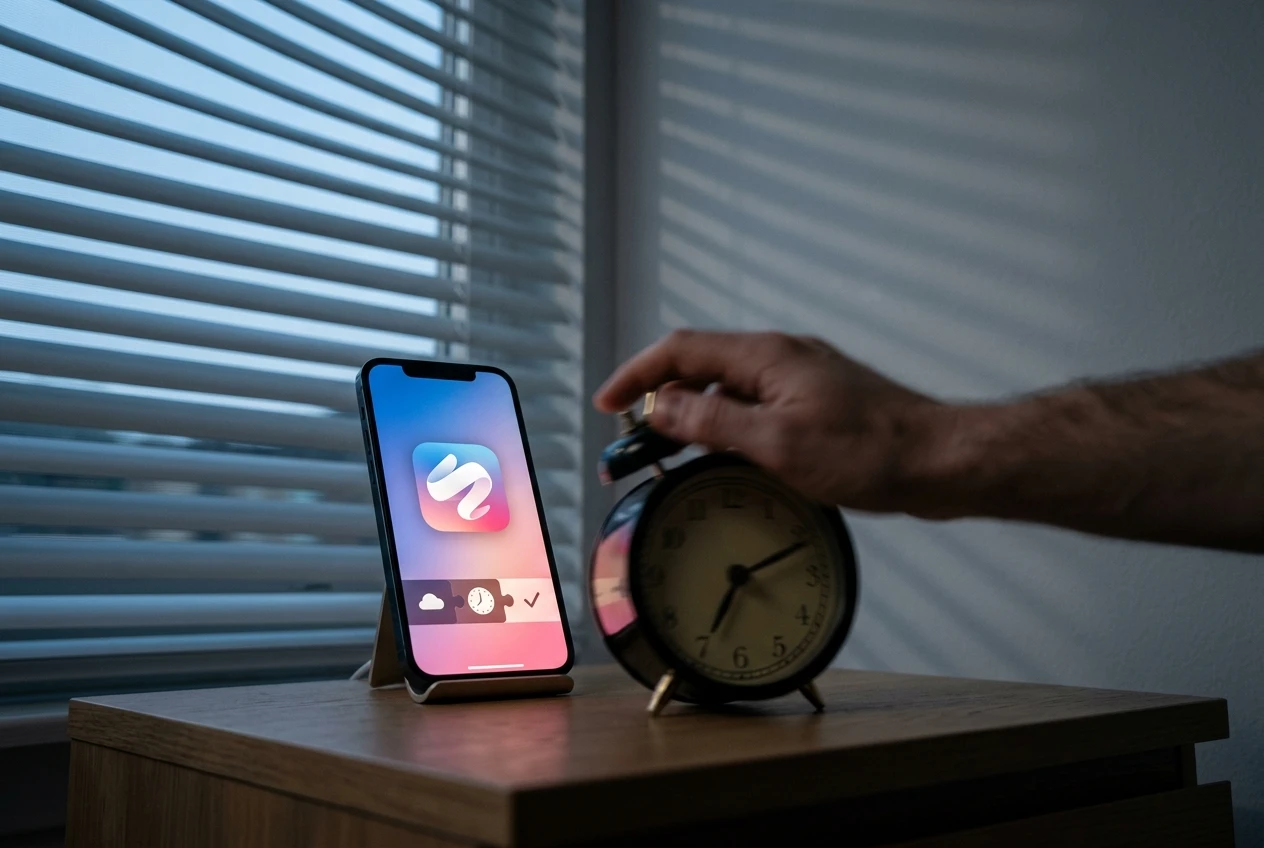
Why So Few iPhone Owners Ever Open the App
The Learning Curve
Macworld called Shortcuts one of Apple’s most powerful tools and also its most misunderstood, built around actions, variables, conditions, triggers and logic that even a simple build forces users to sort through. One iPhone owner summed up the confusion bluntly on Apple’s own community forums: “I straight up DONT UNDERSTAND how to use the Shortcuts app.”
Digital Trends writers found that asking a chatbot for help often backfired, since tools like ChatGPT gave steps that did not match anything actually inside the Shortcuts interface.
A separate analysis on Medium argued that “Shortcuts and Apple have an adoption problem,” pointing to a steep learning curve and workflows fragile enough to snap whenever a connected app changes its own code. Since Shortcuts leans on each app’s own App Intents to hand off tasks, one update on the other end can quietly break a shortcut that worked fine the day before.
The Accessibility Gap
The complaints run deeper for anyone using VoiceOver. Taylor Arndt, an accessibility writer, spent a livestream trying to learn Shortcuts and documented misleading button labels and dragging gestures that gave screen readers no feedback. In one case, a button labeled Close actually deleted an action instead of dismissing a menu.
Apple Intelligence Rewrites How Shortcuts Get Built
Open the Shortcuts app in iOS 27 and tap New Shortcut, and the old workflow builder is gone from the first screen. In its place sits one question: what do you want your shortcut to do? Type an answer in plain language, and Apple Intelligence picks the actions, puts them in order and assembles a working shortcut in seconds.
Apple’s own examples for the feature read like a checklist for the exact mornings described above:
- Set tomorrow’s alarm from the first event on your calendar, switch on Sleep Focus, and dim the bedroom lights before bed
- Show your first meeting, today’s weather and everything due in Reminders as soon as you silence the alarm
- Turn on the porch light the moment a delivery notification says dinner has arrived
- Text a partner an ETA the second you leave the office, then start a podcast
The second and fourth examples are close cousins of Morning Summary and Running Late, the two Gallery shortcuts described above, except nobody has to hunt through a Gallery to find them anymore.
A Describe a Change option lets you type an adjustment and refine the same shortcut through several rounds. The manual editing view still sits underneath for anyone who wants to touch the raw actions directly.
Other companies are chasing the same idea that plain language beats tapped menus. OpenAI’s own smartphone ambitions target the app layer instead of hardware. Apple is running the same wager across its own hardware line, with the Apple Watch alone said to claim 90% of AI smartwatch shipments as rivals try to close the gap.
When Does the New Shortcuts Feature Actually Arrive?
The Apple Intelligence version of Shortcuts is already in public hands. The first developer beta landed the same day as the WWDC announcement, the first public beta opened this week, and Apple’s usual September pattern points to a general release alongside new iPhones. Nothing beyond that broad window is official yet.
- June 8, 2026: Apple unveils iOS 27, including the Shortcuts rebuild, during the Worldwide Developers Conference (WWDC) keynote and releases developer beta 1 the same day.
- June 22, 2026: Developer beta 2 follows.
- July 6, 2026: Developer beta 3 arrives.
- July 13, 2026: The first public beta opens to anyone enrolled in Apple’s free Beta Software Program.
- September 14, 2026 (expected): A general release alongside new iPhone hardware, based on Apple’s typical pattern rather than a confirmed date.
Bloomberg’s Mark Gurman has run all three developer betas across iPhone, iPad and Mac and reported that the builds feel unusually settled for this stage.
Snow Leopard-like updates, meaning they’re more about making software run more smoothly and reliably.
Gurman wrote that assessment in his Power On newsletter, as reported by Forbes.
What Changes, and What Still Breaks
The hardware line stays firm on the phone at least. Apple Intelligence-built shortcuts still need an iPhone 15 Pro or newer to build with plain language; iOS 27 itself installs on anything running iOS 26, back to iPhone 11, but those older phones keep the manual builder only.
Demand for automation already existed before any of this AI arrived. TechRadar’s own testing found a Bluetooth connection alone can auto-launch a music app, and readers have long used the same Automation tab to trigger Low Power Mode at a set battery percentage, all without any AI involved. Apple even ships its developers a dashboard tracking how often people use a shortcut action inside their own apps, a sign that measuring adoption has mattered to Apple for longer than the AI rebuild has existed.
Apple’s own numbers on how many iPhone owners currently open Shortcuts remain unpublished. A developer dashboard built just to measure that usage suggests the company already knows the current answer is not many.
Frequently Asked Questions
Does the Morning Summary Shortcut Work Without Wi-Fi?
No. Morning Summary needs an active internet connection to pull local weather and generate its bullet list, and it needs to detect your location too. Run it before leaving the house, while still on home Wi-Fi, since it throws a location error offline.
What Hardware Do I Need Beyond an iPhone for Apple Intelligence to Build Shortcuts?
An iPhone 15 Pro or newer covers the phone side, but the same natural-language builder is coming to iPadOS 27 on any iPad with an M-series chip or the A17 Pro mini, and to macOS on any Apple silicon Mac. Intel-based Macs and older iPads are left out entirely.
Can I Still Edit a Shortcut by Hand Once Apple Intelligence Builds It?
Yes. Every AI-generated shortcut drops into the same manual editor available today, so advanced users can still rearrange actions directly. Apple has also said the AI builder itself is still in beta and occasionally needs a manual correction to get the result exactly right.
Is the Shortcuts App Free to Use?
Yes. Shortcuts comes preinstalled on every iPhone at no extra cost, unlike many third-party automation apps that charge a subscription for similar workflow-building tools. Apple’s Gallery of ready-made shortcuts is free to browse and add as well.
Does Building an AI Shortcut Always Require an Internet Connection?
Not always. Apple splits the work across three tiers: on-device processing for simple requests, a standard cloud tier, and a Cloud Pro tier reserved for shortcuts that need to search the web for information. Only the two cloud tiers require a live connection.
Will the New Shortcuts Features Work the Same Everywhere?
Not immediately. Apple Intelligence features tied to iOS 27, including the Shortcuts rebuild, are not launching in China, and the redesigned Siri AI is delayed in the European Union under the Digital Markets Act. Apple has not given a timeline for closing either gap.


Redmi Note 17 Battery Wins by Leaving Power Behind

WeChat Moments AI Tools Hide a Bigger Skills Redesign

iOS 27 Beta 5 Locks Six iPhones and a Split Launch

Edge AI Forces Hybrid Data Centers Into a Split Reality

Qi2 25W Magnets Quietly Rewrite Desk and Car Charging

Spotify AI Persona Badges Wall Off Synthetic Discovery

GCCs Build AI Bullet Trains on Incomplete Data Tracks

Coreum Bridge Multisig Signed Off on Its Own 200k XRP Drain

AI Shrinks Solar Inspection Crews While Paying Hybrid Skills Far More

Intel Graphics Driver Fixes Still Fight Windows and OEMs

Fable 5 and Mythos 5 Return as US Lifts Anthropic Export Controls

Oracle Cuts 21,000 Jobs in a Year, Cites AI in 10-K Filing

SpaceX’s Google Deal Turns a Rocket Company Into a Cloud Landlord

CD Projekt Red Co-CEO: Redemption Arc Isn’t Done, Witcher 4 in 2027

XPL Rallies 30% Ahead of Plasma One Card Tier Launch

Google Search Profiles Build a Follow Graph Inside Discover

DGO App Brings Rs 549 Mobile Pass for FIFA World Cup 2026 in Nepal

Moonshot AI Targets $30 Billion in China’s Fastest AI Funding Sprint

Microsoft Xbox Layoffs Start in July as Sharma Slams 3% Margin

Oppo’s ColorOS 17 Eligibility List Leaves A-Series Buyers Behind
-
 AI1 month ago
Fable 5 and Mythos 5 Return as US Lifts Anthropic Export Controls
-
 AI2 months ago
Oracle Cuts 21,000 Jobs in a Year, Cites AI in 10-K Filing
-
 AI2 months ago
SpaceX’s Google Deal Turns a Rocket Company Into a Cloud Landlord
-
 GAMING2 months ago
CD Projekt Red Co-CEO: Redemption Arc Isn’t Done, Witcher 4 in 2027
-
 CRYPTO2 months ago
XPL Rallies 30% Ahead of Plasma One Card Tier Launch
-
 NEWS2 months ago
Google Search Profiles Build a Follow Graph Inside Discover
-
 APPS2 months ago
DGO App Brings Rs 549 Mobile Pass for FIFA World Cup 2026 in Nepal
-
 AI2 months ago
Moonshot AI Targets $30 Billion in China’s Fastest AI Funding Sprint