
AI
Altman’s Always-On ChatGPT Needs Other People’s Meetings
Sam Altman says ChatGPT could watch screens and record meetings in six months, a leap that only works if other people get recorded.

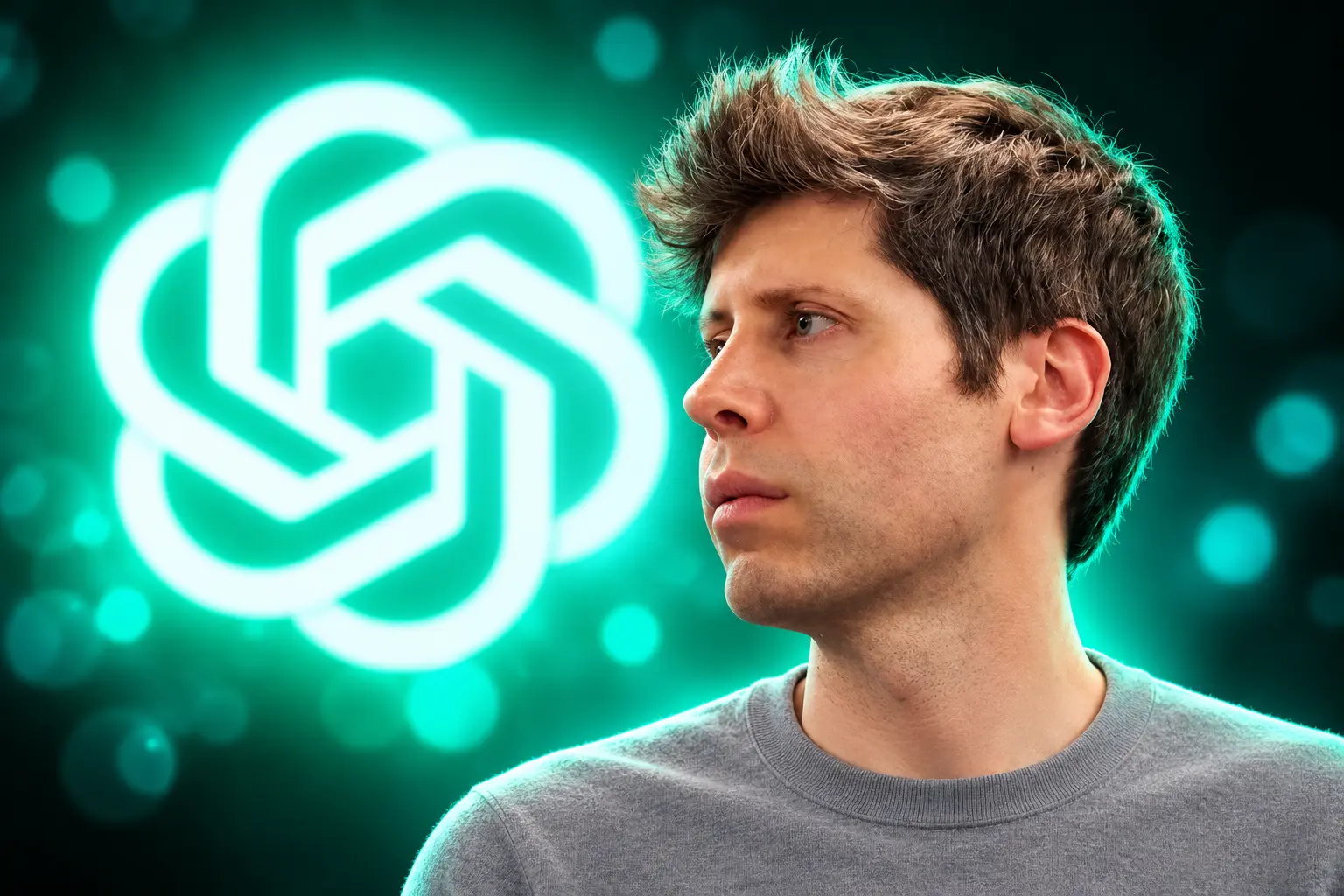
Sam Altman said in August 2026 that a ChatGPT descendant could watch your screen and record meetings within six months. He told Z Fellows founder Cory Levy the system would also tap email, documents and Slack if you connected them, then sit beside you while you work.
The useful part is the capture. An assistant that never asks you to re-explain a project has to keep the meeting the customer was on, and OpenAI has not named a product that does that.
Altman Puts a Six-Month Clock on Always-On ChatGPT
Levy asked when an assistant with that much running context could become useful. Altman answered, “Sometime in the next six months.” He also said the leap may be only one model generation away from being “incredibly useful,” and that he hoped it would change how he works.
He described a helper, not a boss. It would not make the big calls. It would flag a weak line in a strategy doc, offer another angle on a sales pitch, or volunteer to finish a task with facts it already holds. His example was a startup chief who cannot read every customer note and still has to type the next email.
I think we are close to a world where you can have a descendant of ChatGPT watch your computer screen all the time, watch every meeting you’re in, record every call, everything that has perfect context of your whole life, everything you see.
Sam Altman, OpenAI CEO, speaking with Cory Levy of Z Fellows
He added that you would choose what it can see, then connect “texts or email or docs or Slack or whatever.” Clips of those lines were still circulating in September 2026. OpenAI still had not posted a name, a ship date, or a spec that matches the pitch.
The Permission Line Stops at Other People’s Calls
Altman’s control story is simple: you pick the pipes. That works for your own inbox. It fails the moment the assistant records a call, because the other people on that call never opened ChatGPT and never toggled a slider.
AI meeting bots already run into this. Tools that join Zoom, Teams, or Meet to transcribe are treated like any other recorder. In states that require every party to agree before a confidential call is taped, a quiet capture is the same legal problem as a hidden phone, and California’s all-party rule is the one companies plan around when a California voice is on the line.
WHAT ALWAYS-ON CONTEXT ACTUALLY SWALLOWS
- The screen: Everything you see while the watcher is on, including tabs, chats, and docs that were never pasted into ChatGPT.
- The meeting: Voices, slides, and asides from people who did not connect an OpenAI account.
- The inbox: Threads with customers, counsel, and staff that a single user can already attach through Gmail or Outlook.
- The workplace chat: Slack or Teams history the user can already search, including other people’s messages they are allowed to see.
A banner that says the host started recording is the usual fix on Zoom. An assistant that “watches every meeting you’re in” as a background habit is a different notice problem, because the other party may never see a bot in the participant list.
ChatGPT Already Pulls Gmail, Slack, and Docs
The screen-and-call layer is new. The rest of Altman’s stack is not. ChatGPT can already keep memory from chats, files, and apps, and OpenAI says the on-screen memory summary will not show everything the system retains. To wipe a fact, you have to delete it from chats, archives, files, the summary, and any connected app that still holds it.
If you turn memory off and later turn it back on, new memories can be built from chats that are still in history. OpenAI may also keep a log of deleted saved memories for up to 30 days for safety and debugging. Temporary Chats skip memory on purpose, which is the closest thing to a session that does not add to the diary.
Apps inside ChatGPT already search and reference connected services such as Gmail, Google Drive, Outlook, Microsoft Teams, and Slack. Some apps can write back, send mail, or change files. By default the product asks before “important actions” such as sending a message or deleting content. Eligible users can also set a Work task that runs when a new Gmail message or a new Slack channel message arrives, which is already a form of watching an inbox without staring at a screen.
Business workspaces get apps on by default. Enterprise and Edu workspaces keep them off until an admin enables each one. The ChatGPT app in Slack is limited to messages and files you can already see there, and chats started in Slack do not write new memories, even if memory is on in ChatGPT.
FOUR LAYERS OF WORK CONTEXT
| Layer | What it captures | Where it lives | Who says yes |
|---|---|---|---|
| ChatGPT Memory | Chats, files, and connected apps | The user’s ChatGPT account | The ChatGPT user |
| ChatGPT Apps | Gmail, Slack, Outlook, Teams, Drive, and similar | Those services, queried through ChatGPT | The user, plus a workplace admin on Enterprise |
| Windows Recall | Screen snapshots every few seconds | Encrypted on the Copilot+ PC | The PC user; IT can block it on managed devices |
| Altman’s August 2026 pitch | Screen, meetings, calls, mail, docs, Slack, “whole life” | Not specified | The user who connects the pipes, not the other people on the call |
That table is the irony in one view. ChatGPT can already read a lot of work when you hook it up. The missing piece Altman is selling is the continuous watch, and that is the piece that records people who never signed in.
Microsoft Kept Screen Memory on the Laptop
Windows already ships a version of “remember what I saw.” Recall, still listed as a preview on Microsoft’s own pages, saves a snapshot of your active screen every few seconds when the contents change, then lets you search that timeline in plain language. It does not record audio or save continuous video.
After early preview builds drew fire for how snapshot data could be reached, Microsoft rebuilt the lock. On Copilot+ PCs, snapshots are not sent to Microsoft, are not shared with other Windows users on the same machine, and are encrypted with keys tied to Windows Hello. IT admins cannot open a staff member’s snapshots. Microsoft says it cannot view them either.
HOW SCREEN MEMORY GOT CAGED ON THE PC
- June 7, 2024: Microsoft posts an update on the Recall preview for Copilot+ PCs after the first design takes public heat.
- September 27, 2024: Microsoft publishes a Recall security and privacy architecture update, putting snapshots behind Hello, a TPM-backed key, and a sealed Windows environment.
- August 2026: Altman describes a ChatGPT descendant that watches the screen and records meetings, without saying the diary stays on the device.
Recall still asks a lot of the hardware. Microsoft’s floor is a Copilot+ PC with a 40 TOPs neural chip, 16 GB of RAM, and 256 GB of storage, plus at least 50 GB free before you can turn it on. Saving pauses if free space falls under 25 GB. You need a face or fingerprint Hello sign-in, and device encryption or BitLocker. On managed work PCs, Recall is off and removed by default; a user cannot enable it unless IT allows the component, and IT still cannot switch snapshot saving on for someone else.
WHAT RECALL STILL WILL NOT DO
- Leave the PC: Analysis runs locally; Microsoft’s client guide says no internet path is used to save or study snapshots.
- Hear the room: Snapshots are stills of the display, not a meeting recorder.
- Override the user: Filtering for apps, sites, and sensitive data such as passwords and card numbers is built in, and snapshots can be paused or deleted.
Altman’s ChatGPT descendant is the opposite architecture unless OpenAI copies that local box. A cloud assistant that watches the screen and records calls has to take that stream somewhere the model can use it. That is the step Microsoft spent two years refusing to take with Recall.
Who Else Lands in the Recording?
The person who clicks connect is not the only person in the file. A sales call puts the customer in it. A staff one-to-one puts a colleague in it. A Slack connector puts other people’s messages in reach, even when ChatGPT only searches what your account can already see.
Workplace IT already treats paste-into-ChatGPT as a leak. Iowa counties have told staff that ChatGPT stores private work files they feed it, which is the tame version of this story: a person chose to paste. Always-on screen watch removes that choice for everyone whose window happens to be up, including a payroll tab, a health portal, or a lawyer’s draft.
OpenAI’s current Slack app at least inherits Slack’s own permissions. Memory is a looser net, because a fact can live on after the chat that produced it is gone. Altman’s “you choose” line does not say how a guest on a call chooses, or how a company revokes a recording that a single employee allowed.
Perfect Context Makes ChatGPT Hard to Leave
The product reason for all of this is obvious. If the assistant already knows the client, the last call, and the draft you abandoned three weeks ago, you stop briefing it. Work gets faster for the person who opted in.
The business reason sits behind that. Years of mail, meetings, and screen history in one account are expensive to recreate in a rival model. The same archive that makes the bot helpful is the archive that makes leaving painful, which is a stronger hold than a chat log you can export. You take the privacy risk; the vendor keeps a customer who will not start from zero.
That is why the six-month line landed as both a demo and a warning. The raw clip still reads as a surveillance pitch first and a productivity pitch second, even in feeds that usually cheer new model tricks. The people who want the end of re-explaining work are not wrong about the time it would save. They are describing a diary that only works if it is complete.
The Six-Month Clock Still Has No Product
OpenAI can already remember you, search the apps you connect, and fire a task when Slack or Gmail moves. Microsoft can already snapshot a Copilot+ screen and keep the pictures on the PC. Neither of those is “record every call” with “perfect context of your whole life.”
Altman did not announce that product. He gave a window and a model-generation guess. The window started in August 2026. The hard part is not teaching a model to look at pixels. The hard part is storing other people’s workdays in a system they never joined, then promising the user they were in control the whole time.

Instagram Plus Tests a Read-Only Mode That Cuts Stories

Altman Asks the Public to Accept Some AI Harm

Google Freezes OSS VRP Product Reports After AI Flood

AI Agents Make Payment Rails the Scarce Prize

Turkey’s Crypto Boom Now Runs Through Three Banks

Fable 5 Came Back Under a Commerce On-Off Switch

Google’s SpaceX GPU Lease Has a Sept. 30 Deadline

Plasma One’s XPL Locks Face a 1.81 Billion Cliff

DGO’s Rs 549 World Cup Pass Cost Fans Sleep and Data

Moonshot AI’s $30 Billion Ask Became a $35 Billion Close
-
 AI4 months ago
Fable 5 Came Back Under a Commerce On-Off Switch
-
 AI5 months ago
Google’s SpaceX GPU Lease Has a Sept. 30 Deadline
-
 CRYPTO4 months ago
Plasma One’s XPL Locks Face a 1.81 Billion Cliff
-
 APPS4 months ago
DGO’s Rs 549 World Cup Pass Cost Fans Sleep and Data
-
 AI5 months ago
Moonshot AI’s $30 Billion Ask Became a $35 Billion Close
-

 NEWS5 months ago
ColorOS 17 Device List Spans Oppo, OnePlus and Realme
-

 GAMING4 months ago
Xbox Cuts 3,200 Jobs After Five Years of Thin Returns
-
 GAMING4 months ago
The RTX 4050 Under Rs 70,000 Hides a Wattage Gap