
NEWS
DriveSurge Spreads ClickFix Malware, Then Sells the Victims

DriveSurge, a newly named threat actor, has quietly turned thousands of legitimate, high-reputation websites into a malware delivery network, pushing fake browser updates and a copy-paste scam called ClickFix onto everyday visitors. The threat intelligence firm Silent Push, which pinned the operation as the primary driver behind a surge in ClickFix and FakeUpdates campaigns, says it is paid for each successful infection and then sells those victims downstream to other criminals.
That payment detail is what sets the operation apart from the usual run of web malware. The firm suspects DriveSurge works as an access broker on a pay-per-install model that supplies downstream threat actors with high-quality victim leads, the cybercrime equivalent of a wholesaler that moves freshly infected machines by the batch.
A Threat Actor That Sells Infections by the Install
The operation surfaced when the company’s analysts went looking for domains registered through NiceNIC, a registrar they had already flagged as a favorite of malicious actors, and found those domains loaded into other people’s websites. That thread unraveled into DriveSurge. The team published the DriveSurge infrastructure findings on May 30, 2026, mapping the group through eight technical fingerprints that cover everything from script injection to the email addresses behind its domain registrations.
Scale is the first thing that stands out. The group has hijacked thousands of trusted small-business and professional-services pages that visitors have no reason to doubt. Hidden code injected into those pages runs in the background and routes each visitor through a Traffic Distribution System (TDS, a filter that profiles the visitor and decides what to serve next).
The money is the part worth sitting with. The researchers assess that the group runs as an Initial Access Broker (IAB, a criminal specialist that breaks in and then sells the foothold) on a Pay-Per-Install model, collecting a fee for every device it infects, with those leads sold on to other threat actors. Confirmed victims are the product, packaged and graded for whoever buys next.
The Two Lures That Make You Install It Yourself
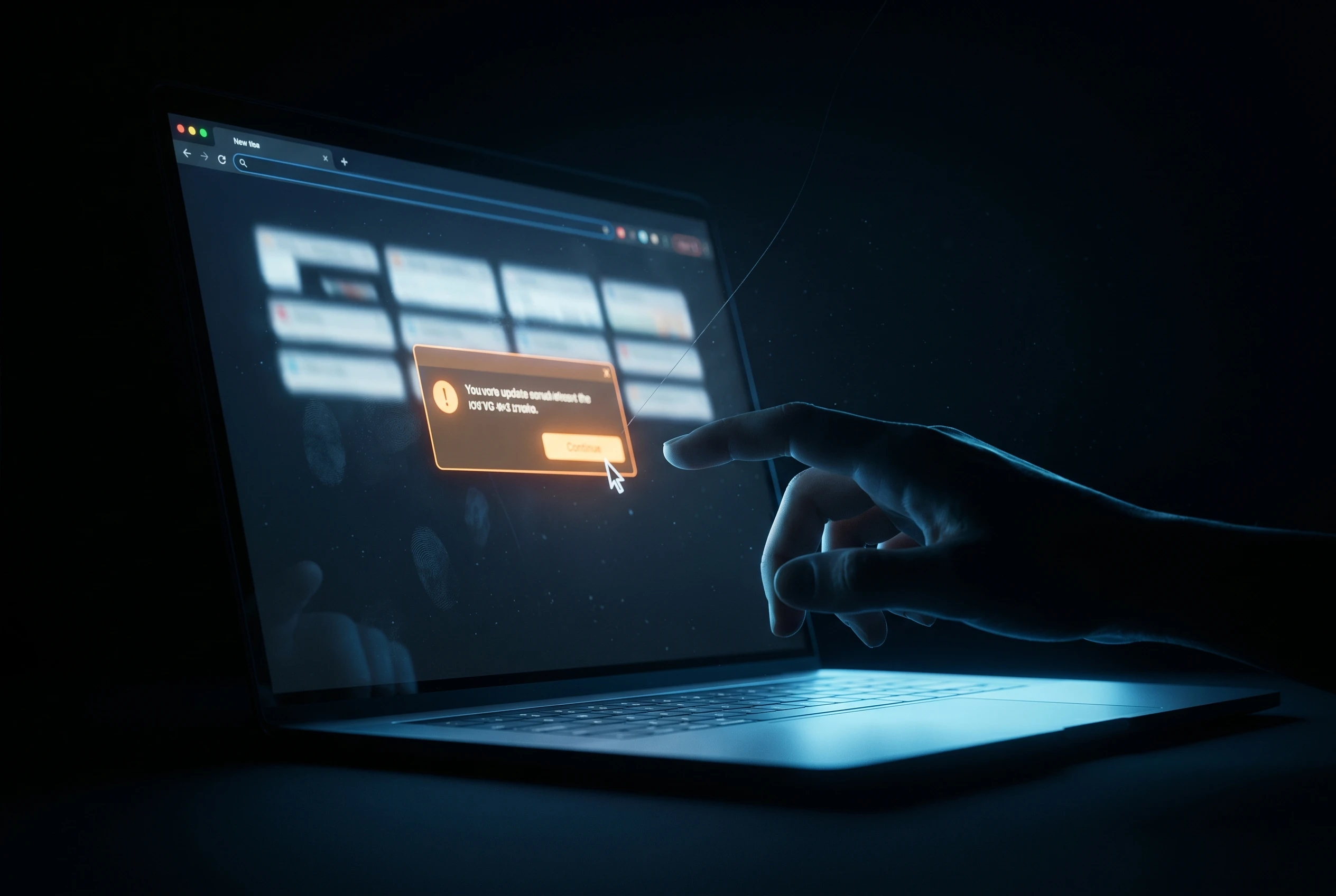
Both traps run on the same psychology: a security prompt that looks routine, on a site you already trust, in a browser you use every day. Both are built to exploit that familiarity, and in each case the visitor does the dangerous part. Here is how the two methods compare.
| Attribute | Fake Browser Update | ClickFix Prompt |
|---|---|---|
| What you see | A pop-up warning that your browser is out of date | A fake error or human-verification check that asks you to fix an issue |
| What you do | Click the update button, which downloads a ZIP file | Copy a supplied command and paste it into Run, Terminal, or PowerShell |
| How the malware lands | The ZIP hides code modules and a file named Browser Update.exe that is the malware | The pasted command silently fetches and runs the payload |
| Who runs the code | You open and launch the downloaded file | You type and execute the command by hand |
| Why it slips through | It mimics a familiar update on a trusted page | There is no file to scan, because the victim runs the code |
The Fake Browser Update
In the fake update scenario, a compromised page throws up a convincing prompt that impersonates Chrome, Firefox, Edge, or another well-known browser. Click the button and a ZIP archive lands on your machine. Inside sit several Dynamic Link Library files (DLLs, the small code modules Windows loads at runtime) and an executable cheerfully named Browser Update.exe, which is the malware itself.
Nothing in the sequence feels alarming, and that is the trick. People update browsers all the time, so a prompt that mirrors the real thing clears most users’ suspicion before they stop to think.
The ClickFix Command
The copy-paste route is stranger. A fake error message tells the visitor to copy a short command and run it, pasting it into the Windows Run box, a terminal, or PowerShell and pressing Enter. That single action installs the malware. In one case the analysts examined, the pasted code tried to pull from a bulletproof-hosted address, 91[.]92[.]240[.]127, that was already on their watchlists before the discovery.
Because the victim types the command, there is no malicious download for traditional tools to catch. GoDaddy’s analysis of fake-update plugin swarms documented the same playbook spreading through rogue WordPress plugins that inject the lure into otherwise healthy sites using stolen admin logins.
The Hidden Traffic Router
Steering all of it is zTDS, the open-source traffic distribution system in use since at least 2015. It cycles through backup servers so the payload still reaches a visitor if one delivery domain goes dark, and it leans on Base64 encoding and string tricks to bury the redirect inside ordinary-looking page elements. Delivery domains seen in the campaign include cptoptious[.]com and newtdsone[.]shop.
Why Copy-Paste Attacks Exploded in 2025
ClickFix was already the fastest-rising threat on the web before DriveSurge scaled it up. The numbers behind that rise are blunt.
- 517% surge in ClickFix attacks in the first half of 2025, vaulting it to the second most common attack vector behind phishing, per the Slovak cybersecurity firm ESET.
- 47% of observed attacks used ClickFix as their initial access method, the most common entry point in Microsoft’s 2025 Digital Defense Report.
- Nearly 400% growth in ClickFix-linked phishing links between May 2024 and May 2025, in data from the email security firm Proofpoint.
The appeal for attackers is simple economics. Why burn a costly exploit when a believable error message gets the victim to run the code for free? ESET counted the technique at nearly 8% of all blocked attacks, with detections clustered around Japan, Peru, Poland, Spain, and Slovakia.
Payloads on the receiving end keep widening. The technique now delivers “infostealers, ransomware, remote access trojans, cryptominers, post-exploitation tools, and even custom malware from nation-state-aligned threat actors,” said Jiri Kropac, director of threat prevention labs at ESET. The full picture sits in ESET’s H1 2025 threat report.
Fake browser updates carry an even longer pedigree. GoDaddy’s team has tracked this style of attack since August 2023 and detected it on more than 25,000 compromised sites worldwide, which makes DriveSurge less a novelty than the slickest operator yet to work a proven con.
The Access-Brokerage Economy Behind the Surge
Selling access is one of the most settled business models in cybercrime. Brokers do the unglamorous work of breaking in, then hand the keys to ransomware crews and data thieves who would rather skip the intrusion and move straight to the payout. Buying a foothold is usually faster and cheaper than building one.
There is a mature, tested business model that cybercriminals are exploiting and refining every day.
That line came from Gordon Brebner, technical team lead at the security firm Orange Cyberdefense, describing the broader access-for-sale market. DriveSurge fits it neatly. By charging per install and reselling confirmed infections, the group converts a flood of random web traffic into a graded supply of victims, the way a legitimate vendor turns raw leads into qualified sales.
The model also spreads the risk around. The broker never has to run the ransomware or collect the payment, the steps most likely to draw investigators; it earns on the install and lets its customers carry the dangerous downstream work. That division of labor is exactly how initial access brokers feed ransomware crews across the underground market.
macOS Payloads, Twelve Browsers, and a Bot Filter
The campaign is not a Windows-only problem. When analysts took apart one obfuscated JavaScript file, the chain ended in macOS malware delivered through a multi-stage shell command that downloaded a second file, ran it, and deleted itself to wipe the forensic trail. The payload phoned home to a command-and-control server (C2, the attacker’s machine) at 46[.]226[.]166[.]57.
Breadth is built into the lure. The fake update can impersonate twelve different browsers, among them Chrome, Firefox, Edge, Safari, Opera, Brave, Yandex, Vivaldi, Samsung Internet, and UC Browser, so almost no visitor falls outside the net. Silent Push also turned up a separate Advertisement Distribution System (ADS) tied to the operation that profiles each device and watches mouse movements, scrolls, and clicks to confirm a real human is present before serving anything, with one panel at banerpanel[.]live pushing casino slot-machine ads. The same checks that help the crew dodge automated scanners also make the malware harder for researchers to trigger in a sandbox.
What Site Owners and Visitors Can Do Now
For ordinary users, the defense is behavioral. Browsers update themselves in the background; a website that interrupts you to demand an update, or a verification step that wants you to paste a command, is the tell. Closing the tab beats clicking the button.
Site owners carry the other half, since their compromised pages are doing the work without their knowledge. A few moves cut the exposure on both ends:
- Treat any web page that pushes a browser update as hostile, and never paste a command from a site into Run, PowerShell, or Terminal.
- If you already ran one, assume an infostealer landed: disconnect, change passwords from a separate clean device, switch on multi-factor authentication, and scan the machine.
- Audit your own sites for unfamiliar external JavaScript and scripts loading from domains you do not recognize.
- Keep content management systems patched and admin access locked down, since stolen logins are how most of these injections get planted.
None of that touches the engine driving the surge. The technique keeps mutating: a proof-of-concept successor called FileFix swaps the Run box for the Windows File Explorer address bar, and the firm’s own forecasters expect more ClickFix and FileFix lures ahead. If defenders keep chasing individual domains, they will clean up infections faster than they can stop them; if they go after the pay-per-install brokerage and the bulletproof hosts behind it, they finally reach the part of the operation that charges rent.
Frequently Asked Questions
What is DriveSurge?
DriveSurge is a threat actor identified by Silent Push that has compromised thousands of legitimate websites to spread malware through fake browser updates and ClickFix prompts. The firm assesses that it operates as an access broker, charging for each infection and selling those victims to other criminals downstream.
What is a ClickFix attack?
ClickFix is a social engineering trick that shows a fake error or human-verification message and tells you to copy a command and paste it into the Windows Run box, a terminal, or PowerShell. Running it installs malware. Because you execute the code yourself, it slips past tools that watch for malicious downloads, and it works on Windows, macOS, and Linux.
How can I tell a fake browser update from a real one?
Real browsers update themselves quietly or through their own settings menu, never through a pop-up on a web page that asks you to download a file. Any site telling you to install a browser update, especially one that hands you a ZIP or an executable, should be treated as an attack. Close the tab rather than clicking.
I pasted and ran a command from a website. What should I do?
Assume an information stealer was installed. Disconnect the device from the internet, then change your important passwords from a different, clean machine and turn on multi-factor authentication. Run a full antivirus scan, and watch accounts tied to email, banking, and cryptocurrency wallets, which these payloads target first.
Are Mac users affected by DriveSurge?
Yes. Analysts found that one DriveSurge payload delivered macOS malware using a multi-stage shell command that ran and then deleted itself to hide the evidence, a sign the operation is deliberately building a cross-platform pool of victims rather than focusing on Windows alone.


Sony’s 10 Percent Disc Drop Leaves the 2028 Cutoff Intact

Chip Allocation Sidelines the Base iPhone 18 This Fall

Miami-Dade Fights the Vice City Brand It Already Wears

IFA 2026 Awards Put Tecno Ahead of Flagship Phones

USB-C Gadgets Made the Junk Drawer Rechargeable

Pixel 11 Pro Asks $1,099 for a Light Google Locked

The iPhone Ultra Sells Two Retired Minis as One Foldable

Google Opens Gmail to Voice and Gates Docs Live

Lenovo Prices the IdeaPad Vibe Against Apple’s $699 Neo

Xbox Caps Game Pass Cloud Gaming at 15 Hours

Oracle Cuts 21,000 Jobs in a Year, Cites AI in 10-K Filing

Fable 5 and Mythos 5 Return as US Lifts Anthropic Export Controls

SpaceX’s Google Deal Turns a Rocket Company Into a Cloud Landlord

CD Projekt Red Co-CEO: Redemption Arc Isn’t Done, Witcher 4 in 2027

XPL Rallies 30% Ahead of Plasma One Card Tier Launch

Google Search Profiles Build a Follow Graph Inside Discover

DGO App Brings Rs 549 Mobile Pass for FIFA World Cup 2026 in Nepal

Moonshot AI Targets $30 Billion in China’s Fastest AI Funding Sprint

Oppo’s ColorOS 17 Eligibility List Leaves A-Series Buyers Behind

Microsoft Xbox Layoffs Start in July as Sharma Slams 3% Margin
-
 AI2 months ago
Oracle Cuts 21,000 Jobs in a Year, Cites AI in 10-K Filing
-
 AI2 months ago
Fable 5 and Mythos 5 Return as US Lifts Anthropic Export Controls
-
 AI3 months ago
SpaceX’s Google Deal Turns a Rocket Company Into a Cloud Landlord
-
 GAMING3 months ago
CD Projekt Red Co-CEO: Redemption Arc Isn’t Done, Witcher 4 in 2027
-
 CRYPTO3 months ago
XPL Rallies 30% Ahead of Plasma One Card Tier Launch
-
 NEWS3 months ago
Google Search Profiles Build a Follow Graph Inside Discover
-
 APPS3 months ago
DGO App Brings Rs 549 Mobile Pass for FIFA World Cup 2026 in Nepal
-
 AI3 months ago
Moonshot AI Targets $30 Billion in China’s Fastest AI Funding Sprint