
AI
Google Spreads Gemini Avatar From Chat Into Workspace
Google is turning Gemini Avatar into an account-bound face-and-voice twin for paid users, Workspace Vids, and image prompts, with Europe left out.

Google is rolling Gemini Avatar, a live face-and-voice clone, to paid Gemini users and into Google Vids. The twin is powered by Gemini Omni and stored on the Google account so a prompt can call that person by username.
That is a bigger shift than a new filter in chat. One setup now follows the account into stills, short clips, and workplace video, while whole regions never see the button.
Gemini Avatar Starts With a Live Face Scan
Koray Kavukcuoglu, Google DeepMind’s CTO and chief AI architect, introduced Omni on May 19, 2026 as the model that can create anything from any input, with video first. Avatars are the sanctioned way to put a real face and voice on those clips. Google says it is still testing broader speech edits on ordinary footage, which is why the enrolled twin matters: it is the voice path the company is willing to ship.
FROM TEARDOWN TO WORKSPACE
- March 2026: A teardown of the Gemini Android app first shows Avatar code for a face-and-voice replica.
- May 19, 2026: Google launches Gemini Omni Flash at I/O and points paying users to Avatars.
- June 1, 2026: The Gemini app account says Omni is live for Google AI Plus, Pro, and Ultra, and asks people to try a digital avatar.
- July 16, 2026: Google adds the same idea to Google Vids for Pro, Ultra, and Workspace business customers.
On a phone, the Gemini app puts the tool under Settings, then Personal avatar. On a computer, gemini.google.com asks you to add an Avatar file, scan a QR code, and finish the capture on the handset. Google’s help page tells you to record your face and voice in one pass, then click Use Avatar. After that, a prompt can call the twin as @[your Google username], including image prompts that run through Nano Banana.
Hold the phone at eye level. Lighting cannot be too dim or too bright, and the eyes, nose, and mouth have to stay in view. Glasses can stay on. Sunglasses, masks, and hats cannot. The room should be quiet, with no other voices and no other people, or pictures of faces, behind you. The account owner has to do the session. Minors are not allowed to record themselves.
A Workspace Avatar From a Selfie and a Clip
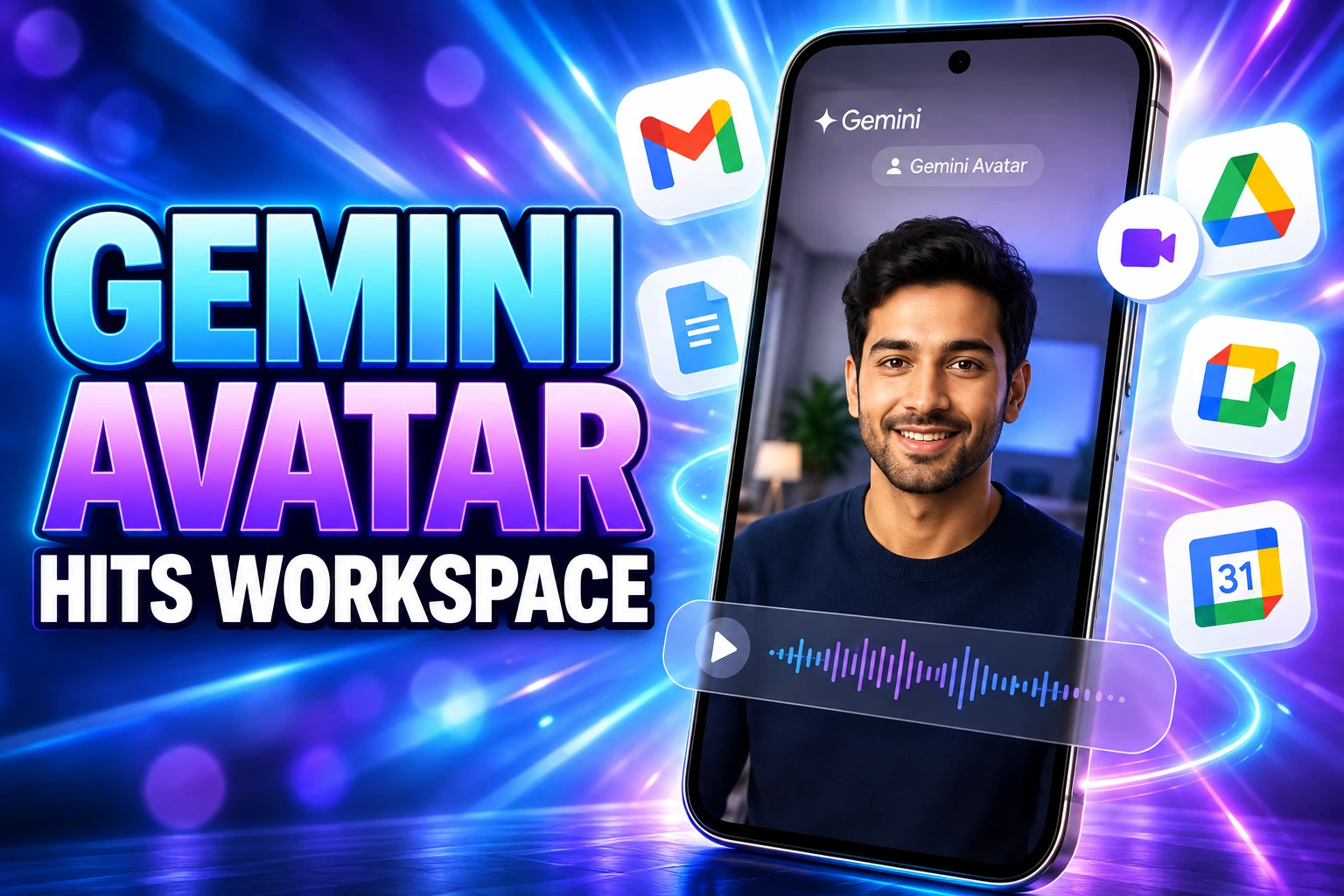
The Gemini app wants a live scan. Google Vids, two months later, asked for less. Justin Luk, a Google product manager, wrote that personal avatars in Google Vids start with a selfie and a short voice recording. Type the line, and the twin delivers it, with no second trip in front of a camera. Those avatars are linked to the Google account and limited to the account holder’s likeness.
Vids is also where the clone leaves consumer chat. Luk said Gemini Omni and personal avatars there are for Google AI Pro and Ultra subscribers and Google Workspace business customers, with access limited to users in certain regions who are 18 or older. The Gemini Apps help page, by contrast, asks for a personal Google account. Work video and consumer chat are not the same door.
WHERE THE TWIN CAN APPEAR
| Product | Who can use it | How you appear |
|---|---|---|
| Gemini app | Google AI Plus, Pro, and Ultra; 18 or over | Live face and voice recording; @username in chat |
| Google Vids | AI Pro, Ultra, and Workspace business; 18 or over | Selfie plus a short voice clip; typed script |
| Nano Banana in Gemini | Same avatar as Gemini Apps | Still images from prompts that tag the username |
| YouTube Shorts and Create | Omni Flash at no cost | Short generated video; personal avatars not listed |
Omni Flash itself also rolls out in Google Flow for the same paid plans, and at no cost inside YouTube Shorts and the YouTube Create app. That free YouTube path is video generation, not the enrolled twin. Mixing those two up is how a free Shorts clip gets mistaken for a personal clone.
Who Can Create a Gemini Avatar?
You must be 18 or over, signed into a personal Google account for Gemini Apps, and working in English. Google’s help pages list the feature as unavailable in the EEA, Switzerland, and the United Kingdom. Making a video with that avatar then requires a Google AI plan, which is the paid gate on top of the age and region rules.
The setup will throw out a recording that breaks the capture rules, and those rules are doing two jobs at once. They improve the mesh. They also make it harder to enroll someone who is not holding the phone.
WHAT THE SETUP WILL REJECT
- Phone height: The handset has to sit at eye level, not in a lap or on a desk.
- Lighting: The face cannot sit in deep shadow or hard glare.
- Face: Eyes, nose, and mouth must stay visible for the scan to pass.
- Coverings: Glasses are allowed; sunglasses, masks, and hats are not.
- Background: No other people, and no pictures of faces, can sit behind you.
- Audio: Other voices in the room can spoil the voice pass.
- Who records: Only the account owner can finish the session, and minors cannot record themselves.
On a computer, Google Vids uses the same phone capture through a QR code, then sends you back to the desktop to save it. If the option never appears, the usual causes are region, age on the account, language, or a plan that does not include video with the twin.
English Only, and Europe Is Out
Both the Gemini Apps help page and the Vids help page say avatars are currently only supported in English. Both also say the tool is unavailable in the EEA and the United Kingdom, and in Switzerland. That is not a quiet beta flag. It is a hard miss in the product list for a large paid market that already sits under strict rules for biometric-style media.
Google has not said when those countries get the button, or when a free Gemini account can build the same twin. Omni Flash video on YouTube Shorts does not fill that gap, because Shorts is not the enrolled avatar. People in blocked regions who buy Plus, Pro, or Ultra still will not see Personal avatar in Settings if the help pages match what the apps enforce.
Language is a second fence. A voice pass in English, for an English-only twin, leaves out paid users who work in other languages even if their country is on the map. The clone is international in the keynote. It is English-only in the help text.
Deleting the Recording Does Not Pull the Videos
Google lets you retake the face-and-voice session at any time from Personal avatar. Deleting it is a different act. The Gemini Apps help page sends you to the selfie-video section of the Google account, where you remove that recording. The selfie and voice data for that avatar are then removed from Google’s systems.
You cannot make new AI clips with that avatar until you record again. Videos or other content you already made and published with it are not deleted. The twin can be taken out of the account. The files that used it stay wherever you posted them, with whatever audience they already reached.
That split is the part the setup screens do not stress. Enrollment is a few minutes with a phone. Withdrawal is a settings path that cleans the biometric sample and leaves the public output in place. Anyone who treats the clone as a costume they can take off later is only half right.
SynthID Marks Every Omni Clip
Every Omni video carries Google’s imperceptible SynthID watermark. Kavukcuoglu wrote that people can check those clips in the Gemini app, Gemini in Chrome, and Google Search. Luk repeated the same marker for Vids, framing it as a way to verify that a video was made with AI.
The watermark is a file label, not a lock on the face. Google DeepMind’s own technical note on the system is blunt about what it cannot do.
While this technique isn’t built to directly stop motivated adversaries like cyberattackers or hackers from causing harm, it can make it harder to use AI-generated content for malicious purposes.
Google DeepMind, SynthID technical note
The company also says the method is not built to stop motivated adversaries. Combined with the 18-or-over rule and the live-presence check, that is the safety stack: keep children out, keep a third party off the phone, stamp the file. It does not stop a determined adult from recording themselves and then prompting the twin into scenes they would not film at work, at home, or in public.
Typed Scripts Now Stand In at Work
On July 30, 2026, Google Workspace pitched the feature as a way to skip the camera. Type a script, it said, and let the digital twin handle the rest.
Hate being on camera? We have some great news. 🤫🎥
Gemini Omni in Google Vids lets you generate a personal AI avatar to star in your videos. Type a script, and let your digital twin handle the rest.
Try it now on desktop → https://t.co/jyqDppxo4K pic.twitter.com/9MSvUobBnG
— Google Workspace (@GoogleWorkspace) July 30, 2026
That pitch lands inside products people already open for memos and status clips, which is why the clone is not just a consumer toy. A manager who hates being on camera can now ship a face that looks like them. A recipient who wanted three sentences in a doc gets a generated standup instead. Replies to that Workspace post treated those clips as junk: if the avatar video replaces a simple note, some people said they would block the sender.
The enrolled twin is also still a generated clip, not a live call. People who want a talking head in a real-time session are wiring Gemini Live to other avatar vendors, which is a reminder of the gap Google has not closed. Omni will make the face say the script. It will not sit in the meeting for you.
Google has not named a date for free Gemini accounts, and its help pages list the EEA, Switzerland, and the United Kingdom as out. Delete the recording and the sample leaves Google’s systems, while every clip you already posted keeps the face. That is what a paid plan buys: a reusable likeness that is quick to enroll and slow to take back.

Instagram Plus Tests a Read-Only Mode That Cuts Stories

Altman Asks the Public to Accept Some AI Harm

Google Freezes OSS VRP Product Reports After AI Flood

AI Agents Make Payment Rails the Scarce Prize

Turkey’s Crypto Boom Now Runs Through Three Banks

Fable 5 Came Back Under a Commerce On-Off Switch

Google’s SpaceX GPU Lease Has a Sept. 30 Deadline

Plasma One’s XPL Locks Face a 1.81 Billion Cliff

DGO’s Rs 549 World Cup Pass Cost Fans Sleep and Data

Moonshot AI’s $30 Billion Ask Became a $35 Billion Close
-
 AI4 months ago
Fable 5 Came Back Under a Commerce On-Off Switch
-
 AI4 months ago
Google’s SpaceX GPU Lease Has a Sept. 30 Deadline
-
 CRYPTO4 months ago
Plasma One’s XPL Locks Face a 1.81 Billion Cliff
-
 APPS4 months ago
DGO’s Rs 549 World Cup Pass Cost Fans Sleep and Data
-
 AI4 months ago
Moonshot AI’s $30 Billion Ask Became a $35 Billion Close
-

 NEWS4 months ago
ColorOS 17 Device List Spans Oppo, OnePlus and Realme
-

 GAMING4 months ago
Xbox Cuts 3,200 Jobs After Five Years of Thin Returns
-

 GAMING4 months ago
The RTX 4050 Under Rs 70,000 Hides a Wattage Gap