
PHONES
Apple Copies Google Pixel’s Anti-Theft Lock for the iPhone

Apple is reportedly building a motion-sensing auto-lock for the iPhone that senses the violent jerk of a phone being snatched from your hand and freezes the device before a thief can reach the lock screen. According to a report published on May 27 by MacRumors, the system would lean on the iPhone’s accelerometer and gyroscope, and on a paired Apple Watch, to spot a grab-and-run and then seal the handset behind Apple account credentials. The idea is simple: make a stolen iPhone useless to the person holding it within seconds of the grab.
It is also a feature Google shipped to Android more than a year ago. Pixel and other Android phones got an AI-driven Theft Detection Lock through a Google Play services update in late 2024, and Apple’s version, if it lands, would arrive with a future iOS release that some reports peg to next fall.
Apple Borrows a Page From Google’s Theft Playbook
The reported feature is not a standalone gadget. It is a trigger wired into an existing wall Apple already built. When the accelerometer reads the sharp, distinctive motion of a snatch, and the phone notices it has just moved away from its owner’s Apple Watch, it would slam shut and hand control to Stolen Device Protection, the security mode Apple introduced with iOS 17.3 in early 2024.
From there, the math turns against the thief. Even someone who knows the passcode hits biometric checks and a one-hour security delay before they can change the Apple account password or switch off Find My. Apple has not confirmed any of this publicly, so treat the specifics as reporting rather than a shipped spec. What is confirmed is the foundation it would sit on, laid out in Apple’s Stolen Device Protection support documentation, which already forces those delays when an iPhone is away from familiar places.
The pattern here is familiar. Apple watches a rival prove a security idea works, then folds it deeper into its own account system and biometric stack. That is exactly what happened with Stolen Device Protection itself, and it is what would happen again with a snatch detector.
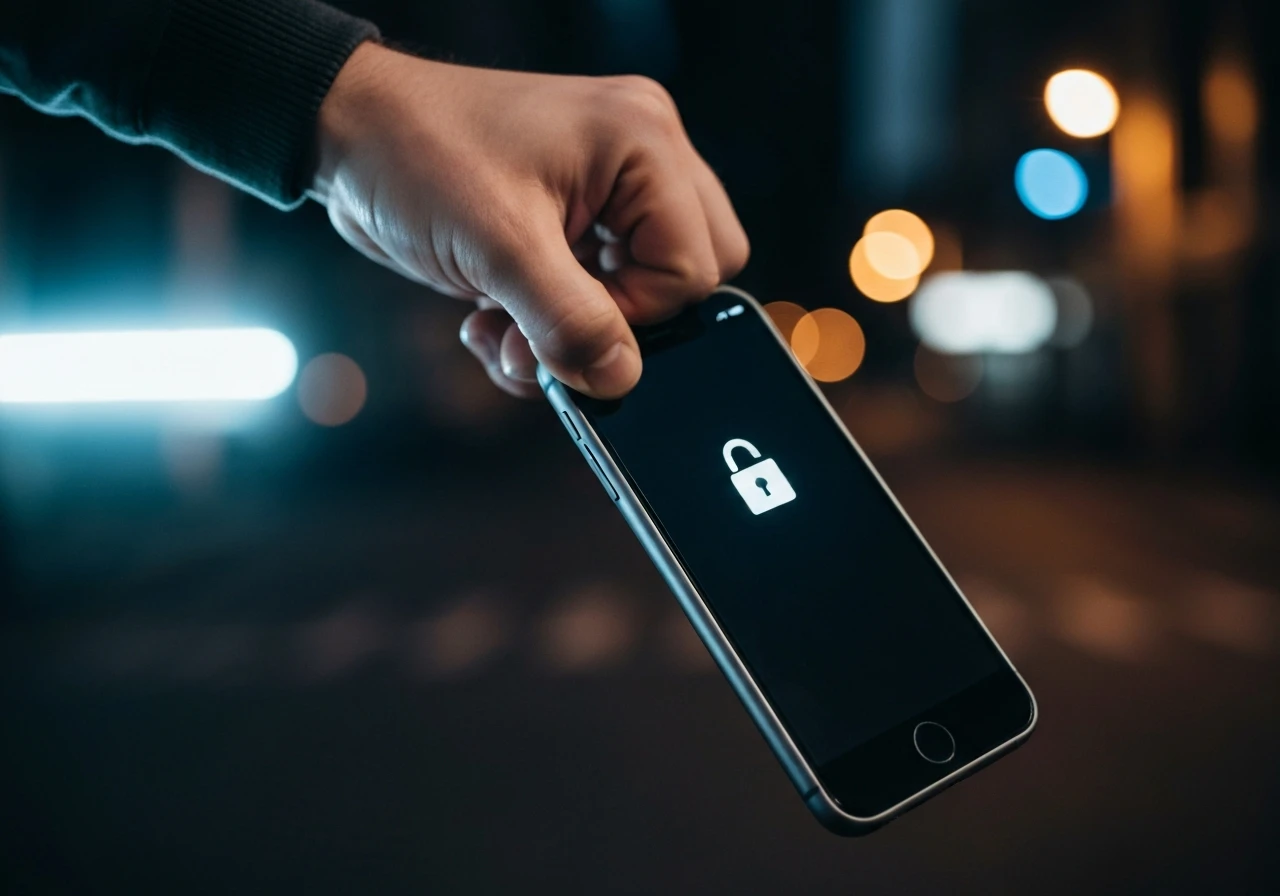
How the Motion Lock Reads a Snatch
The hard part of any theft detector is telling a real grab from everyday clumsiness. Phones get yanked out of pockets, dropped on trains, and tossed onto sofas all day. A system that locks every time would teach users to switch it off within a week.
To draw that line, a snatch detector reads several signals at once and looks for the combination that only a theft produces:
- A sudden, high-acceleration jerk on the accelerometer, the sharp tug of a hand closing on the phone and pulling away.
- The gyroscope’s read on how the device twists as it leaves the owner’s grip.
- A paired Apple Watch suddenly falling out of close range, a strong sign the phone and its owner just separated.
- Motion that keeps accelerating, the running, cycling, or driving getaway that follows a street grab.
Google’s version, detailed in Google’s Android theft protection rollout, uses on-device AI (machine learning that runs on the phone itself rather than in the cloud) to weigh those same inputs. Apple’s reported approach swaps in the Apple Watch handshake as an extra confirmation, which most Android phones cannot match because they lack a tightly paired watch on the owner’s wrist.
Pixel Got There First in 2024
Google did not just beat Apple to the concept. It shipped a three-part theft suite while Apple was still on its first move. Theft Detection Lock handles the snatch, Offline Device Lock seals the phone when a thief yanks it off the network for too long, and Remote Lock lets an owner freeze the screen using only a phone number. All three reached Android 10 and newer devices, covering roughly 90 percent of active Android phones.
That puts Apple’s reported feature roughly two years behind on this one capability. The table below lines up where each platform stands today.
| Capability | Google Pixel / Android | Apple iPhone |
|---|---|---|
| Motion-based snatch lock | Theft Detection Lock, live since late 2024 | Reported, not yet shipped |
| Offline auto-lock | Offline Device Lock, live | Partly covered by Stolen Device Protection |
| Remote lock by phone number | Remote Lock, live | Find My device lock, requires Apple account |
| Account-credential gate after theft | Factory Reset Protection | Stolen Device Protection, since iOS 17.3 |
| Wearable separation signal | Not standard | Reported Apple Watch pairing check |
The scoreboard cuts both ways. Google is ahead on raw feature count, but Apple’s account lock and activation lock have a longer track record of crushing a stolen iPhone’s value on the second-hand market. The snatch detector mostly closes a timing gap: the few seconds between a grab and a lock screen.
The Resale Economy the Lock Doesn’t Touch
Here is the part the feature announcements skip. A motion lock protects your photos, messages, and banking apps. It does nothing to the resale value of the hardware itself, and the hardware is what the trade actually runs on.
UK police data shows why. London alone recorded roughly 71,000 phone thefts in 2025, down from about 81,000 the year before but still an epidemic by any measure, according to analysis of Metropolitan Police phone-theft disclosure data. The City Hall response, including a dedicated theft command cell announced as part of the Mayor of London’s phone-theft crackdown, shows how serious the problem has become for policymakers.
And most of those phones never get unlocked. They get shipped out and stripped.
- 75% of phones stolen in London are moved abroad, with the largest shares heading to destinations including Algeria and China or Hong Kong.
- 30% of an unlocked handset’s value can still be recovered from a locked iPhone, because screens, cameras, and chips are pulled out and resold as parts.
- 40,000 devices were tied to a single smuggling network that police disrupted under Operation Reckoning, a ring suspected of feeding up to 40 percent of London’s stolen phones into export channels.
That is the second-order truth a snatch lock cannot reach. When a thief grabs a phone, the data has rarely been the prize for years now. The aluminium, glass, and silicon are. A locked-on-the-street iPhone is worth less to a fence than an unlocked one, but it is not worth zero, and as long as it is not zero the street grab keeps paying. Better data protection makes victims safer. It does not make the theft pointless.
What iPhone Owners Can Do Before the Update Ships
The snatch detector is reported, not released, and may never ship in the form described. But the wall it would plug into is live right now, and most iPhone owners have not switched it on. If you do one thing this week, make it this.
- Update to iOS 17.3 or later, the minimum release that carries Stolen Device Protection.
- Confirm two-factor authentication, Find My, and Significant Locations are all enabled, since the feature needs them to work.
- Open Settings, then Face ID and Passcode, and turn on Stolen Device Protection.
- Set the security delay to apply away from familiar locations, which forces the one-hour wait and a second biometric check before a thief can alter your account.
One more change is coming whether you act or not. Reports indicate a near-future iOS release will switch Stolen Device Protection on automatically for all iPhones rather than leaving it buried as an opt-in. For Apple, that default flip may matter more than any single new sensor trick, because the strongest security feature is the one a user never has to find. Owners who want the full picture on Apple’s wider security roadmap can also look at the company’s recent work publishing iPhone post-quantum cryptography code with formal proofs, and at the encryption upgrades arriving in the iOS 26.5 feature set.
Frequently Asked Questions
Is the iPhone Snatch Lock Available Now?
No. As of June 2026 it is a reported feature, surfaced by MacRumors, and Apple has not confirmed it. The underlying Stolen Device Protection mode it would trigger is already available on iOS 17.3 and later, so you can enable the protective layer today even though the motion trigger has not shipped.
How Is This Different From Google Pixel’s Theft Detection Lock?
Google’s Theft Detection Lock has been live on Android since late 2024 and uses on-device AI to sense a snatch-and-run. Apple’s reported version adds a paired Apple Watch separation check as an extra confirmation, and routes a locked phone into account-credential and biometric gates rather than just a screen lock.
Does the Feature Stop My iPhone From Being Stolen?
It protects your data, not your hardware. Most stolen phones are exported and stripped for parts that retain value even when the device stays locked, so a snatch detector reduces data loss but does not remove the financial incentive behind street theft.
Will I Need to Turn the Feature On Myself?
The reported snatch lock is expected to be off by default and toggled in security settings. Separately, reports indicate a near-future iOS update will switch Stolen Device Protection on automatically for all iPhones, removing the opt-in step for that layer.
What Happens If the System Locks My Phone by Mistake?
You regain access by authenticating with Face ID or Touch ID and your Apple account credentials. The design tolerates the occasional false lock because the cost of a wrong unlock to a thief is far higher than the minor friction to an owner who can simply re-authenticate.


Sony’s 10 Percent Disc Drop Leaves the 2028 Cutoff Intact

Chip Allocation Sidelines the Base iPhone 18 This Fall

Miami-Dade Fights the Vice City Brand It Already Wears

IFA 2026 Awards Put Tecno Ahead of Flagship Phones

USB-C Gadgets Made the Junk Drawer Rechargeable

Pixel 11 Pro Asks $1,099 for a Light Google Locked

The iPhone Ultra Sells Two Retired Minis as One Foldable

Google Opens Gmail to Voice and Gates Docs Live

Lenovo Prices the IdeaPad Vibe Against Apple’s $699 Neo

Xbox Caps Game Pass Cloud Gaming at 15 Hours

Oracle Cuts 21,000 Jobs in a Year, Cites AI in 10-K Filing

Fable 5 and Mythos 5 Return as US Lifts Anthropic Export Controls

SpaceX’s Google Deal Turns a Rocket Company Into a Cloud Landlord

CD Projekt Red Co-CEO: Redemption Arc Isn’t Done, Witcher 4 in 2027

XPL Rallies 30% Ahead of Plasma One Card Tier Launch

Google Search Profiles Build a Follow Graph Inside Discover

DGO App Brings Rs 549 Mobile Pass for FIFA World Cup 2026 in Nepal

Moonshot AI Targets $30 Billion in China’s Fastest AI Funding Sprint

Oppo’s ColorOS 17 Eligibility List Leaves A-Series Buyers Behind

Microsoft Xbox Layoffs Start in July as Sharma Slams 3% Margin
-
 AI3 months ago
Oracle Cuts 21,000 Jobs in a Year, Cites AI in 10-K Filing
-
 AI2 months ago
Fable 5 and Mythos 5 Return as US Lifts Anthropic Export Controls
-
 AI3 months ago
SpaceX’s Google Deal Turns a Rocket Company Into a Cloud Landlord
-
 GAMING3 months ago
CD Projekt Red Co-CEO: Redemption Arc Isn’t Done, Witcher 4 in 2027
-
 CRYPTO3 months ago
XPL Rallies 30% Ahead of Plasma One Card Tier Launch
-
 NEWS3 months ago
Google Search Profiles Build a Follow Graph Inside Discover
-
 APPS3 months ago
DGO App Brings Rs 549 Mobile Pass for FIFA World Cup 2026 in Nepal
-
 AI3 months ago
Moonshot AI Targets $30 Billion in China’s Fastest AI Funding Sprint