
NEWS
Android 17 Reaches Pixel Phones With Gemini Still Waiting
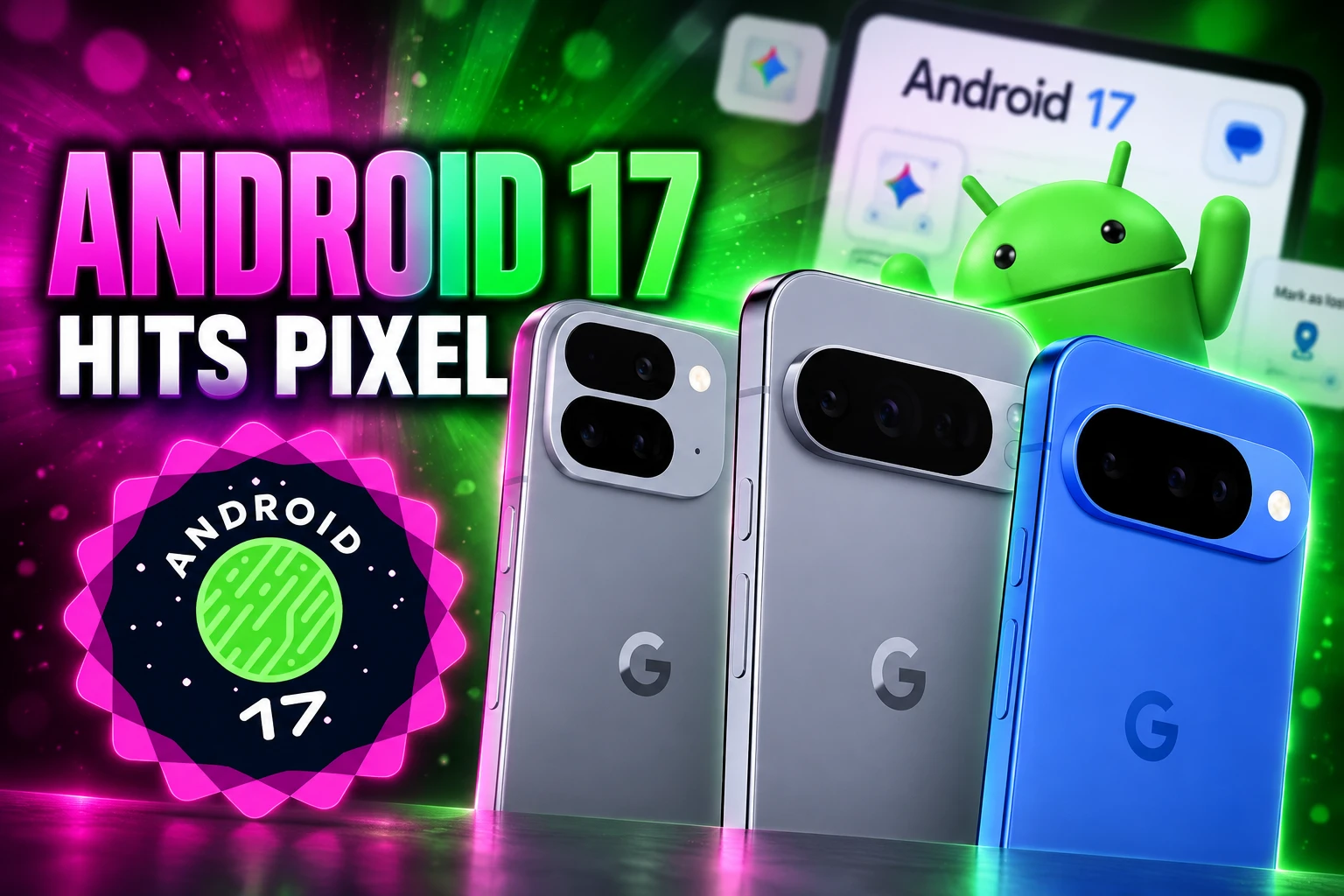
Google began Android 17 on Pixel on June 16, 2026, shipping Bubbles and theft locks while Gemini Intelligence waits for Pixel 11.

Google began sending Android 17 to Pixel phones on June 16, 2026, without the Gemini Intelligence tools it had shown in May. Other brands get the OS through the rest of 2026. What actually arrived is a new windowing model, a rebuilt screen recorder, and tighter theft locks. The agent layer Google sold as the point of the release is timed to new phones.
That split is the release. Pixel still got the platform first. The features that change how the phone works now sit on Pixel 11 and the latest Samsung flagships, which is why the June update felt finished on paper and incomplete in the hand.
The June Build Left Gemini on the Truck
Seang Chau, VP and GM of Android Platform, put the OS on Pixel the same day and told other makers to follow through 2026. He also said select advanced devices would get Gemini Intelligence later that summer. The summer date was not a Pixel 8 or Pixel 9 treat. It lined up with new 2026 hardware.
Android 17 is here, bringing a suite of features designed to enhance your productivity, entertainment, security and safety. It’s rolling out first to Pixel today, followed by other eligible Android devices throughout 2026. Select advanced devices will get Gemini Intelligence later this summer, helping you stay a step ahead and work proactively to get things done throughout your day.
Seang Chau, VP and GM of Android Platform, Google Android 17 blog
Matthew McCullough, VP of Product Management for Android Developer, called the release the start of a shift from an operating system to an intelligence system, with apps at the center. The June binary did not include that system for most Pixel owners. AOSP source went public the same day, so makers and app shops could inspect the platform while the agent features stayed on a later clock.
THE 90 DAYS AFTER PIXEL DAY
- May 12, 2026: Google shows Gemini Intelligence, Rambler, Create My Widget, and the year’s theft and privacy stack at the Android Show.
- June 16, 2026: Stable Android 17 and the June Pixel Drop start on supported Pixel phones. Wear OS 7 is announced alongside them.
- June 17, 2026: Wear OS 7 starts reaching Pixel Watch 2, Pixel Watch 3, and Pixel Watch 4.
- August 12, 2026: Pixel 11 launches as a Gemini Intelligence phone, with Rambler and multi-step tasks across more than 40 apps.
- September 1 and September 9, 2026: Pixel 11 gets out-of-cycle September security OTAs. Those builds are not Android 17 QPR1.
- September 14, 2026: Stable QPR1 still has not reached Pixel’s main channel.
From June 16 to September 14 is 90 days. The quarterly follow-up that usually carries leftover features is the wait Pixel owners are in now, not a footnote on the launch blog. A September drop that splits by version is how Google has been parceling those leftovers, which is why a quiet security patch on Pixel 11 is not the same product as QPR1.
Any App Can Float as a Bubble
The user-facing change that did ship is Bubbles. Long-press an app icon and Android 17 can turn any app into a compact, floating window that sits on top of whatever else is open. Minimize it and it shrinks to a draggable bubble instead of vanishing into the recents list. Chau’s post says the point is keeping notes, maps, tutorials, or a score in reach without a full app switch.
On tablets and foldables, those bubbles dock in a Bubble Bar on the system taskbar. You tap between them, resize them, or expand one to full screen. McCullough’s developer note adds a third window type for desktop sessions: interactive picture-in-picture. Older PiP windows were watch-only. These stay on top and still take taps.
Android 17 also adds Continue On, a handoff prompt that can put the last phone app on a tablet taskbar so you pick up the same screen, with a web fallback if the app is missing. Hide-app-names on the home screen, a dedicated volume slider for the assistant, and broader parental controls that no longer need a linked Google account on every device are in the same build. That is not Gemini. It is windowing and settings work that other Android skins have shipped in pieces for years, now sitting in the platform so a Pixel, a foldable, and a desktop session share one behavior.
Screen Reactions Live in the System Recorder
Screen recording gets a new toolbar and a mode Google calls Screen Reactions. In a few taps you record the selfie camera and the screen at the same time, then park your face over an app, a site, or a clip without a green screen or a second editor. Google’s own line is that you add thoughts and reactions without hopping between apps.
That is a system grab at a format people already make in vertical apps. It lives in the recorder, so the clip can go out from the phone you already have instead of through a separate editor. It is also one of the few June features you can demo in 30 seconds, which is why it led the launch posts.
Android 17 is here 📲 New features include:
🫧 Bubbles, which allows you to turn any app into a compact, floating window so you can stay in the flow
🤳 Screen Reactions, so you can record yourself using your device’s selfie camera and capture your phone screen at the same time… pic.twitter.com/9ECosW1hJr— Google (@Google) June 16, 2026
Foldable gaming mode did not ride that same build. Google described a 50/50 split with the game on the top half of an inner display and a dynamic gamepad below the crease, plus native remapping for a real controller. The company said the mode is enabled in Android 17 and would be available in the coming months. Memory cleanup for high-def play, which is meant to cut frame drops, is in the platform. The on-screen pad is not something Pixel Fold owners could switch on June 16.
Why Pixel 9 Still Misses Gemini Intelligence
Gemini Intelligence is the delayed half, and it is a hardware wave, not a Pixel-wide Android 17 switch. Google said the first wave would start on the latest Samsung Galaxy and Google Pixel phones in summer 2026, then move to watches, cars, glasses, and laptops later in the year. Pixel 11 is that summer vehicle. Shenaz Zack, senior director of product management for Pixel, said the 11th generation is designed for Gemini Intelligence and that Gemini can run multi-step tasks across more than 40 apps on those phones.
Rambler is the keyboard piece. You talk the way you talk, including filler, and it keeps the useful parts and writes a shorter message. Create My Widget is the home-screen piece. You describe a dashboard in plain language, such as asking it to suggest three high-protein meal-prep recipes every week, and Gemini builds a widget you can resize. Google had already been tuning multi-step automation on Pixel 10 and Galaxy S26 with food and rideshare apps. That tuning is not the same as the Pixel 11 bundle Zack described in August.
WHO GETS WHICH ANDROID 17 LAYER
| Layer | June 16 Pixel build | Where it shows up |
|---|---|---|
| Bubbles and Bubble Bar | Yes | Supported Pixel phones on Android 17; other brands as they ship the OS |
| Screen Reactions | Yes | System recorder on the June Pixel build |
| Foldable gaming pad | Enabled in the platform, not in the user build | Google timed it for later in 2026 |
| Rambler and Create My Widget | No | Gemini Intelligence wave on Pixel 11 and latest Samsung phones |
| Multi-step app tasks | No for most Pixel owners | Tuned earlier on Pixel 10 and Galaxy S26; expanded on Pixel 11 to more than 40 apps |
| Wear OS Gemini Intelligence | No | Select new watches later in 2026, not Pixel Watch 2, 3, or 4 |
| Android 17 QPR1 | No | Not on the stable Pixel channel as of September 14, 2026 |
Last year’s Pixel 9 line sits outside that first Gemini Intelligence wave even if it is on Android 17. The June Pixel Drop still added Pixel extras such as wider Quick Share AirDrop support on Pixel 8a and 9a, but those are not the agent features from the May stage. Owners who want the Pixel 11 Gemini Intelligence bet are being asked to buy the new board, not wait for a toggle on a year-old flagship.
580 Million Large Screens Just Became Mandatory
The cost of Android 17 that does not show up in a Pixel Drop blog is on app makers. McCullough said users now move across phones, foldables, tablets, laptops, cars, and XR, and he put 580 million large screen devices in the field. Android 17 is API level 37. For apps that target that level, the system ignores the old locks that kept a layout in one orientation or blocked resizing on large screens (shortest width above 600 dp). Games, tagged as games in Play, stay exempt.
Google is also ending the dual UI stack. New Android APIs, libraries, tools, and guidance will be Compose-only. Classic View widgets and View-based Jetpack libraries, including Fragments and RecyclerView, move to maintenance: critical fixes, no new features. Apps that still assume a restart on every config change have to opt back in. The default is to keep the activity alive and send onConfigurationChanged() instead.
WHAT APP TEAMS MUST CHANGE
- Large-screen windows: Apps targeting API 37 must resize and rotate on tablets, foldables, and desktop sessions; the old manifest flags no longer win.
- Compose-first UI: New platform work is Jetpack Compose only, so View-based screens will not pick up the next round of APIs.
- Memory caps: Android 17 kills processes that blow a RAM budget tied to the device, and the exit reason comes back as MemoryLimiter:AnonSwap.
- AppFunctions: Apps can publish actions so Gemini and other agents can run them on-device, with the Gemini hook still in a private preview.
Those rules are why Bubbles are not a cute overlay. A floated app, a desktop PiP window, and a foldable inner display are the same layout problem. Google is forcing that problem onto anyone who wants to ship on API 37, which is how a June Pixel skin becomes a year of app work.
A Stolen PIN No Longer Unlocks a Marked Phone
The other June payload that is already on Pixel is theft and privacy. Eugene Liderman, director of Android Security and Privacy, said Find Hub can now lock a missing phone with biometric authentication on top of the PIN. A thief who watched you type the passcode still cannot open the phone or kill tracking after you mark it lost. The same trigger hides Quick Settings and blocks new Wi-Fi and Bluetooth links.
Google cut how many times someone can guess a PIN and added longer waits between tries. It did not publish the new cap in the consumer post. Remote Lock and Theft Detection Lock switch on by default for new Android 17 devices and for phones that are reset or upgraded. In Argentina, Chile, Colombia, Mexico, Peru, and the UK, those defaults also extend to Android 10 and up after a Brazil trial.
PRIVACY AND THEFT CONTROLS IN THE JUNE BUILD
- Temporary location: A button grants precise location only while that app is open, instead of a lasting permission.
- Contact picker: An app can ask for named people and named fields, not the whole address book, and the grant can expire.
- Location dot: A status-bar indicator, like the camera and mic dots, shows when an app is using location.
- Live Threat Detection: On-device checks widen to SMS forwarding, hidden accessibility overlays, and apps that hide their icon then launch from the background, with extra rules due in the second half of 2026.
- Advanced Protection: Apps that are not accessibility tools lose the accessibility service; device-to-device unlocking and Chrome WebGPU switch off; chat scam detection turns on.
- OTP hiding: One-time codes in texts stay hidden from most apps for 3 hours.
- OS check: Pixel can verify it is running an official Android build.
Spoofed bank calls are a parallel 2026 project, not a Pixel-only Android 17 toggle. Google cites about $980 million a year in losses from that class of fraud and is starting verified financial calls on Android 11 and newer with Revolut, Itaú, and Nubank. Some owners already read the whole stack as a lockdown, because Advanced Protection also blocks sideloading and strips accessibility from apps that are not labeled as aids. The theft tools are real. They share a wall with the install path.
Samsung’s Fold 8 Did Not Wait for a Pixel Drop
Pixel’s June Android 17 launch still happened first. It did not stay exclusive in the way older dessert releases did, because Samsung put One UI 9, built on Android 17, on Galaxy Z Fold 8 and Z Flip 8 out of the box. Those phones also list Gemini Intelligence. A Pixel owner who updated in June got Bubbles and the theft locks. A Fold 8 owner who bought the new foldable got the OS and the agent layer in one box.
Samsung said a One UI 9 beta that started on Galaxy S26 in May would open in September to Galaxy S25, S25+, S25 Ultra, S25 FE, Z Fold 7, and Z Flip 7 in India, Korea, the UK, and the US through Samsung Members. That is still a beta, not a claim that every Galaxy is done. Xiaomi has been pointing HyperOS 4 at Android 17 for a later 2026 window, with an interim build already on some 2026 flagships. Google’s own line remains “throughout 2026.”
WHAT WE KNOW
- Pixel first: Supported Pixel phones have been on stable Android 17 since June 16, 2026.
- Fold 8 unboxed it: Galaxy Z Fold 8 and Z Flip 8 shipped with One UI 9 on Android 17.
- Pixel 11 carries the AI wave: Rambler and the 40-plus app automations are tied to that series, not to the June Pixel binary.
WHAT IS UNCONFIRMED
- QPR1 day: Google has not posted a stable Android 17 QPR1 or September Pixel Drop as of September 14, 2026.
- Foldable gamepad: The 50/50 on-screen controller is still on the “coming months” clock from the June blog.
- One UI 9 stable timing: Broader Galaxy dates beyond the Fold 8 unbox and the September beta list are not a Google or Samsung final schedule in the materials we have.
The second-order result is ugly for last year’s Pixel. Being first on the platform used to mean first on the year’s features. This year it means first on windowing and locks, then a hardware gate for the rest.
What Wear OS 7 Gives Pixel Watch Owners Now
Wear OS 7 rolled to Pixel Watch 2, Pixel Watch 3, and Pixel Watch 4 from June 17, 2026, on the same Android 17 cycle. John Zoeller, a Wear OS developer relations engineer, said average users moving from Wear OS 6 can expect up to 10% improvement in battery life. Live Updates can put a delivery, a score, or a workout on the watch. A remote output switcher moves audio from the wrist. Photos from Android XR glasses can preview on the watch. Wear Widgets in 2×1 and 2×2 sizes start replacing Tiles so a watch face and a phone home screen share a layout language.
WEAR OS 7 ON CURRENT PIXEL WATCHES
- Battery claim: Up to 10% better than Wear OS 6 for average users, from software, not a new chip.
- Who got it in June: Pixel Watch 2, Pixel Watch 3, and Pixel Watch 4.
- Gemini on the wrist: Multi-step watch agents and Create My Widget on Wear are for select new watches later in 2026.
- What stays off: Pixel Watch 2, 3, and 4 do not get that Gemini Intelligence layer in this release.
The watch repeats the phone split in miniature. Current hardware gets battery and Live Updates. The agent tricks wait for a new wrist. On the phone, Bubbles and the theft locks are the June product. Gemini Intelligence is the August product, and it is sitting on Pixel 11 while older Pixels, and a still-missing QPR1, hold the chassis Google shipped on June 16.

Instagram Plus Tests a Read-Only Mode That Cuts Stories

Altman Asks the Public to Accept Some AI Harm

Google Freezes OSS VRP Product Reports After AI Flood

AI Agents Make Payment Rails the Scarce Prize

Turkey’s Crypto Boom Now Runs Through Three Banks

Fable 5 Came Back Under a Commerce On-Off Switch

Google’s SpaceX GPU Lease Has a Sept. 30 Deadline

Plasma One’s XPL Locks Face a 1.81 Billion Cliff

DGO’s Rs 549 World Cup Pass Cost Fans Sleep and Data

Moonshot AI’s $30 Billion Ask Became a $35 Billion Close
-
 AI4 months ago
Fable 5 Came Back Under a Commerce On-Off Switch
-
 AI4 months ago
Google’s SpaceX GPU Lease Has a Sept. 30 Deadline
-
 CRYPTO4 months ago
Plasma One’s XPL Locks Face a 1.81 Billion Cliff
-
 APPS4 months ago
DGO’s Rs 549 World Cup Pass Cost Fans Sleep and Data
-
 AI4 months ago
Moonshot AI’s $30 Billion Ask Became a $35 Billion Close
-

 NEWS4 months ago
ColorOS 17 Device List Spans Oppo, OnePlus and Realme
-

 GAMING4 months ago
Xbox Cuts 3,200 Jobs After Five Years of Thin Returns
-

 GAMING4 months ago
The RTX 4050 Under Rs 70,000 Hides a Wattage Gap